


WordWriter Review: Should You Invest in This All-in-One AI Content Tool?
If you're anything like me, you’ve probably spent hours researching, writing, editing, and optimizing a single blog post—only to do it all over again for social media, newsletters, and web pages. That’s the reality of being a content creator, marketer, or blogger in today’s fast-paced digital world. But what if I told you there’s a smarter way to streamline it all?
That’s where WordWriter comes in.

This AI-powered platform is built specifically for content professionals who want to write smarter, not harder. With AI-enhanced writing, automated research, content repurposing, and SEO optimization, WordWriter packs serious punch in a single tool. Whether you're drafting a blog, generating social media posts, or building infographics, WordWriter can handle it all without the clunky experience we’ve come to expect from AI tools.
In this review, I’ll walk you through exactly what makes WordWriter so powerful. From real-time editing and AI-generated insights to SEO-friendly content, visual creation, and 100+ AI templates, I’ll share my personal experience with the platform, what it excels at, and where it could be better. By the end, you’ll know whether WordWriter is worth your investment—and how it might just become your new secret weapon.
What Is WordWriter?
A Unified Platform for Content Creation
WordWriter is a generative AI writing tool designed for modern content workflows. It's more than just another copy generator—it's a content creation suite that helps you research topics, write and edit content, optimize for SEO, and repurpose material into other formats, all from one place.
With deep integrations into Chrome, Google Docs, and WordPress, it fits seamlessly into most content teams’ existing systems.
Key Features of WordWriter
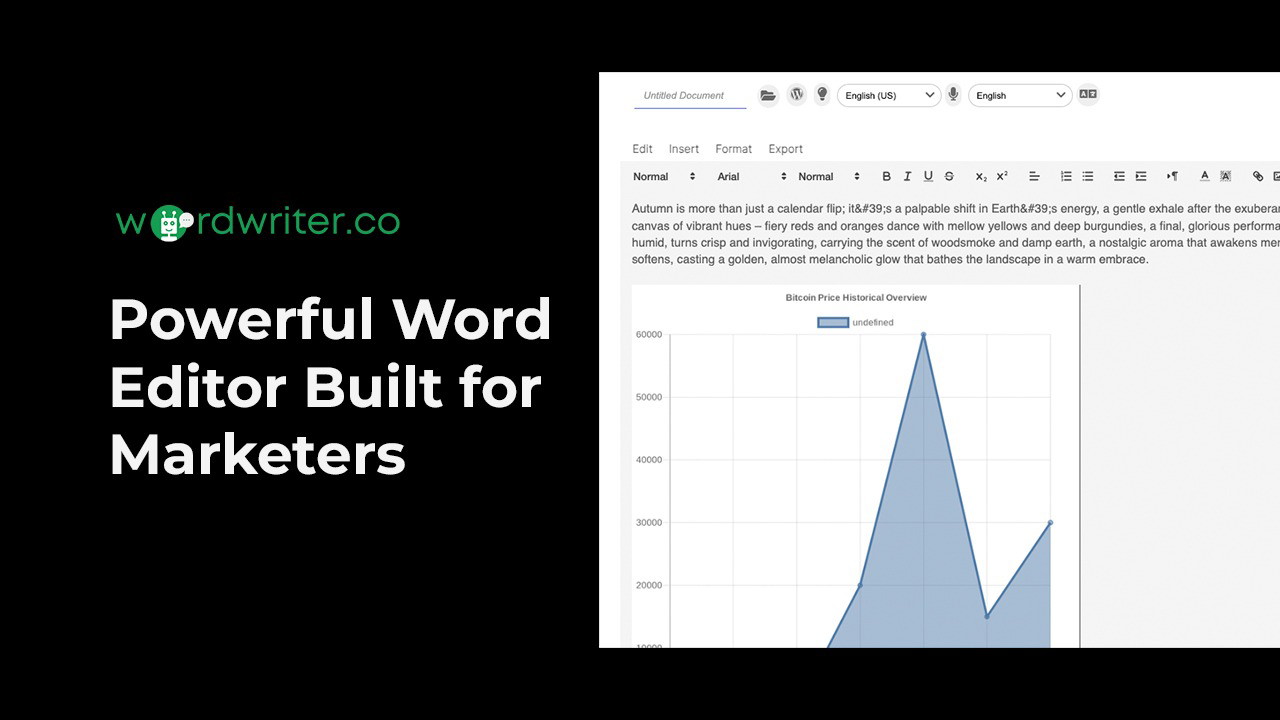
AI-Powered Editor for Real-Time Writing
One of my favorite aspects of WordWriter is its AI-enhanced editor. Unlike other platforms that spit out robotic-sounding drafts, this tool actually helps you write and refine content in real time.
Here’s what you can do in the editor:
-
Draft blog posts with live AI suggestions
-
Structure outlines instantly
Sponsored
-
Summarize your content on the fly
-
Export directly to WordPress or Google Docs
If you’re used to switching tabs between your research and draft, WordWriter eliminates that chaos by bringing everything into one workspace.
Automated Research with AI Intelligence
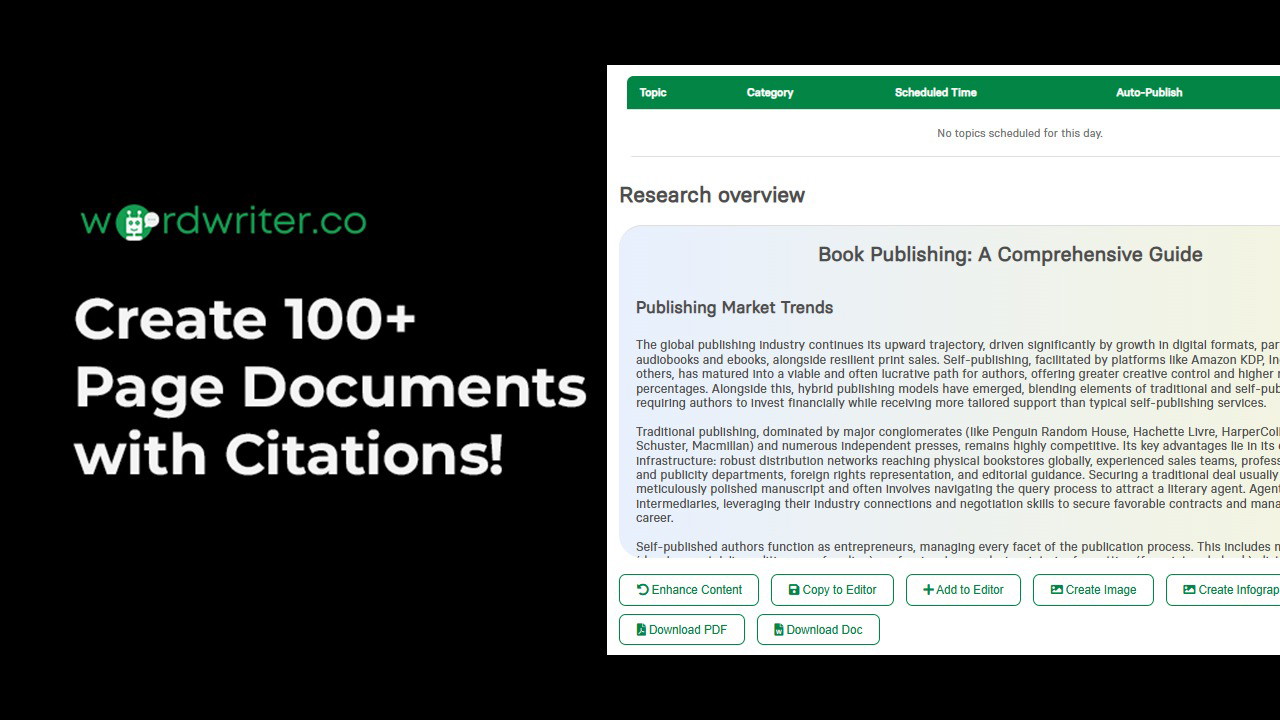
The AI Research Agent is another standout feature. It’s like having your own research assistant—only faster.
With this feature, you can:
-
Summarize PDFs, web pages, and documents
-
Get AI-generated topic briefs with citations
Sponsored
-
Pull key insights into your editor for immediate use
This has been a game-changer for my content planning. Instead of spending an hour reading through multiple articles, I now get the core insights in minutes.
Over 100 AI Templates for Every Use Case
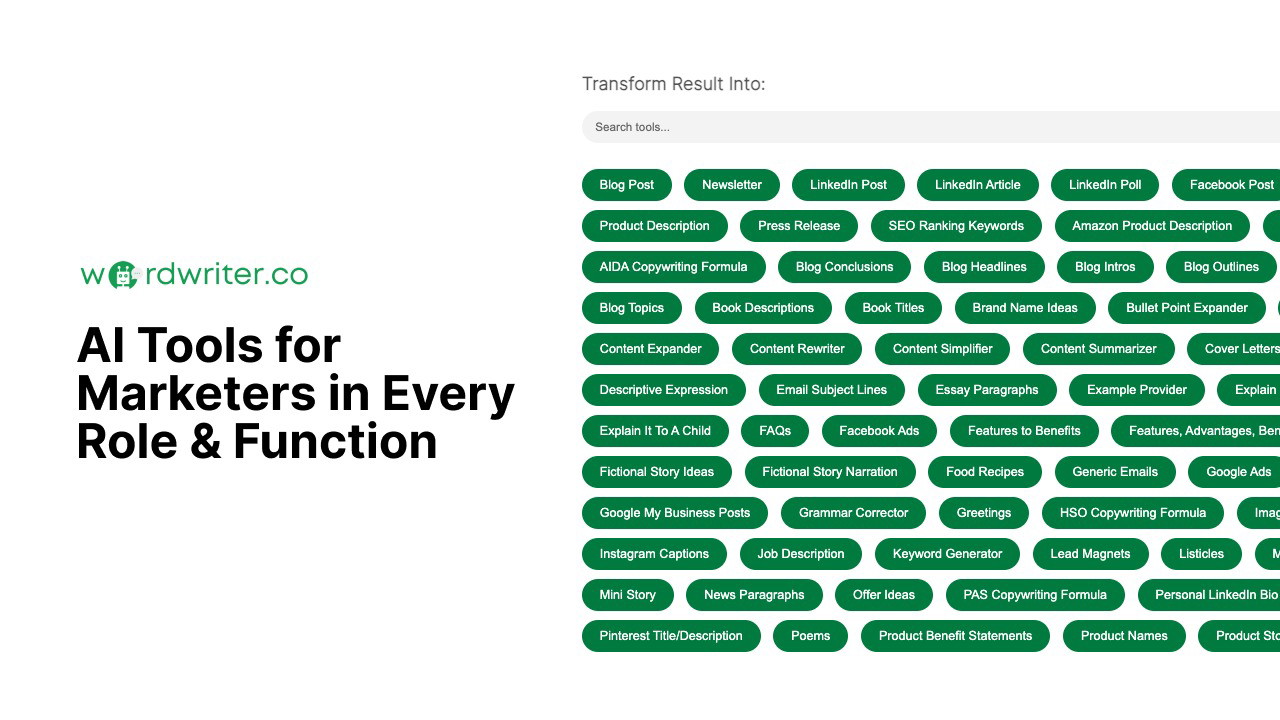
WordWriter includes 100+ AI-powered templates for nearly every kind of content format:
-
Blog posts
Sponsored
-
Email campaigns
-
Social media posts
-
Ad copy
-
Product descriptions
Sponsored
Even better, you can repurpose content from one format into another—turning a blog into an email newsletter, social captions, or even ad copy instantly.
SEO Optimization Built Right In
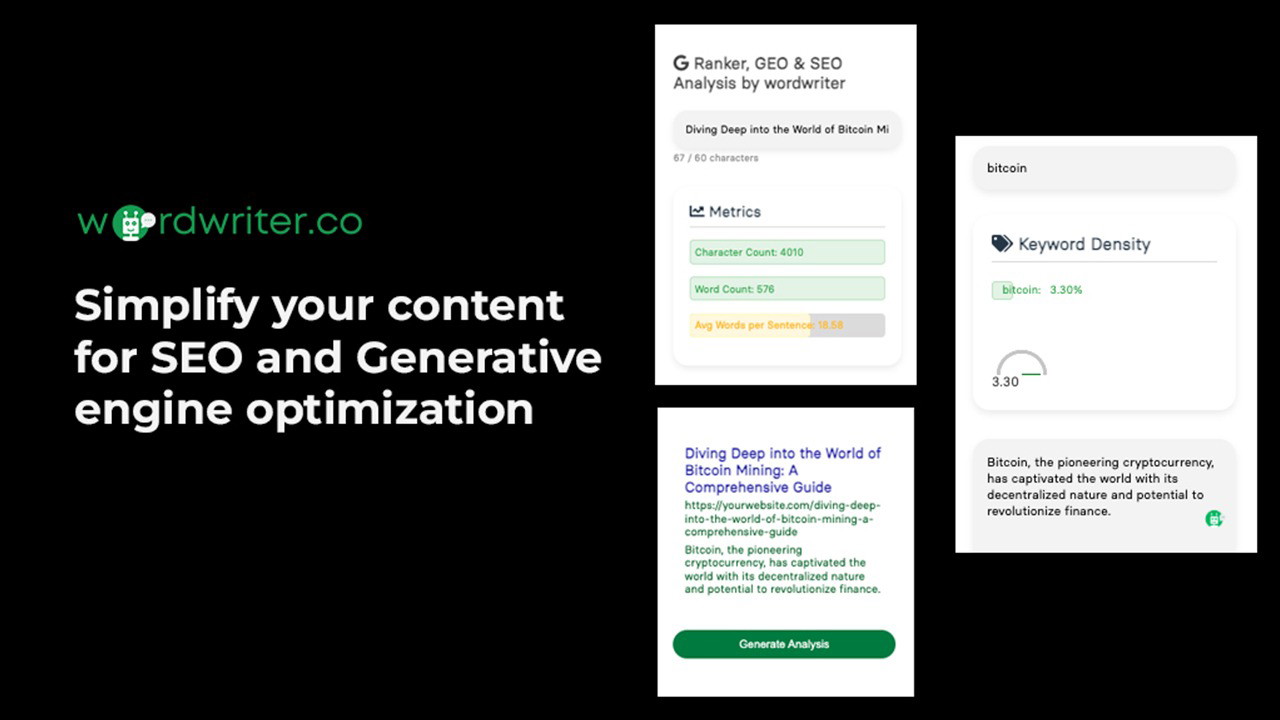
As someone who writes with Google rankings in mind, I found WordWriter’s SEO features incredibly valuable. The platform is designed for Generative Engine Optimization (GEO), a modern approach to SEO that’s focused on intent and performance.
Here’s how it helps:
-
Analyze and improve meta descriptions and keywords
-
Get suggestions for high-performing headlines
-
Receive AI insights to help your content rank
It’s like having a built-in SEO assistant that ensures every piece you publish has ranking potential.
Visual Creation With AI Tools
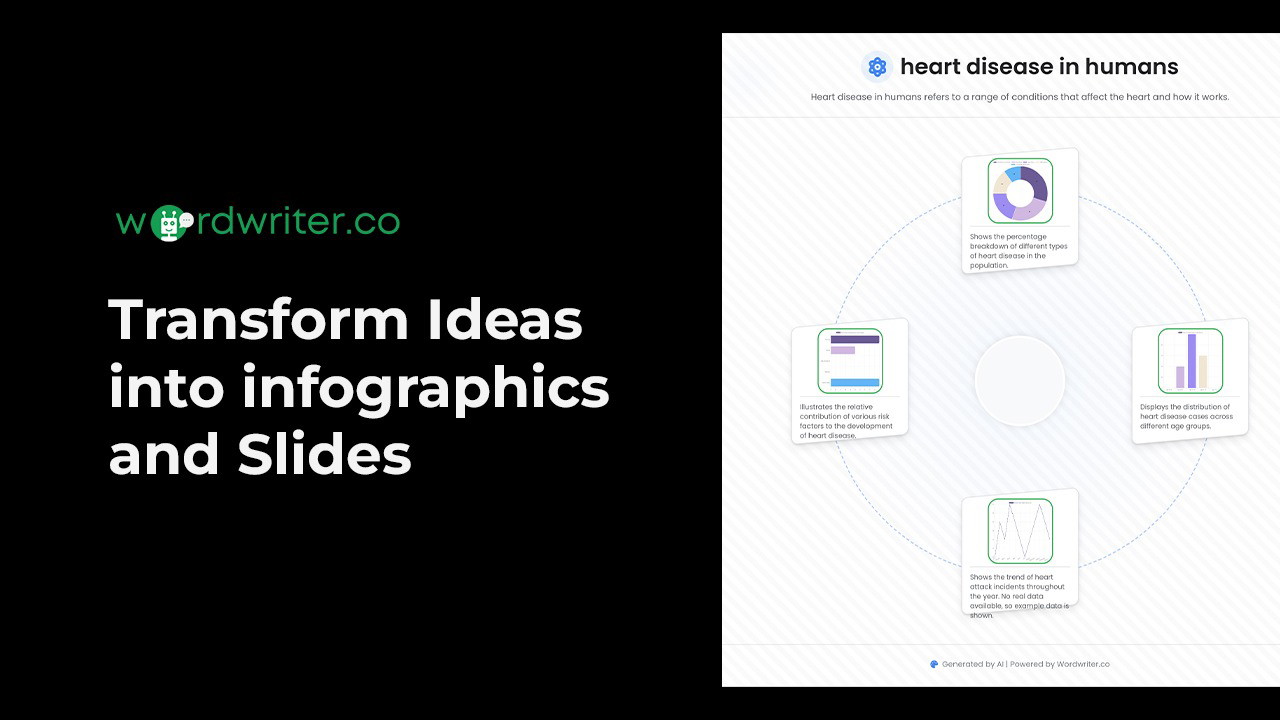
One area where WordWriter goes beyond other tools is visual content generation. You’re not just writing text—you’re also turning your ideas into:
-
Infographics
-
PowerPoint slides
-
AI-generated images
This is perfect for creating presentations, visual summaries, or even engaging social graphics that match your content themes.
Who Is WordWriter Best For?
I’d recommend WordWriter for:
-
Bloggers who need to produce SEO-friendly content at scale
-
Copywriters looking for AI-enhanced writing without losing creative control
-
Marketing teams aiming to unify their workflows and reduce time-to-publish
-
Content strategists juggling multiple platforms and formats
Basically, if you work with content in any way—writing, editing, designing, or optimizing—WordWriter can save you hours each week.
Pros of Using WordWriter
-
Real-time writing with intelligent AI suggestions
-
Deep research automation with credible citations
-
Seamless export to WordPress and Google Docs
-
Smart SEO tools baked into the editor
-
Content repurposing that saves massive time
-
Visuals generation for infographics and slides
-
Fully GDPR-compliant and privacy-focused
Cons of Using WordWriter
-
Some templates may need light editing for tone
-
Not ideal for long-form narrative storytelling
-
Image generator could offer more customization
Even with these minor drawbacks, WordWriter delivers exceptional value, especially when used regularly across a full content pipeline.
Final Verdict: Is WordWriter Worth the Investment?
After testing WordWriter across multiple projects, I can confidently say it’s a powerful and reliable tool for anyone serious about content creation. It combines the best of AI writing, research, repurposing, SEO, and visual design—and wraps it all into one easy-to-use platform.
If you’re looking to speed up your workflow, eliminate tool fatigue, and boost the quality and visibility of your content, WordWriter is 100% worth a try.
Whether you’re a solo creator or part of a growing team, this tool will not only save you time, but also elevate your content strategy to the next level.
Try WordWriter today—and see how effortless great content creation can really be.
For top recommendations, explore our guide on resume builder free. Find the top-rated Cecotec secador with our comprehensive buying guide. Discover our expert picks for Building Block Toy in our detailed review. Looking for the best options? Check out our article on Grand Goldman Shop. Discover our expert picks for coukre silicone spatula set of in our detailed review. Looking for the best options? Check out our article on wine with gumbo. Find the top-rated alphaura hair growth serum with our comprehensive buying guide. Find the top-rated 95kpa vacuum sealer machine commercial with our comprehensive buying guide. Find the top-rated camera for inspections with our comprehensive buying guide. Looking for the best options? Check out our article on indoor tanning lotion.







