


CopyClipper Review: The Good, the Bad, and the Ugly
If you're a freelancer, consultant, or marketer constantly juggling multiple projects, you know how frustrating it can be to repeatedly copy and paste the same text over and over. It’s like a digital version of Groundhog Day, and it’s one of the easiest ways to waste time and lose productivity. Whether you’re hunting down old snippets, retyping responses, or struggling with formatting, these repetitive tasks take up valuable time and energy that could be spent on more important things.
That’s where CopyClipper comes in. CopyClipper is an AI-powered clipboard manager that helps you store, organize, and retrieve text snippets effortlessly, across devices. With its smart features like AI-driven text modification, instant text extraction from images and PDFs, and seamless integration with tools like Google Docs, Microsoft PowerPoint, and Outlook, CopyClipper aims to save you time and streamline your workflows. It’s designed for people who need a better way to manage their digital content—whether you're a marketer, freelancer, or consultant.

In this review, I’ll dive into the pros, cons, and everything in between to help you determine whether CopyClipper is the right tool to boost your productivity and make your workflow more efficient.
What Is CopyClipper?
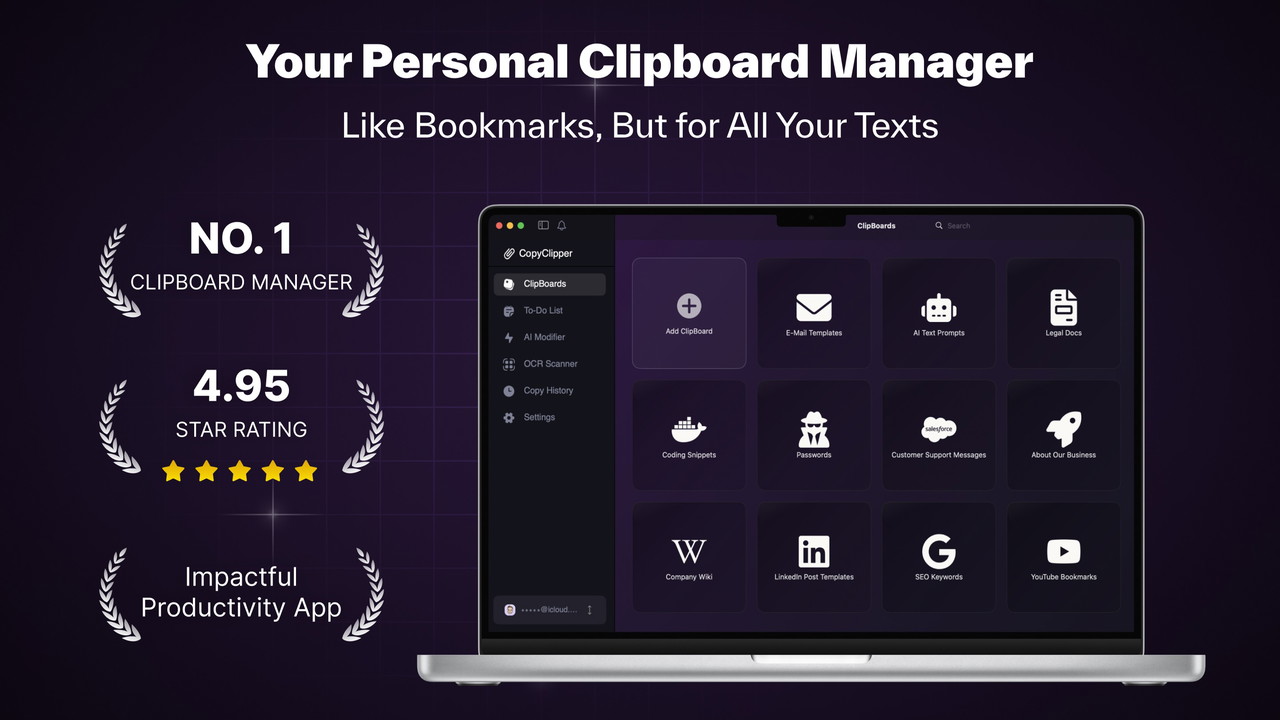
At its core, CopyClipper is a clipboard management tool that goes beyond simple text storage. It allows you to create, organize, and access your text snippets from any device, making it easier to reuse your frequently used content. Whether it’s an email response, marketing copy, or code snippet, CopyClipper provides an organized, centralized location for all of your text-based content.
But CopyClipper isn't just about saving text—it's about enhancing it. With AI-driven modifications, you can easily adjust the tone, style, and even the context of your saved snippets without switching tools. It's ideal for those who need to produce high-quality content quickly, such as consultants crafting customized email templates or freelancers working on various writing tasks.
Key Features of CopyClipper
1. Effortless Organization with ClipBoards
One of the standout features of CopyClipper is its ability to help you stay organized. The tool allows you to create custom ClipBoards, which are essentially collections of text snippets organized by project, task, or personal use. Whether you're managing multiple clients or juggling different types of content, these ClipBoards make it easy to find and reuse your most frequently used text.
-
Create and Label Custom ClipBoards: Organize your snippets by project or category for easy access.
-
Streamline Content Management: Quickly retrieve saved content, saving time on repetitive tasks.
2. Instant Text Copying
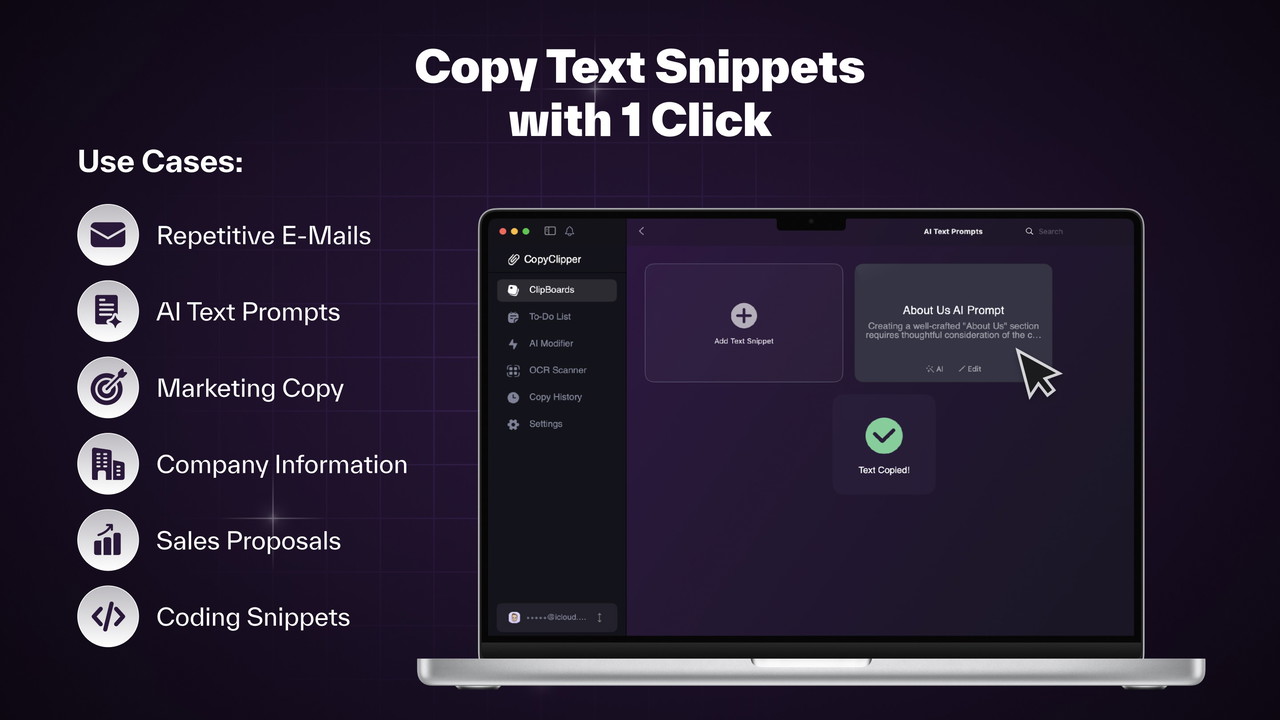
With CopyClipper, the process of copying and pasting text becomes incredibly fast. Gone are the days of searching through old documents to find that one piece of text you need. You can now access and copy your saved text with just a single click. This feature is ideal for those with fast-paced workflows, where efficiency is key.
-
Copy Snippets Instantly: Access your saved text with a single click for quicker project turnaround.
-
Reduce Repetitive Tasks: Spend less time on redundant copying and pasting, and more time on creative tasks.
3. AI-Powered Text Modification
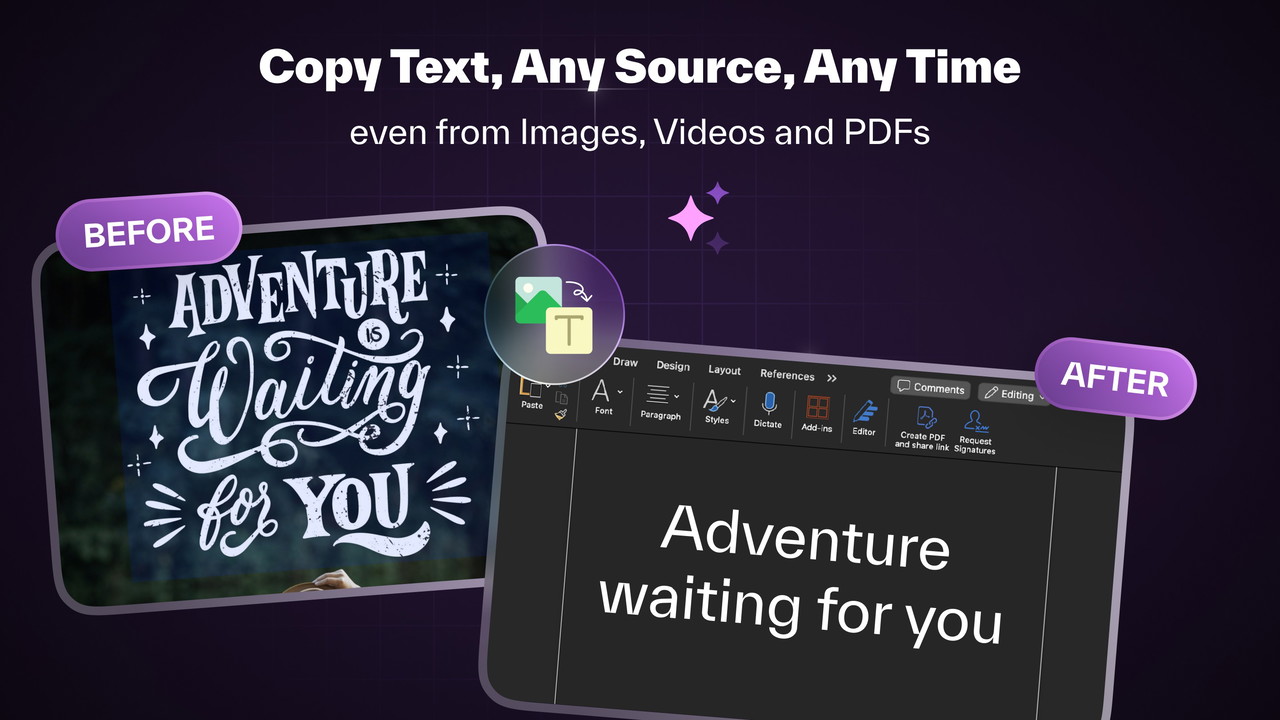
CopyClipper doesn't just help you store text—it helps you improve it. The tool is equipped with a local AI assistant that can modify your text according to different contexts. For instance, if you're sending an email, the AI can adjust the tone to make it more formal or friendly. This feature is particularly useful for marketers who need to personalize messages quickly or freelancers who work with multiple clients and need to tailor content for each one.
-
Modify Text with AI: Personalize and adapt your text for different uses, such as emails, messages, or documents.
Sponsored
-
Streamline Content Refinement: Edit and refine your content directly within the app without switching to another tool.
4. Text Extraction from Images and PDFs
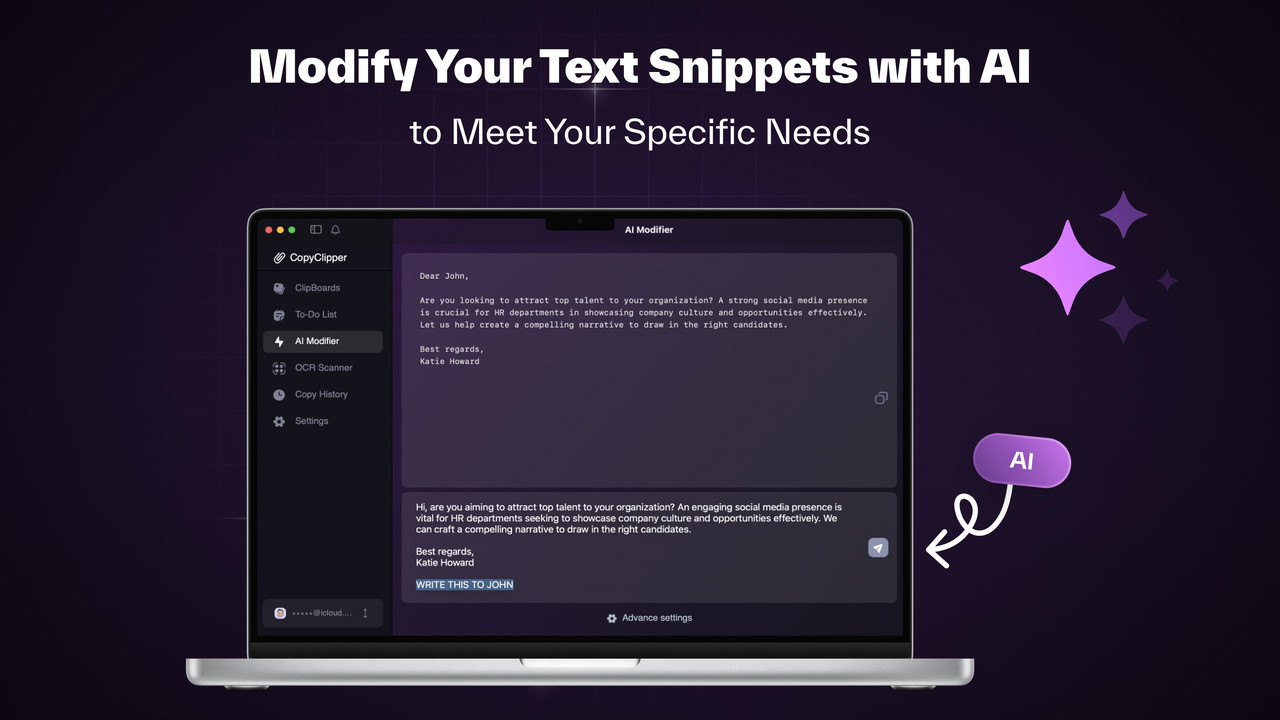
One of the most powerful features of CopyClipper is its ability to extract text from images, PDFs, and even videos. Using OCR (optical character recognition) technology, CopyClipper can instantly turn non-editable content into text that you can copy, modify, or store for future use.
-
Extract Text from Images & PDFs: Quickly capture text from visual content without retyping.
Sponsored
-
Simplify Workflows: Convert scanned documents or images into editable text, saving time and improving accuracy.
5. Seamless Integrations
For those who rely on multiple tools to manage their work, CopyClipper integrates with popular platforms like Google Docs, Microsoft PowerPoint, Outlook, and Chrome. This allows for a smooth workflow, where you can access your ClipBoards and use your saved text across different tools without missing a beat.
-
Chrome Extension: Save and access text snippets directly within your browser.
-
Integrations with Key Tools: Sync with Google Docs, PowerPoint, and Outlook for a consistent workflow.
Sponsored
The Pros of CopyClipper
1. Enhanced Productivity
The most significant benefit of CopyClipper is how it streamlines workflows. By allowing you to store, organize, and retrieve text snippets quickly, you can reduce the time spent on repetitive tasks and increase your overall productivity. Whether you're a consultant managing client communications or a freelancer handling multiple projects, this tool simplifies text management like never before.
2. AI-Powered Modifications
The built-in AI isn’t just a nice touch—it’s a game-changer. By modifying your text based on context and tone, CopyClipper helps you quickly adapt your content without switching between apps or wasting time. This feature is especially valuable for marketers and anyone who creates personalized content frequently.
3. Cross-Device Access
Whether you’re working from your laptop or phone, CopyClipper makes it easy to access your text snippets on any device. This flexibility is perfect for busy professionals who are always on the go and need quick access to important content.
The Cons of CopyClipper
1. Limited Collaboration Features
While CopyClipper excels in text management and individual workflows, it doesn’t offer robust collaboration features. If you're working with a team and need real-time editing or sharing, other tools like Google Docs or Trello might be more suitable for collaborative efforts.
2. Learning Curve for New Users
Despite its user-friendly interface, CopyClipper may take a little time to get used to, especially for those who are new to clipboard managers or AI-powered tools. Some users might find the AI modifications and text extraction features a bit complex at first.
Who Should Use CopyClipper?
CopyClipper is ideal for:
-
Consultants who need to quickly customize and reuse content across clients.
-
Freelancers working on multiple projects that require the management of a lot of text-based content.
-
Marketers who regularly craft email templates, promotional messages, and social media posts.
Final Thoughts
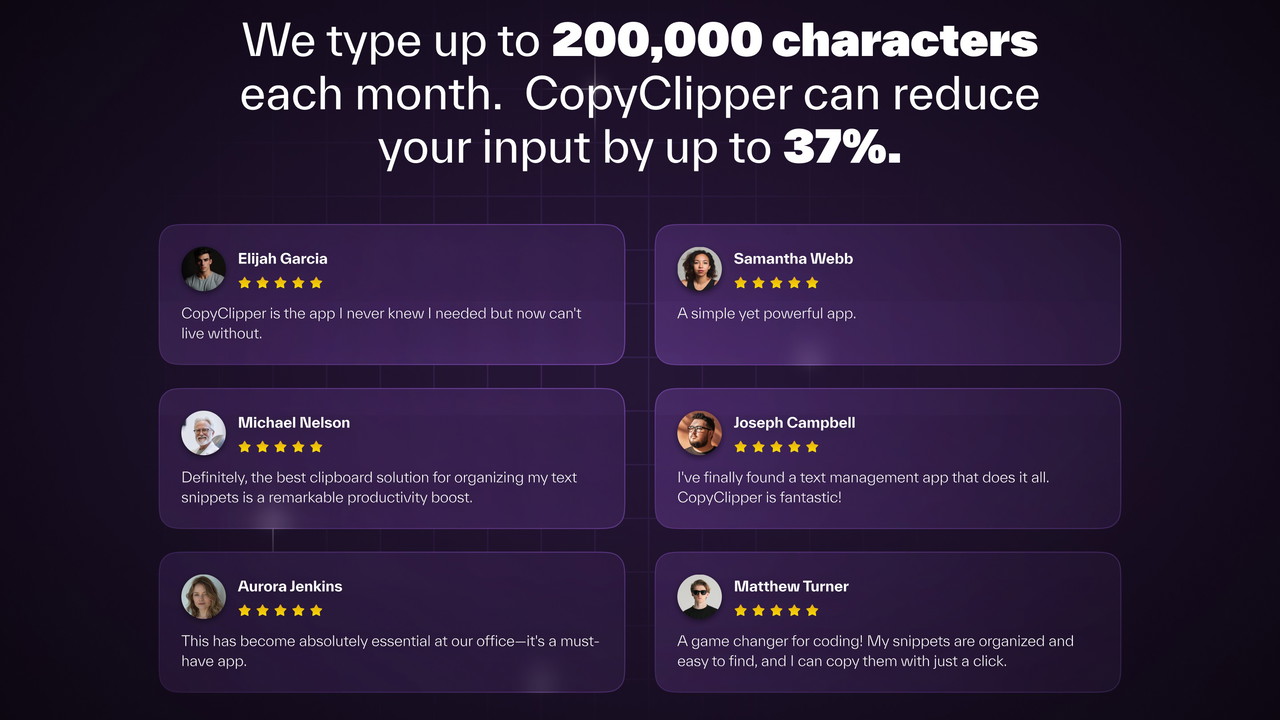
In conclusion, CopyClipper is a must-have tool for anyone looking to streamline their workflow and enhance productivity. Whether you’re a freelancer, consultant, or marketer, its powerful features like text organization, AI-powered modification, and image text extraction can save you time and boost your efficiency. While it may not be the best fit for teams requiring collaborative features, CopyClipper is a game-changer for individual users looking to optimize their digital content management.







