


WordHero Review: Can This AI Content Writer Really Replace a Human Writer?
If you've ever spent hours writing a blog post, brainstorming a catchy social media caption, or fine-tuning an email campaign, you already know the grind. Creating original, engaging, and plagiarism-free content is no small task — especially if you're juggling multiple projects or managing a business. That’s why when I came across WordHero, I knew I had to give it a try.
WordHero is an AI-powered writing assistant designed to help you produce content in just one click. Whether you're a marketer, entrepreneur, copywriter, or even a small business owner wearing too many hats, WordHero promises to save you time and money without sacrificing quality. With features like Editor Mode for long-form articles, Generator Mode for short-form content, and even an AI chatbot, this tool isn’t just another AI gimmick—it’s a serious productivity booster.

Over 30,000 users (including writers and business owners like myself) are already using it to crank out high-quality blog articles, emails, SEO product descriptions, and even creative pieces like poetry and song lyrics. It supports a wide range of use cases with over 80+ writing tools, making it one of the most versatile tools I've tested.
In this review, I’ll share my personal experience with WordHero, dive into its key features, and give you a clear breakdown of whether it’s worth the investment. Let’s get into it.
What Is WordHero?
WordHero is an AI content generator that leverages advanced language models to create written content for nearly any purpose. Think of it as your on-demand writing assistant — one that never sleeps, doesn’t need coffee, and can deliver hundreds of words in just seconds.
It’s an ideal tool for freelance writers and copywriters who need to scale their output, marketers creating content for ads, campaigns, and landing pages, small business owners who don’t have the budget for a full-time writer, and anyone looking for automated content creation at scale.
Unlike many other AI tools, WordHero offers both short-form and long-form content generation. This means you can use it for everything from Instagram captions to fully formatted blog posts.
Key Features of WordHero
Generator Mode (80+ Writing Tools)
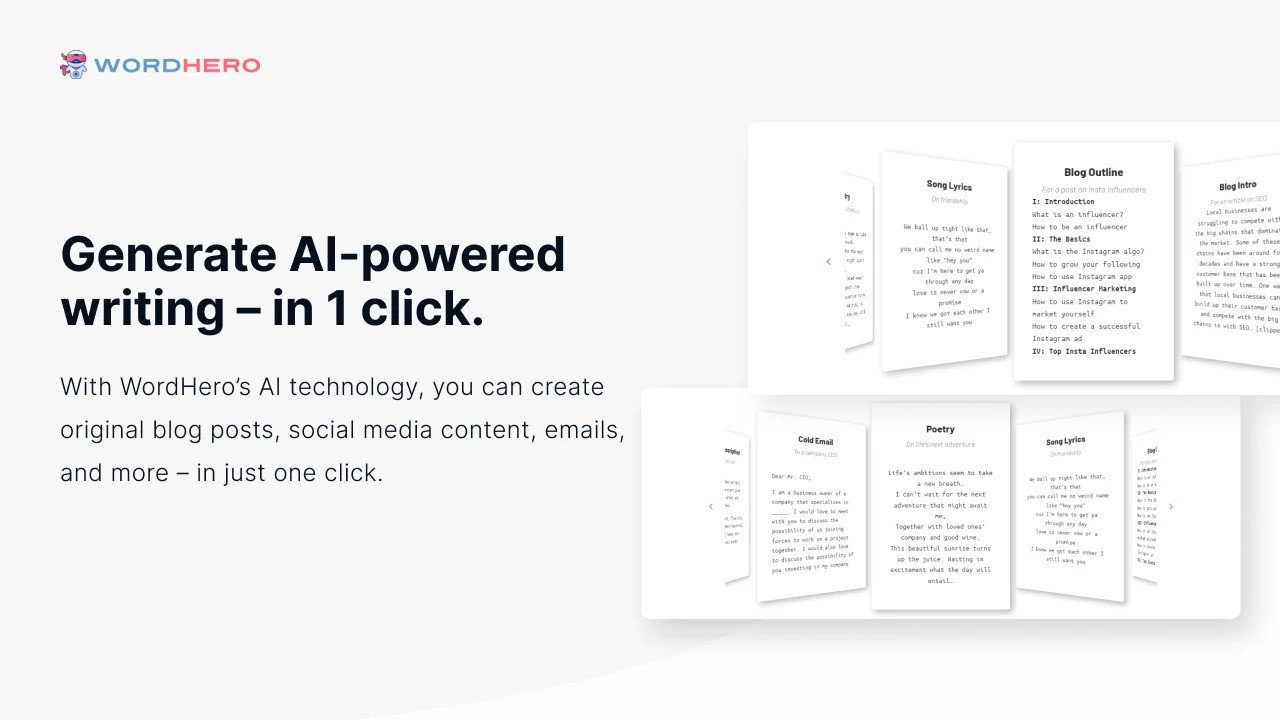
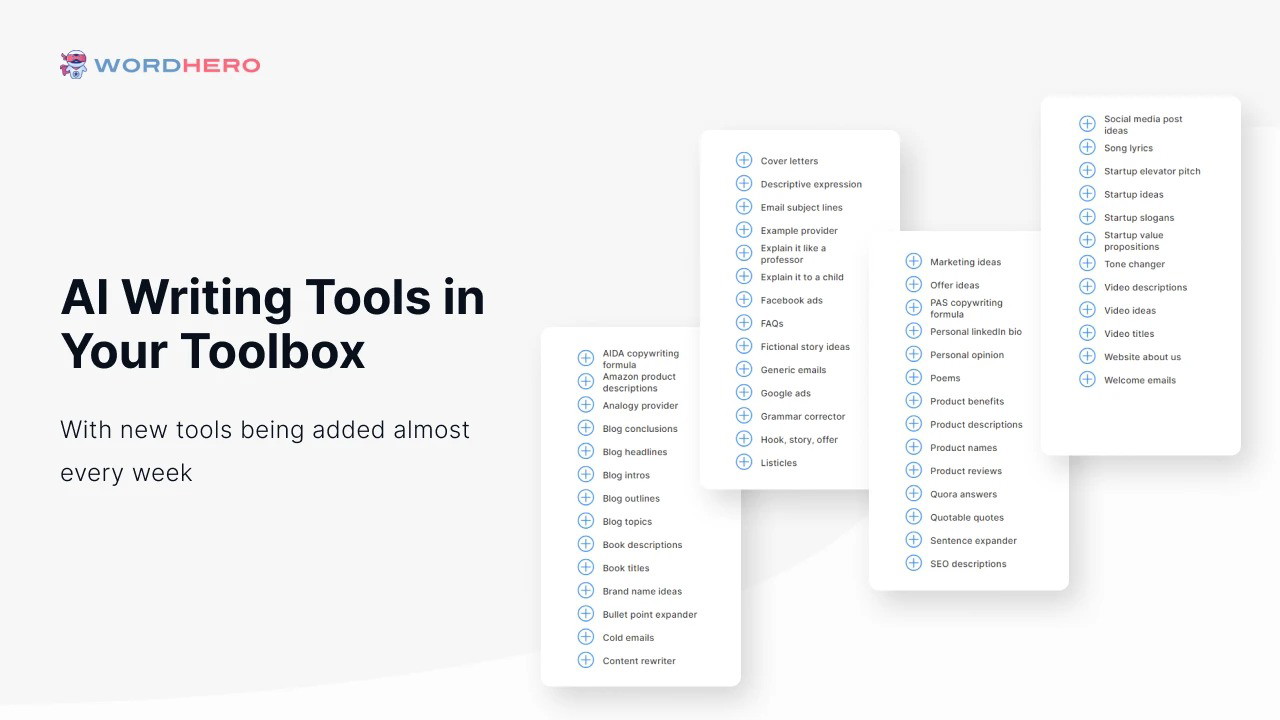
This is the core feature where WordHero really shines. With Generator Mode, you get access to over 80 different tools, each built for a specific use case: blog headlines and intros, email subject lines, product descriptions, social media captions, ad copy, poetry, song lyrics, and more.
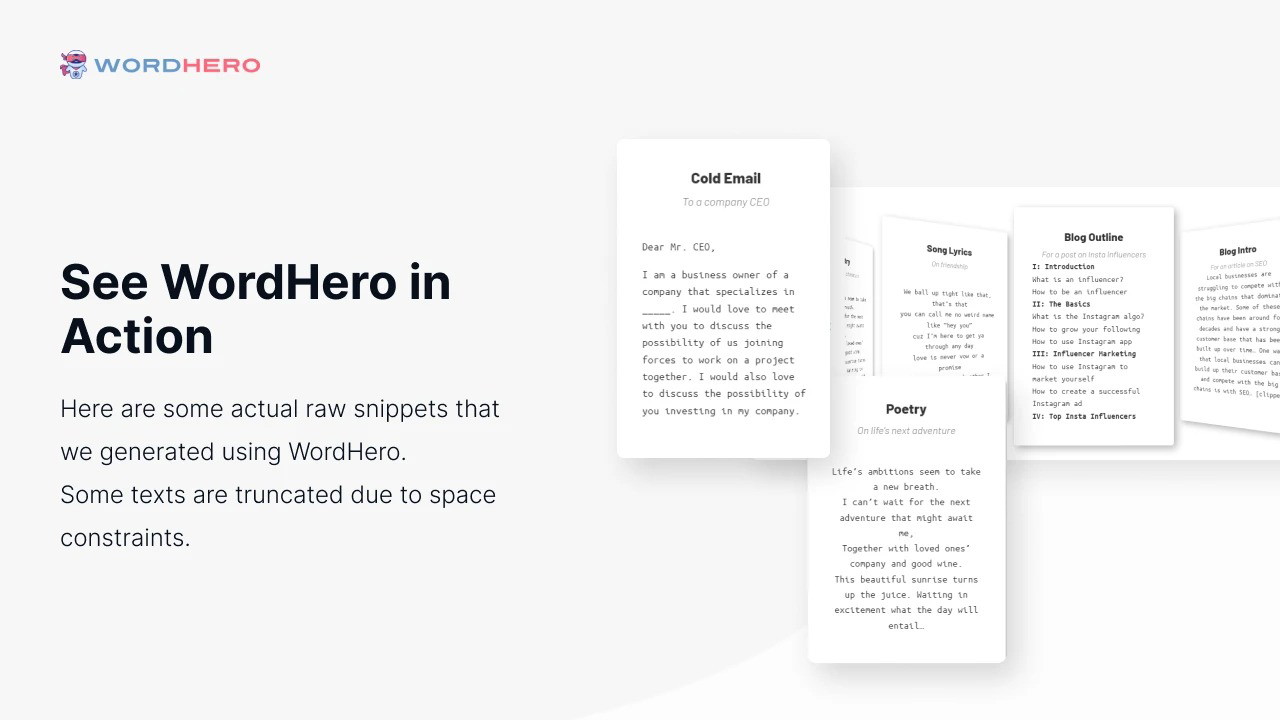
Simply input your topic or prompt, and WordHero generates a unique output. In my tests, it worked best for short-form content, giving me a solid starting point that I could fine-tune in minutes.
Editor Mode (for Long-Form Content)
Editor Mode is where things get serious. This feature allows you to craft long-form blog posts, web content, and even full articles using the AI inside a built-in text editor.
You’ll need to unlock this with two codes, but it’s well worth it if you’re aiming to produce longer content like I do for client blogs and marketing sites. You can organize your thoughts, rephrase sentences, and even expand or shorten paragraphs — all within a distraction-free writing space.
WordHero Chat
If you’re familiar with ChatGPT, WordHero Chat will feel like home. It’s an AI chatbot that generates conversational content — perfect for FAQs, support content, and informal pieces.
This is unlocked with three codes and is especially handy for real-time brainstorming and ideation. I’ve used it to draft rough scripts, refine pitches, and even answer customer questions with a friendly tone.
Enhanced Mode (Powered by GPT-4)
This is a newer addition and one that really ups the ante. Enhanced Mode taps into GPT-4’s deeper capabilities, allowing for richer and more human-like content. It’s ideal for nuanced writing tasks that require tone control, better flow, and improved coherence.
I’ve found Enhanced Mode to be a game-changer for articles that need to sound polished and professional. It gets closer to human-level quality than earlier GPT-3-based tools.
Pros and Cons of Using WordHero
Pros
One-click content generation saves time and mental energy
Clean, user-friendly interface
Over 80 pre-built templates for various content types
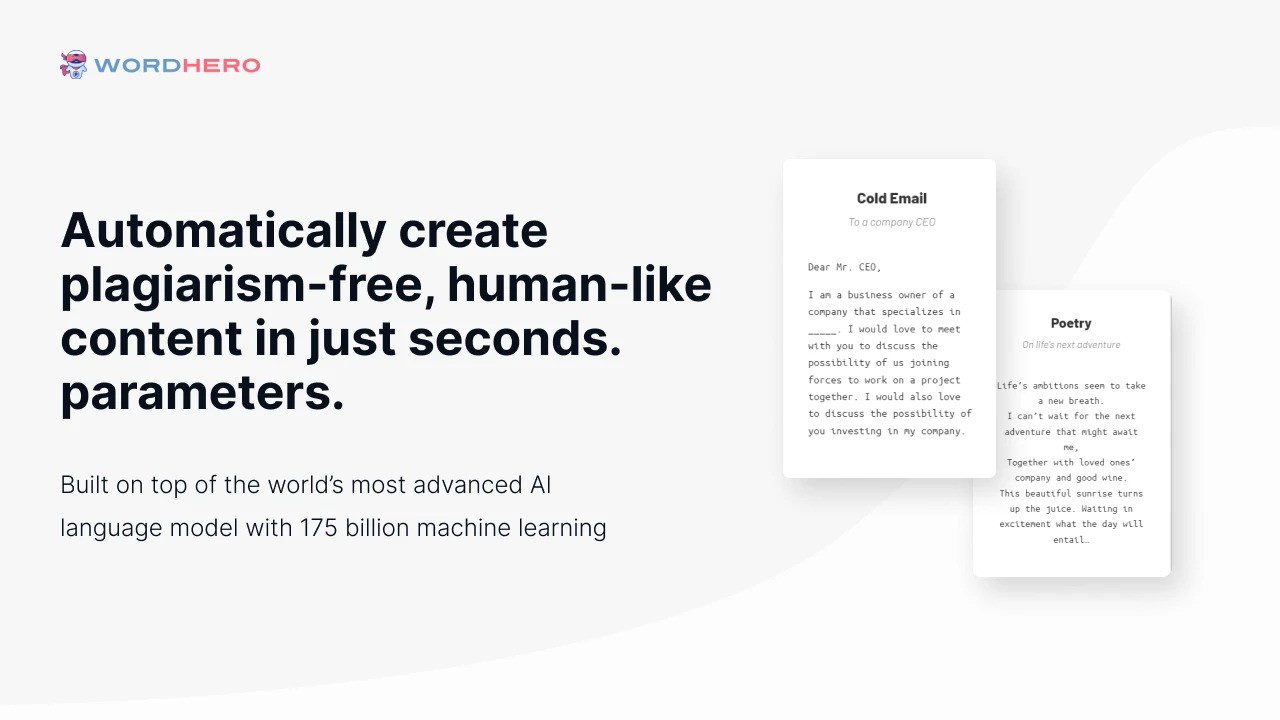
Plagiarism-free output
Long-form writing capability with Editor Mode
Constantly updated to reflect the latest AI advancements
Lifetime deal options available (no monthly billing)
Cons
You’ll need to purchase multiple codes to unlock full features
Output sometimes needs editing to ensure tone and accuracy
Not ideal for highly technical or niche industries without guidance
My Personal Experience With WordHero
I started using WordHero to assist with blog post outlines and social media content for client campaigns. What impressed me first was the sheer speed and ease of use. Within seconds, I had draft-level content that would’ve taken me 20–30 minutes to write from scratch.
It’s not perfect — I still need to tweak the output to match brand tone or fix phrasing. But for idea generation, drafts, or even content repurposing, it’s become a go-to tool in my workflow. Combined with Editor Mode and GPT-4 Enhanced Mode, it’s helped me triple my output without burning out.
Final Verdict: Is WordHero Worth It?
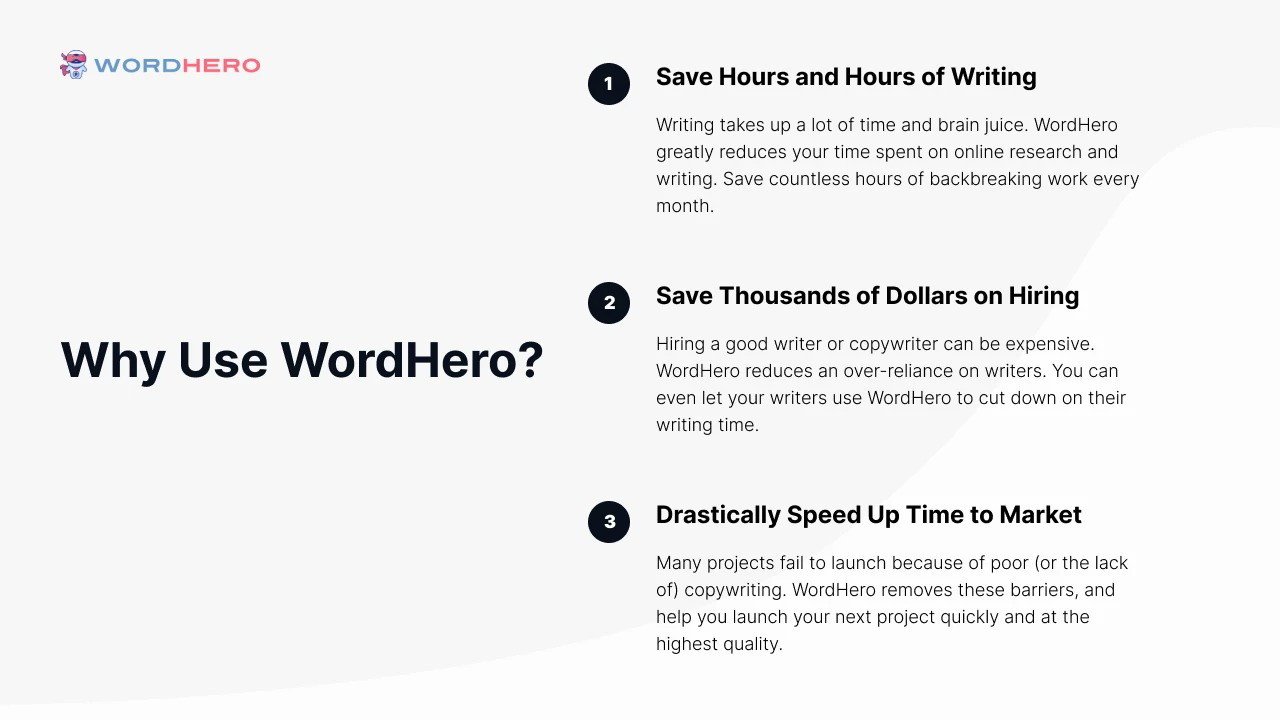
If you’re creating content regularly and looking for ways to boost productivity, WordHero is 100% worth considering. It doesn’t replace the need for a human touch, but it gets you 70-80% of the way there — fast.
For bloggers, agencies, and small business owners, the lifetime deal offers outstanding value compared to monthly subscriptions from competitors like Jasper or Copy.ai. Plus, with new features like WordHero Chat and Enhanced Mode, the platform is clearly evolving with the industry.
So yes, I’d say WordHero is one of the best AI writing tools available right now — and possibly the smartest writing investment you can make this year.
Grab WordHero while the lifetime deal is still available — it might just become your new favorite productivity tool.







