


Watermarkup Review: Your Complete Guide
If you're a content creator, blogger, or small business owner, you know how important it is to protect your digital assets. Images are one of the most valuable forms of content you can create, but they are also at risk of theft and misuse. That's where Watermarkup comes in. This powerful tool simplifies the watermarking process, allowing you to batch watermark up to 200 images at once while maintaining the original quality and resolution of your files.
Watermarkup not only saves you time but also ensures that your brand is always visible. With its advanced customization options, you can adjust the opacity, position, and style of your watermarks to suit your brand’s aesthetic. The ability to tile your logo across images provides additional security and makes it harder for unauthorized users to steal your content. If you're tired of manually watermarking images one by one, Watermarkup is here to streamline the process and help you protect your intellectual property in the most efficient way possible.

In this review, we’ll dive deep into how Watermarkup works, its features, and how it can help you safeguard your digital content. Whether you’re an ecommerce store owner, a blogger, or a creative professional, this tool can become an essential part of your workflow.
What is Watermarkup?
Watermarkup is an online tool designed to make watermarking easy and efficient. Whether you're dealing with hundreds or even thousands of images, this tool allows you to batch watermark multiple files in just a few clicks. The best part? It maintains the original image quality and resolution, so your visuals look great while being protected.
As a small business owner or content creator, managing your images is crucial. The tool is not just a watermarking solution; it’s a brand protection tool that helps you safeguard your digital assets. In addition to the traditional watermarking features, Watermarkup offers customization and batch processing features that help you optimize your workflow.
Key Features of Watermarkup
1. Batch Processing for Efficiency
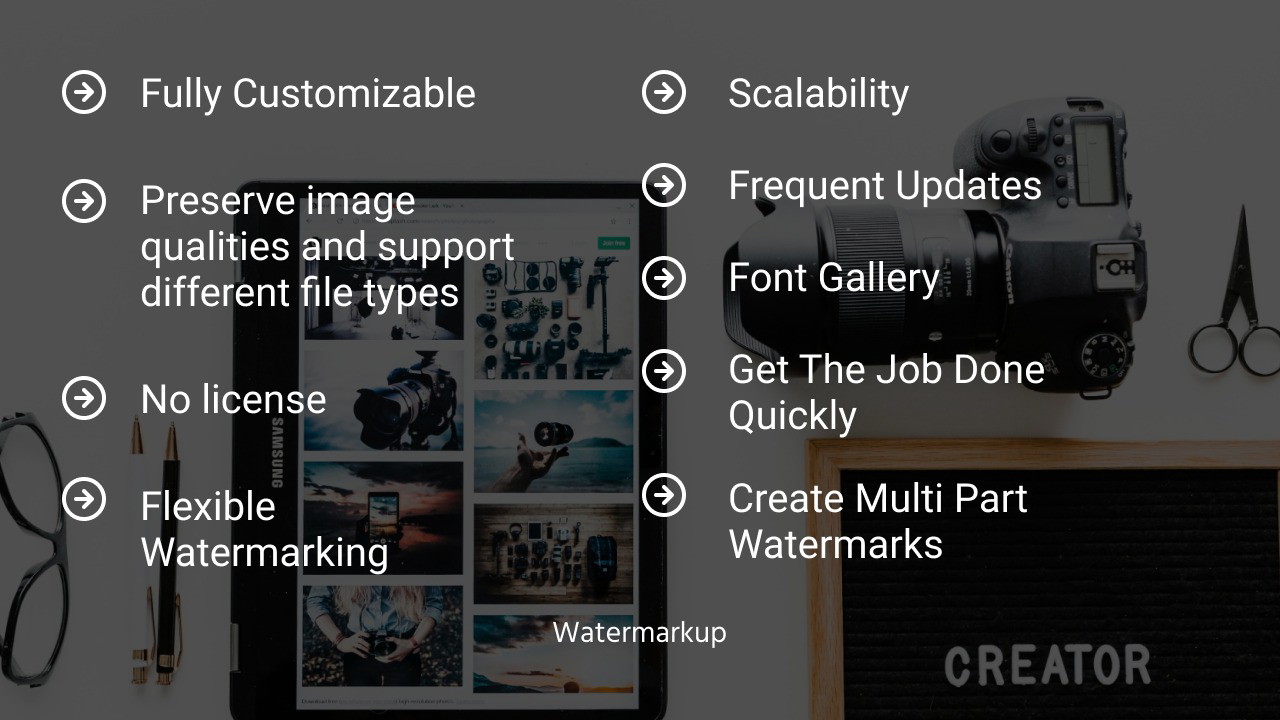
One of the standout features of Watermarkup is its batch processing capability. If you have large volumes of images to watermark, the process can quickly become time-consuming. With Watermarkup, you can process up to 200 images at once, saving you hours of work.
-
Batch process up to 200 images simultaneously.
-
No image size or resolution limitations, so you can watermark high-quality images.
-
Maintain original quality while adding your watermark, ensuring your images retain their professional look.
This is especially useful for ecommerce stores or bloggers who regularly upload large numbers of images. The tool lets you protect your assets while streamlining your workflow.
2. Extensive Customization Options
Another major advantage of Watermarkup is its advanced customization options. Unlike some basic watermarking tools, Watermarkup gives you full control over how your watermark appears on your images.
-
Adjust opacity: Choose how transparent or opaque you want your watermark to be.
-
Positioning: Place the watermark anywhere on the image, whether it's in the center, bottom right, or custom areas.
-
Tiling: Tile your watermark across the image, ensuring maximum protection and visibility.
Sponsored
-
Flip and rotate: Customize the watermark’s angle, position, and orientation for added flexibility.
-
Text templates: Add custom text to your watermark, such as your website or business name.
These features allow you to tailor your watermark to match your brand aesthetics, ensuring that it aligns with your visual identity while offering the highest level of protection.
3. Maintain High-Quality Images
When watermarking images, the last thing you want is for the watermark to degrade the image's quality. Watermarkup ensures that the resolution and image quality are preserved during the watermarking process. You can watermark images without losing sharpness, color fidelity, or any of the original content. Whether you're working with photos, illustrations, or graphics, your files will maintain their professional quality.
This feature is especially beneficial for photographers, ecommerce sellers, and designers who rely on high-quality images to attract customers or showcase their work.
4. Easy to Use Interface
Watermarkup’s interface is designed for simplicity, so you don’t need to be a tech expert to use it. Even if you’re a beginner, the intuitive drag-and-drop interface makes it easy to upload your images, apply watermarks, and download the finished files. The batch processing is just as simple, and you can adjust the watermark settings with a few clicks.
This ease of use makes it ideal for small business owners who don’t have time to learn complex tools but still want professional results.
Why Choose Watermarkup?
1. Time-Saving Tool for Content Creators
If you’re someone who regularly shares visual content online, the process of watermarking can be incredibly tedious. Whether you’re a blogger posting hundreds of images or an ecommerce store owner uploading product photos, the ability to quickly batch watermark multiple images at once can save you hours of time. Watermarkup allows you to protect your work efficiently without sacrificing the time you could spend growing your business or creating new content.
2. Protect Your Brand
The primary reason to use a watermarking tool is to protect your intellectual property. With Watermarkup, you can add your logo or brand name to every image, ensuring that if someone steals or uses your content without permission, your brand is still visible. The ability to tile your watermark across images adds an extra layer of security, making it more difficult for others to remove or crop out your brand.
3. Cost-Effective Solution
Watermarkup is an affordable solution compared to hiring a graphic designer to manually watermark your images. The tool offers a lifetime access option, meaning you can use it as much as you want for a one-time fee. This makes it a budget-friendly choice for individuals and businesses looking to protect their images without breaking the bank.
Final Thoughts
In conclusion, Watermarkup is an excellent tool for anyone looking to streamline their watermarking process while ensuring their images remain protected. Its batch processing capabilities, advanced customization options, and ability to preserve image quality make it a standout choice for bloggers, ecommerce sellers, and small businesses alike. If you’re tired of manually watermarking your images and want a quick, efficient solution, Watermarkup is definitely worth considering. Protect your digital assets and promote your brand effortlessly with this easy-to-use, cost-effective tool.
Ready to take control of your content protection? Try Watermarkup today and see how it can help safeguard your images with minimal effort.







