


UI Replicator Review: Your Complete Guide to Effortless Website Cloning
As a web designer or developer, there’s always that moment when you’re tasked with recreating a website or copying elements from one to another. It’s a tedious process that eats up precious time. But what if there was an easier way? UI Replicator is the solution you’ve been waiting for, simplifying the web design process and allowing you to clone any website effortlessly.
With UI Replicator, you can replicate websites in just one click, without needing any coding knowledge. The tool exports the site’s layout and styles into .HTML and .CSS files, giving you full control to customize and fine-tune the design. Whether you’re working on prototyping, redesigning, or using parts of an existing site, this tool makes the entire process faster and more efficient. In this review, I’ll take you through the main features, benefits, and potential drawbacks of using UI Replicator to streamline your web development workflow.

What is UI Replicator?
UI Replicator is an intuitive browser-based tool designed for web developers, designers, and web design agencies. It allows you to replicate the layout, styling, and structure of any website with just one click. This cloning tool saves you hours of manual work by automatically exporting the site's code in HTML and CSS formats, which you can then use for your own projects. With UI Replicator, there’s no need to worry about tedious copying and pasting; it handles the heavy lifting for you.
Why Should Developers Use UI Replicator?
As a developer, your time is valuable. Instead of spending hours rebuilding a site or copying individual elements, UI Replicator lets you clone an entire website’s structure and styling instantly. Here's why developers love this tool:
-
Speed: UI Replicator eliminates the need for manually copying and pasting code from a website. With just a click, you get the layout and styles ready for further customization.
-
Flexibility: The exported .HTML and .CSS files can be customized to suit your needs, whether you're working on a personal project, a prototype, or a client website.
Sponsored
-
Cross-Browser Compatibility: UI Replicator works across all major browsers, ensuring that you can use the tool on any platform without issues.
Key Features of UI Replicator
UI Replicator offers a range of features that make website cloning easier and more efficient for both developers and designers.
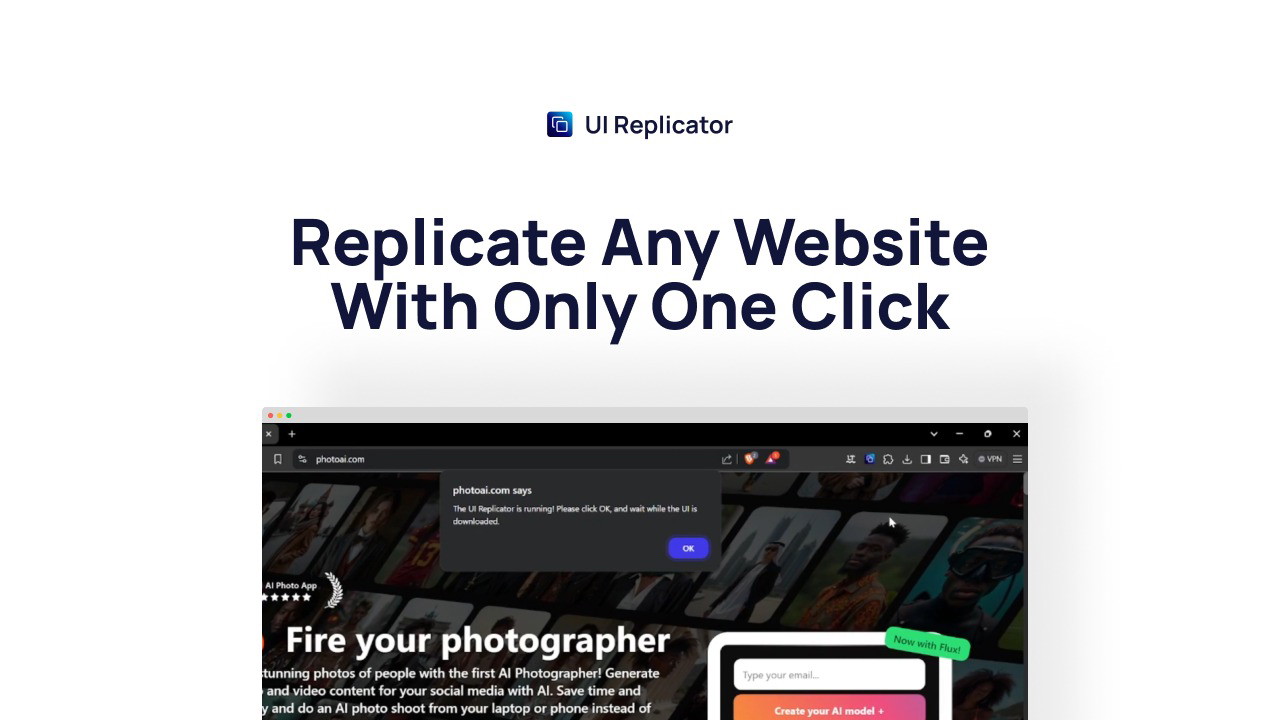
1. One-Click Website Replication
One of the standout features of UI Replicator is its one-click replication. Whether you're cloning a simple blog or a complex e-commerce site, the tool replicates all the layout and styles automatically, so you don’t have to manually inspect the code.
-
Save time and effort by avoiding the repetitive task of copying styles and code.
-
Replicate any website with ease, whether it’s a static site or a dynamic platform.
2. Seamless Export Options
Once you’ve cloned the website, UI Replicator lets you export the design in HTML and CSS formats with a single click. This means you can take the cloned code, adjust it, and launch it for your project.
-
Full control over your project’s code gives you the flexibility to make any necessary adjustments.
Sponsored
-
Instant download of .HTML and .CSS files means you can start working on your project immediately.
3. Customizable Outputs for Developers
UI Replicator isn’t just about cloning—it’s about giving you the tools to make the design your own. The customizable outputs ensure you can fine-tune the code to meet your exact specifications. This is especially useful for developers who need precise control over the layout and styling of their project.
-
Adjust the code to suit your needs without having to redo the whole design.
-
Import parts of other sites into your own project for faster development.
Sponsored
4. Browser-Based Tool with No Downloads Required
UI Replicator works directly from your browser, meaning you don’t need to download any software or install plugins. It’s an efficient, cloud-based solution that can be accessed from any computer with an internet connection.
-
No installation required: Start using it immediately without any setup.
-
Cross-device functionality: Work from anywhere, whether on your laptop, desktop, or tablet.
Who Benefits Most from UI Replicator?
UI Replicator is an excellent tool for several types of professionals in the web development and design industries. Here's who will benefit the most:
Web Developers
If you’re a web developer who needs to speed up the process of building websites, UI Replicator is a game-changer. By replicating entire websites with just one click, you can focus more on customizing the design and adding unique features. Whether you’re working with clients or developing prototypes, this tool will save you significant time.
Web Designers
For web designers, UI Replicator simplifies the prototyping process. You can replicate website elements, adjust them to fit your vision, and use the exported code in your design workflow. The flexibility of the tool means you can experiment with different layouts without starting from scratch each time.
Web Design Agencies
If you’re running a web design agency, you’ll appreciate how UI Replicator can streamline your team's workflow. It allows your designers to quickly replicate websites, speed up the design process, and focus on customizing the output for clients. This leads to faster project turnaround and greater client satisfaction.
UI Replicator vs. Other Website Cloning Tools
While there are other website cloning tools out there, UI Replicator stands out due to its simplicity, flexibility, and customizability. Unlike some tools that offer limited functionality, UI Replicator allows for full control over the final product, making it ideal for developers and designers who need precise output. It also eliminates the need for coding expertise, which is a huge plus for non-developers who want to replicate websites quickly.
Final Thoughts: Is UI Replicator Worth It?
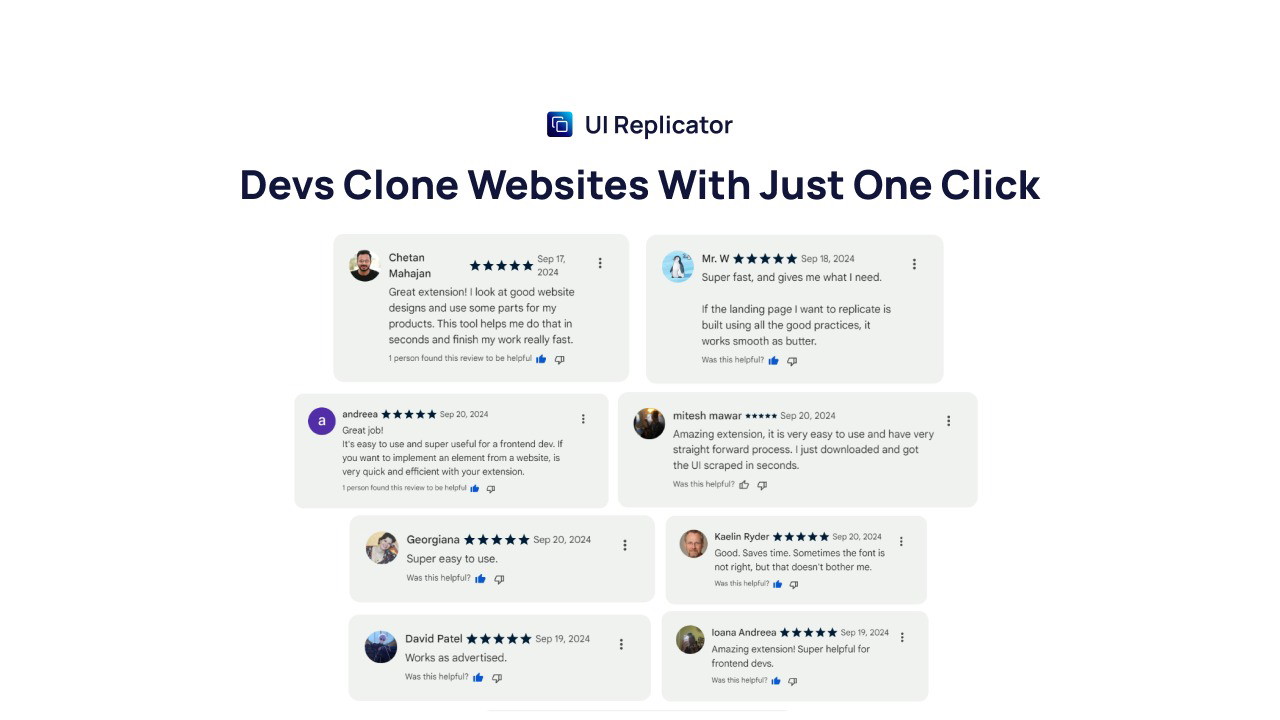
In conclusion, UI Replicator is a must-have tool for developers, designers, and web design agencies who want to replicate websites efficiently and without hassle. It saves time, boosts productivity, and allows for full customization of the cloned code. Whether you’re a seasoned pro or a beginner, UI Replicator provides the tools you need to accelerate your web design projects and stay ahead of the curve.
Start using UI Replicator today and streamline your web development process with ease!







