


TextSniper Review: Why This OCR App Changed the Way I Work
In today’s digital world, where content is king and productivity is key, I’m constantly looking for tools that help me save time and streamline my workflow. That’s exactly what I found with TextSniper, a fast and intuitive OCR app (Optical Character Recognition) for macOS. If you’ve ever struggled with copying text from an image, PDF, Zoom call, slide deck, or even a YouTube video, then this might just be the tool you’ve been missing.
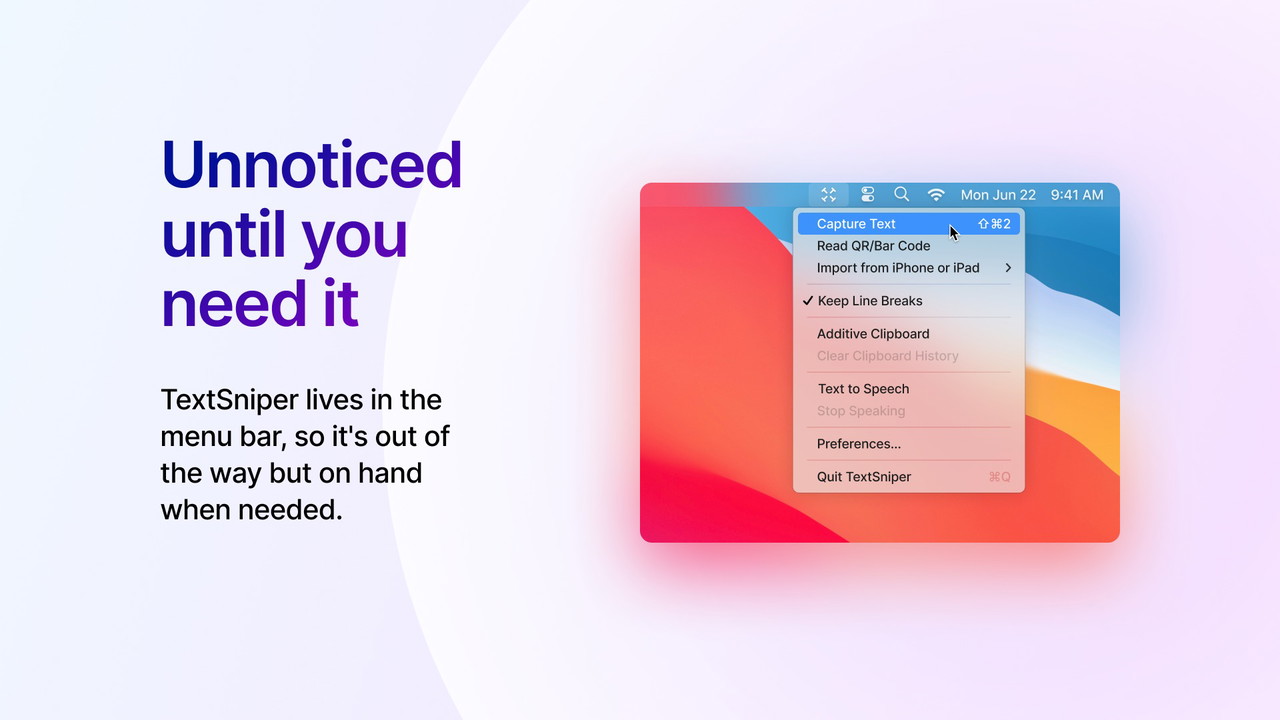
I’ve tested my fair share of OCR tools over the years, but TextSniper really stood out to me for its blazing-fast performance, minimalistic design, and privacy-first approach. With a simple shortcut—CMD+SHIFT+2—I can grab any text on my screen and have it copied instantly to my clipboard. Whether I’m gathering research, summarizing presentation slides, or responding to client feedback, this app has become an essential part of my daily toolkit.

If you’re a blogger, content creator, or customer support professional like me, keep reading. In this review, I’ll break down what makes TextSniper a standout tool, how it works, who it’s best for, and why I think it’s one of the smartest digital productivity tools you can get for your Mac.
What is TextSniper?
OCR for Your Mac, Simplified
TextSniper is an offline OCR utility built specifically for macOS. Its main job is simple: extract text from any visible area on your screen—whether it’s an image, a PDF, a video, or a live Zoom call—and instantly copy that text to your clipboard.
Here’s what you can extract text from:
-
Images
Sponsored
-
PDFs
-
Slide presentations
-
YouTube videos
-
Zoom or Google Meet calls
Sponsored
-
Apps with non-selectable text
Instead of manually retyping content or using complex OCR software, you can just hit the shortcut, select the area you want, and you're done. That’s what makes TextSniper such a game-changer.
Key Features That Impressed Me
1. Lightning-Fast OCR That Just Works
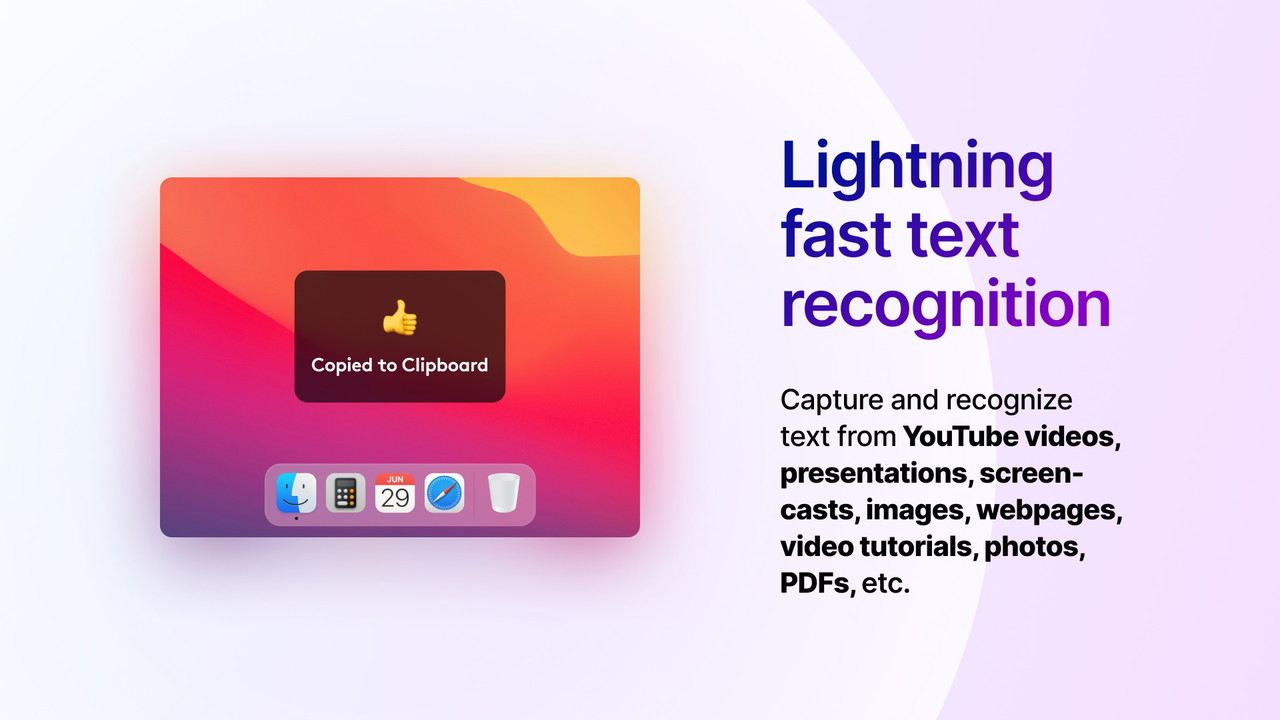
Unlike other OCR tools I’ve used that lag or require multiple steps, TextSniper recognizes text in seconds. The moment you select an area on your screen, the app scans it and pastes the recognized text right to your clipboard. It’s perfect for when you need to move quickly and don't have time to screenshot, upload, and process.
2. Text-to-Speech Functionality
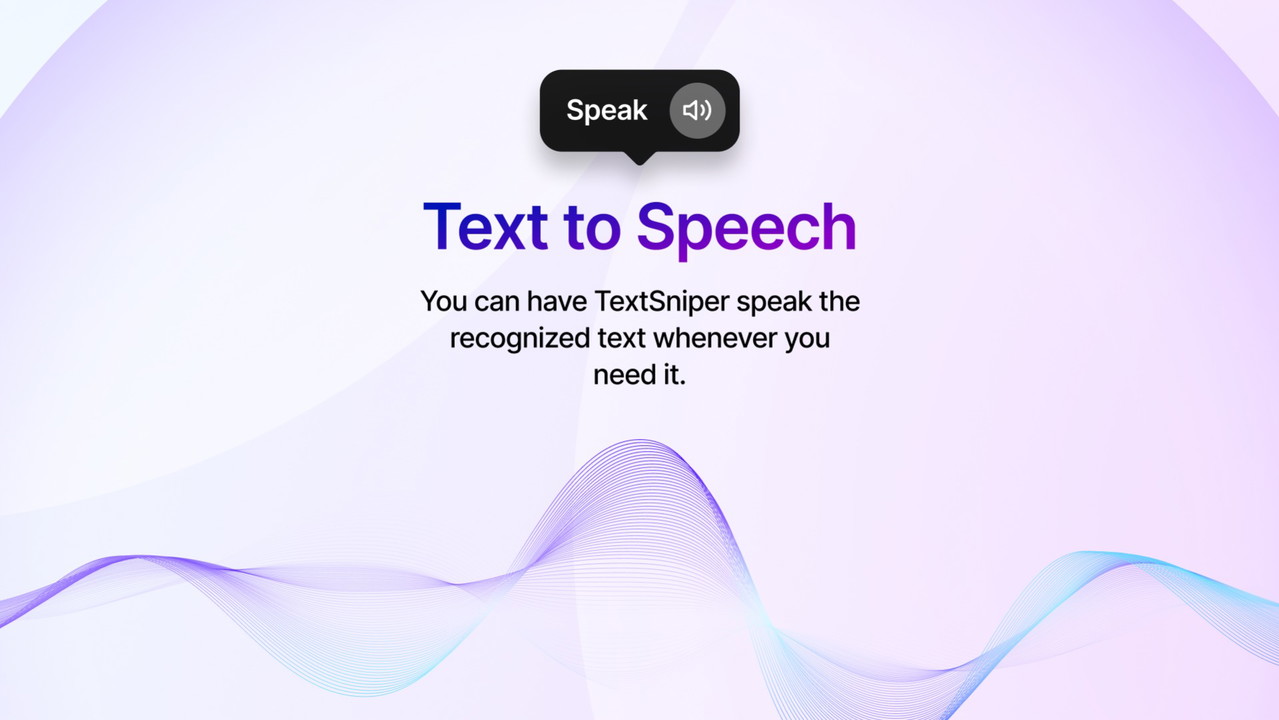
One underrated feature I didn’t expect to use often—but now love—is the text-to-speech tool. After recognizing text, TextSniper can immediately read it aloud. This is incredibly useful when multitasking or when you want to listen to key points from a document while working on something else.
3. QR Code & Barcode Recognition
Another bonus is the ability to scan QR codes and barcodes directly from your screen. I’ve used this more times than I expected—especially when someone sends a QR code on Zoom or Slack and I don’t want to grab my phone.
4. 100% Offline and Privacy-Focused
In an era where every app seems to collect data, TextSniper’s offline capability was a major win for me. Everything runs locally on your Mac, meaning your data is never sent to the cloud or stored anywhere. For professionals handling sensitive information, this is a must-have.
5. Multi-Language Support
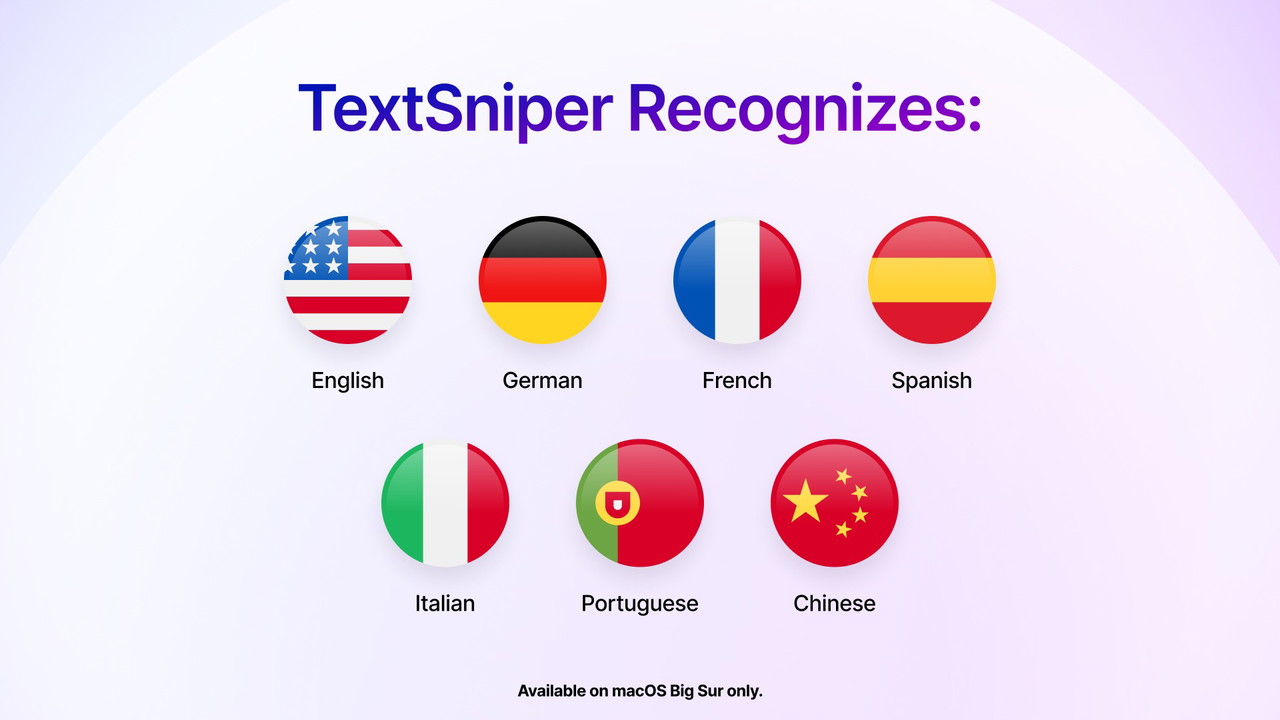
If you work in a multilingual environment, TextSniper has you covered. On macOS Big Sur and later, the app supports multiple languages including:
-
English
-
German
-
French
-
Spanish
Sponsored
-
Portuguese
-
Italian
-
Chinese
However, if you're still using Catalina, you'll be limited to English.
Who Is TextSniper Best For?
I’d recommend TextSniper to:
-
Bloggers and writers who need to pull quotes or text from images and PDFs
-
Content creators doing research or building tutorials
-
Educators and students who want to extract text from online classes and slide decks
-
Customer support agents who need to quickly pull content from tutorials or presentations
-
Mac users who value clean, simple apps that stay out of the way
The app doesn’t clutter your dock and runs quietly in your macOS menu bar, ready when you need it.
Real-World Use Cases
Here are a few specific ways I use TextSniper daily:
-
Extracting text from YouTube videos for quote graphics
-
Grabbing bullet points from PDF presentations during meetings
-
Scanning QR codes on my screen without reaching for my phone
-
Pulling client notes from non-selectable web pages
-
Listening to content using the built-in text-to-speech tool
It's not just a convenience—it actively makes my work faster and more efficient.
A Few Things to Keep in Mind
No app is perfect, and while TextSniper is close, there are some limitations:
-
It’s only available on macOS—no Windows or mobile version (yet).
-
While it supports many languages on Big Sur+, older macOS versions have limited support.
-
There’s no batch processing or document-saving feature—it’s designed for quick snippets, not full documents.
That said, if you're in the Mac ecosystem, I genuinely believe this is one of the best lightweight OCR tools available.
Final Verdict: Should You Buy TextSniper?
Yes—if you value speed, simplicity, and privacy.
I’ve tested many OCR tools over the years, but TextSniper is one of the few I’ve kept installed on my machine. It doesn’t try to do too much—it focuses on doing one job extremely well: letting you copy any on-screen text in seconds. For Mac users, especially those in creative or support roles, it's a must-have utility that you’ll wonder how you lived without.
TL;DR (Too Long, Didn’t Read)
-
Extract text from images, videos, PDFs, slides, and more
-
Blazing-fast OCR with CMD+SHIFT+2 shortcut
-
Text-to-speech functionality included
-
QR code and barcode recognition
-
Runs offline, keeps your data private
-
Minimal design that lives in your menu bar
-
Multi-language support on macOS Big Sur and later
-
Best for bloggers, content creators, educators, and support teams







