


Stepsy Review: Everything You Should Consider Before You Try It
If you've ever struggled to create effective documentation or training materials, you know how time-consuming and frustrating it can be. Explaining complex processes to your team or customers often requires careful attention to detail and can take up significant time. That’s where Stepsy comes in—a browser extension that makes the creation of step-by-step guides incredibly easy and efficient. With Stepsy, you can capture screenshots, annotate images, and generate clear, concise documentation in a fraction of the time it would take using traditional methods.
Whether you are a consultant, part of a customer support team, or an educator, Stepsy can help you document your processes and share knowledge effortlessly. This tool simplifies and streamlines the way you capture, edit, and distribute important information, ensuring your team or clients are always on the same page. The best part? Stepsy doesn’t just save you time—it also automates crucial aspects of the documentation process like masking PII data and merging duplicates. In this Stepsy review, I’ll walk you through the tool’s main features and discuss whether it’s worth adding to your workflow.

What is Stepsy?
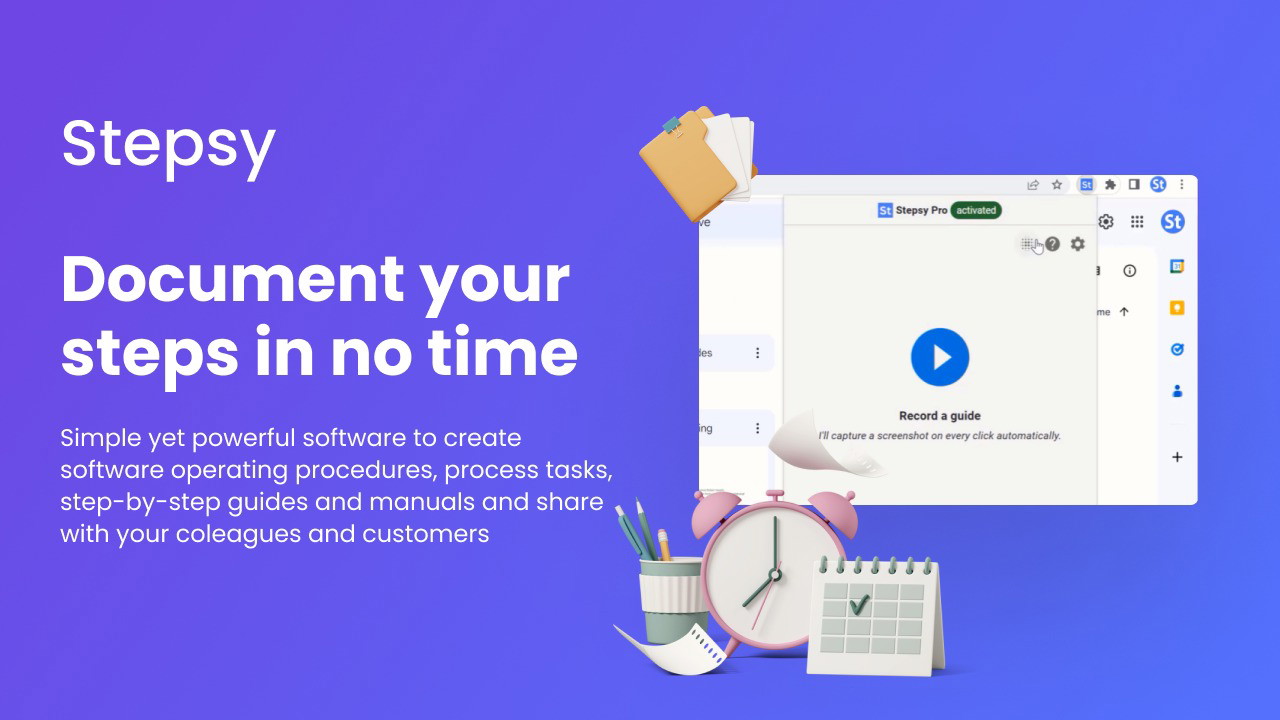
Stepsy is a powerful tool designed to make the creation of documentation and training materials easier and faster. With its simple browser extension, Stepsy captures every mouse click and generates a screenshot and text description, allowing you to create professional-grade tutorials and guides with minimal effort. The software is perfect for teams who need to document complex processes, provide training, or create knowledge bases without spending hours manually compiling information.
Stepsy’s functionality doesn’t stop at screenshots. It integrates seamlessly with Google Docs, so you can easily edit your guides and export them as PDFs or share them directly online. Additionally, Stepsy automatically handles sensitive data, like PII, ensuring that your content remains compliant with privacy standards. Whether you're creating customer-facing materials or internal documentation, Stepsy streamlines the entire process.
Main Features of Stepsy
1. Capture Screenshots Instantly
With Stepsy’s browser extension, capturing screenshots is as simple as clicking a button. Every mouse click generates a new screenshot along with a text description, which is automatically added to your guide. This eliminates the need for manual copy-pasting, saving you significant time and effort. The tool ensures that every step is clearly visualized, making it perfect for instructional content, technical documentation, or product guides.
2. Annotate and Edit Your Guides
Once your screenshots are captured, Stepsy allows you to annotate them with text or shapes to highlight specific areas of focus. This feature is essential when you're explaining complex workflows or pointing out important steps in a process. You can edit your content right in the browser, making it easy to finalize your guides and move on to the next task. Stepsy’s intuitive editing interface makes it simple to add, remove, or adjust elements in your documentation, ensuring everything is clear and accurate.
3. Automate PII Masking and Duplicate Removal
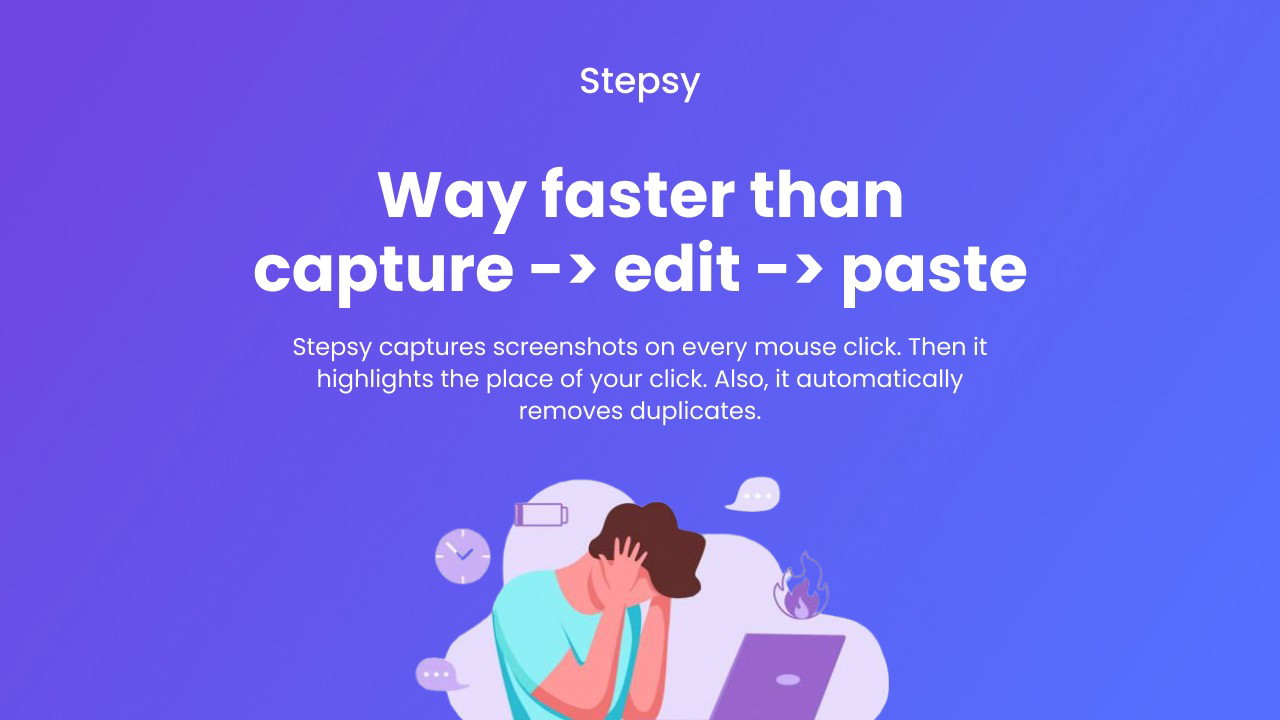
Privacy concerns are at the forefront of every business, especially when handling sensitive data. Stepsy addresses this by automatically masking preconfigured PII (Personally Identifiable Information). This is an invaluable feature for teams that work with sensitive customer data or internal systems. Additionally, Stepsy removes any duplicate steps that may arise during the documentation process, ensuring that your final guides are streamlined and easy to follow.
4. Export in Multiple Formats
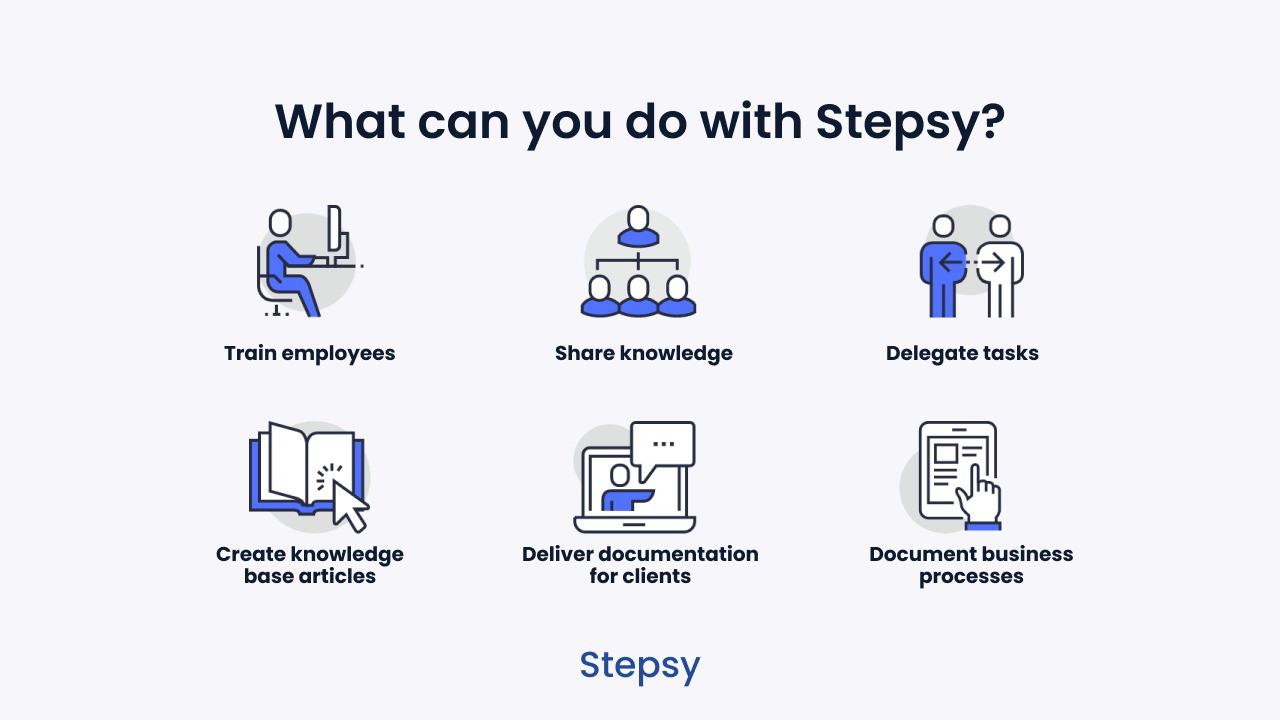
Whether you need a downloadable PDF, a Google Doc, or an online shareable link, Stepsy gives you multiple options for exporting your documentation. You can save your work in a zip file, Word document, or even as a static HTML page. This flexibility makes it easy to share your guides with clients, teams, or anyone who needs the information. The ability to export in various formats ensures that Stepsy fits seamlessly into your existing workflow, regardless of how you share or distribute content.
5. Easy Integration with Google Docs
Stepsy integrates seamlessly with Google Docs and Google Drive, so you can work with your documentation tools without any extra hassle. This integration is perfect for teams already using Google Workspace, as it allows you to capture, edit, and share your documentation all in one place. You can finalize your work in Google Docs and export it as a PDF or share it directly with your team or clients.
Who Can Benefit from Stepsy?
For Consultants and Customer Support Teams
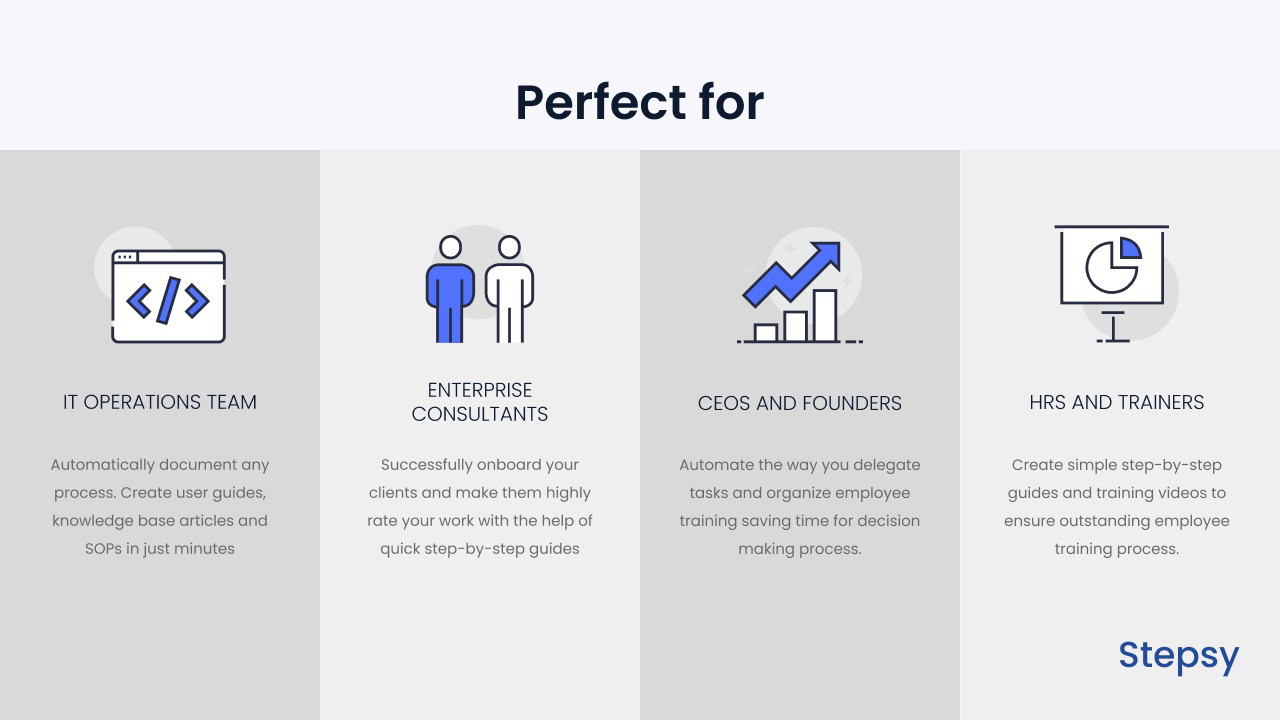
As a consultant or customer support professional, creating clear and concise documentation is crucial for training and troubleshooting. Stepsy allows you to quickly capture and document processes, whether it’s setting up software for a client or outlining solutions to common customer problems. Its real-time capture and easy export options make it an essential tool for delivering high-quality guides without the manual effort.
For Educators and Trainers
Educators and trainers can use Stepsy to create instructional materials that are visually engaging and easy to follow. Whether you’re teaching a class on software usage or creating internal training documents, Stepsy’s ability to generate step-by-step guides quickly helps ensure your audience stays engaged and informed. The automatic screenshot capture and editing tools are perfect for creating instructional content on the fly.
For IT Teams and Product Managers
IT professionals and product managers often need to document technical processes, configurations, or workflows. Stepsy’s ability to capture and explain these processes visually makes it an invaluable tool for internal documentation, product tutorials, or troubleshooting guides. The automated PII masking and duplicate removal features also ensure that your content remains secure and consistent.
Pros of Stepsy
-
Time-Saving: Automates the process of capturing and documenting steps, reducing the time spent on content creation.
-
Easy-to-Use: The browser extension is simple to install and use, with no technical expertise required.
-
Compliance-Focused: Automatically masks PII and ensures your documentation is secure.
Sponsored
-
Flexible Export Options: You can export your documentation in multiple formats to suit your needs.
-
Seamless Google Docs Integration: Work directly within the Google ecosystem for added convenience.
Cons of Stepsy
-
Browser-Only: Currently, Stepsy only works as a browser extension, so it may not be ideal for those looking for a desktop-based solution.
-
Limited Advanced Features: While Stepsy is great for basic documentation, users who require advanced design features might find it lacking.
Sponsored
Conclusion: Should You Invest in Stepsy?
If you’re looking for a tool that simplifies the process of creating effective documentation, training materials, and step-by-step guides, Stepsy is a fantastic choice. Its ability to automate tasks like screenshot capture, PII masking, and duplicate removal makes it an incredibly efficient tool for businesses of all sizes. Whether you’re in consulting, customer support, or education, Stepsy can save you time and improve the quality of your content.
The integration with Google Docs, flexibility in export formats, and ease of use make Stepsy a standout tool for anyone in need of fast, reliable, and secure documentation. So, if you want to streamline your workflow and reduce the burden of manual content creation, I highly recommend giving Stepsy a try.
For top recommendations, explore our guide on resume builder free. Find the top-rated Cecotec secador with our comprehensive buying guide. Looking for the best options? Check out our article on Building Block Toy. For top recommendations, explore our guide on Grand Goldman Shop. For top recommendations, explore our guide on casino mexico. Discover our expert picks for fruit mixers vegetable juicer blenders in our detailed review. Looking for the best options? Check out our article on what are the apples to juice. Looking for the best options? Check out our article on therapedic mattresses. Discover our expert picks for nonstick baking paper mats in our detailed review. Discover our expert picks for cooking utensils in our detailed review.
Looking for the best options? Check out our article on resume builder free. Looking for the best options? Check out our article on Cecotec secador. Find the top-rated Building Block Toy with our comprehensive buying guide. Discover our expert picks for Grand Goldman Shop in our detailed review. For top recommendations, explore our guide on casino mexico. Discover our expert picks for fruit mixers vegetable juicer blenders in our detailed review. Find the top-rated what are the apples to juice with our comprehensive buying guide. Find the top-rated therapedic mattresses with our comprehensive buying guide. Looking for the best options? Check out our article on nonstick baking paper mats. Find the top-rated cooking utensils with our comprehensive buying guide.







