


ScreenToVideo Review: The Ultimate Screen Recording and Editing Tool
Why ScreenToVideo is a Game-Changer for Content Creators
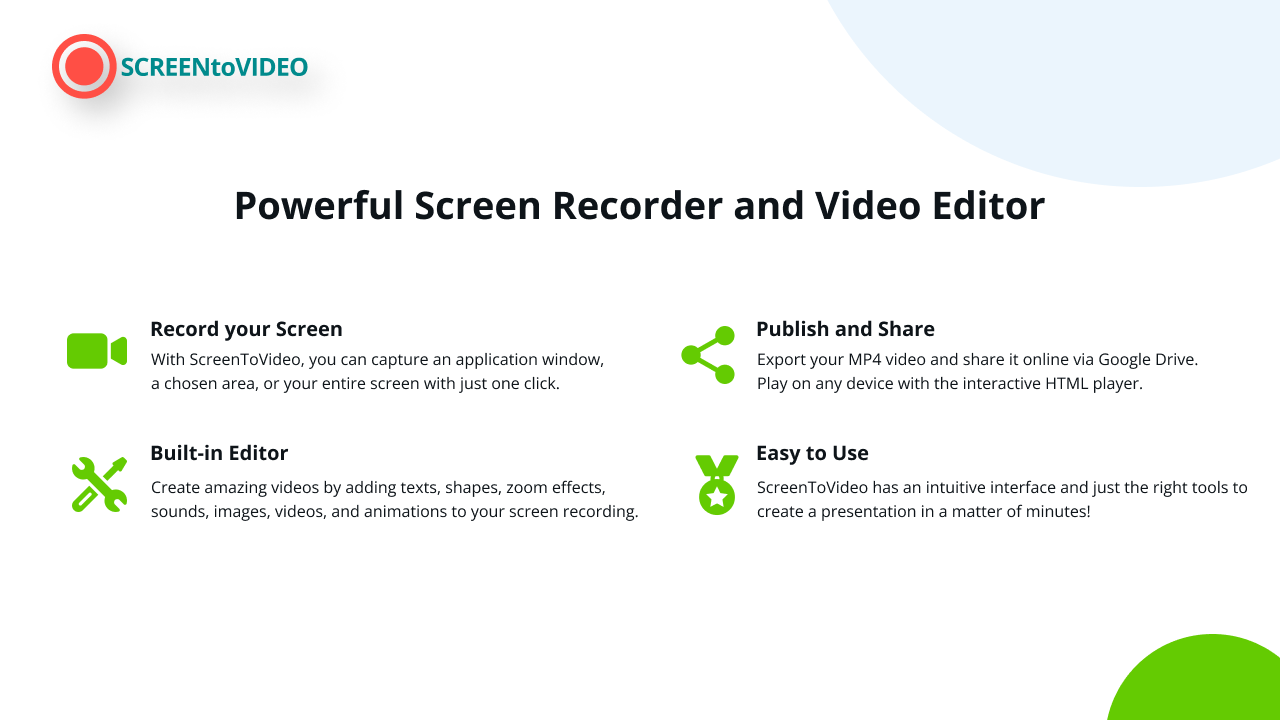
Creating high-quality video content has never been easier, thanks to ScreenToVideo, a powerful yet user-friendly screen recorder and video editor. Whether you’re a content creator, course creator, or small business owner, this tool provides everything you need to record, edit, and share videos effortlessly.
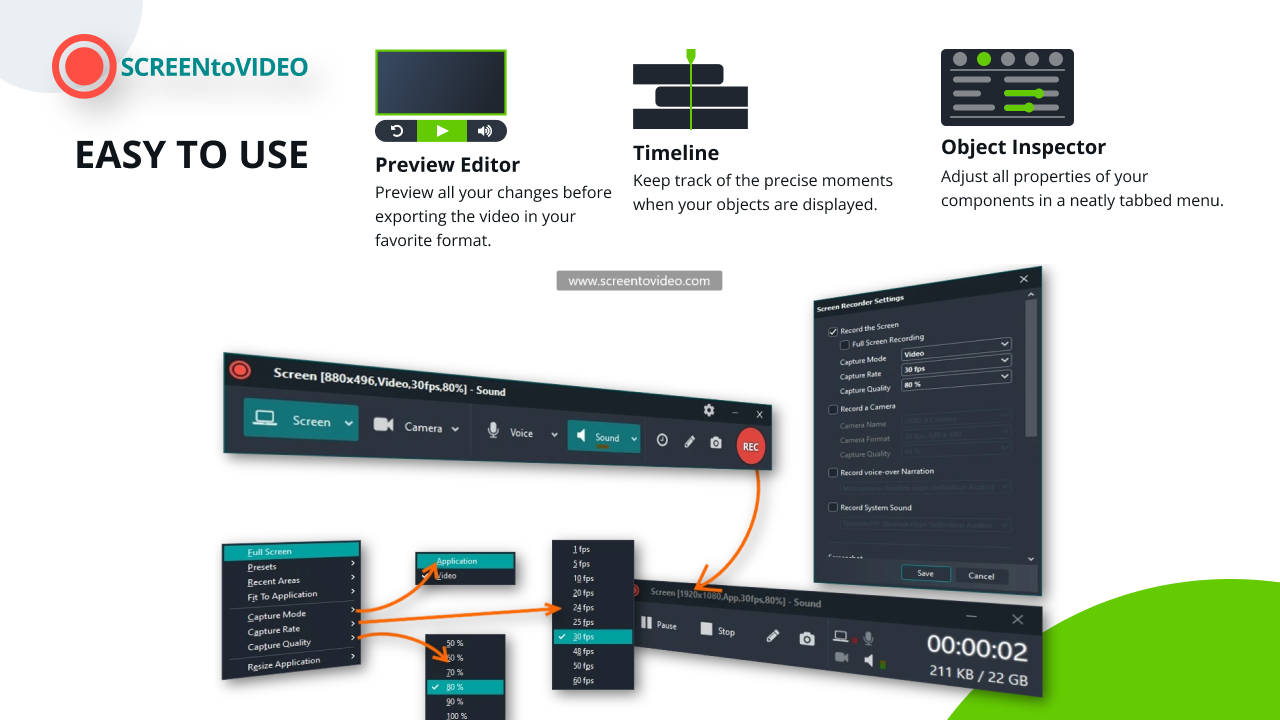
With just one click, you can capture your screen, record your voice, and even integrate your webcam with a virtual background. Need to create tutorials? Use flexible sketching tools to turn your screen into an interactive whiteboard. Want to enhance engagement? Add closed captions, text effects, and even Google Text-To-Speech.

But what truly sets ScreenToVideo apart is its hardware-accelerated encoding, ensuring high-quality exports in MP4, WMV, GIF, or MP3 formats. Plus, with Google Drive integration, sharing your videos is just a click away.
Key Features of ScreenToVideo
One-Click Screen Recording
-
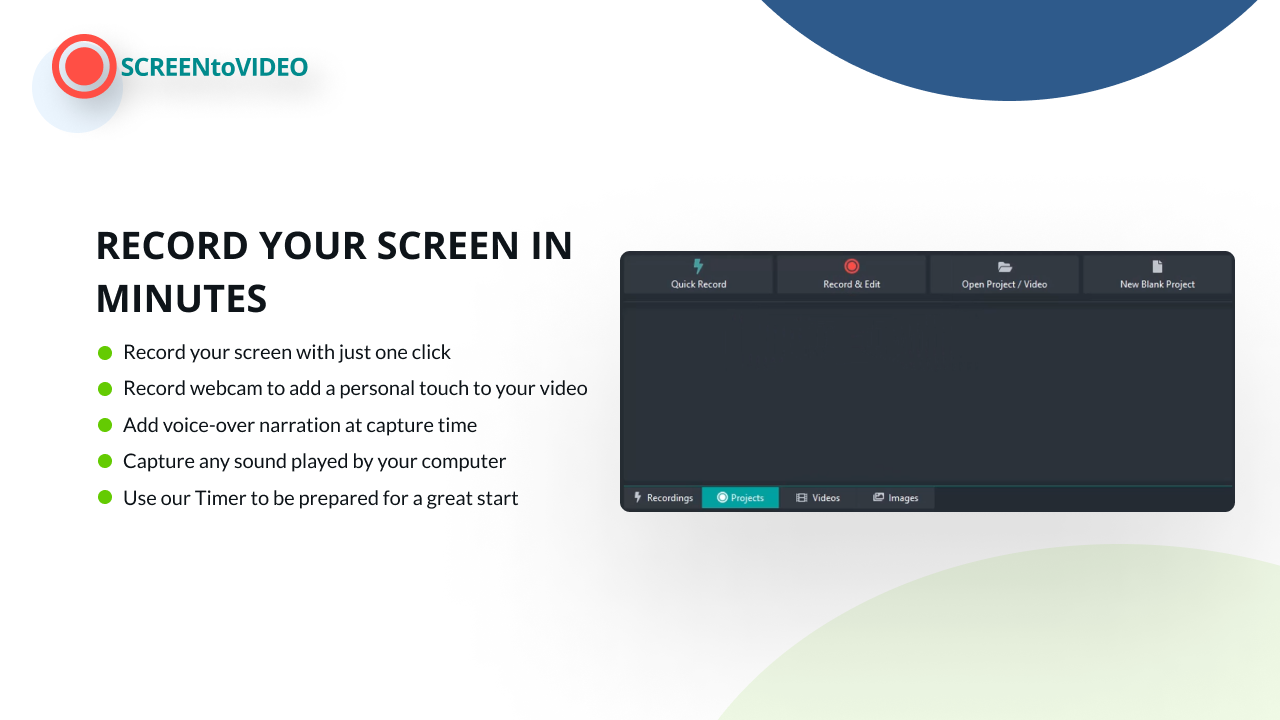
Capture a window, a selected area, or the entire screen
-
Record system sounds, voiceovers, and webcam footage
-
Use virtual backgrounds to personalize your videos
Sponsored
Advanced Video Editing Tools
-
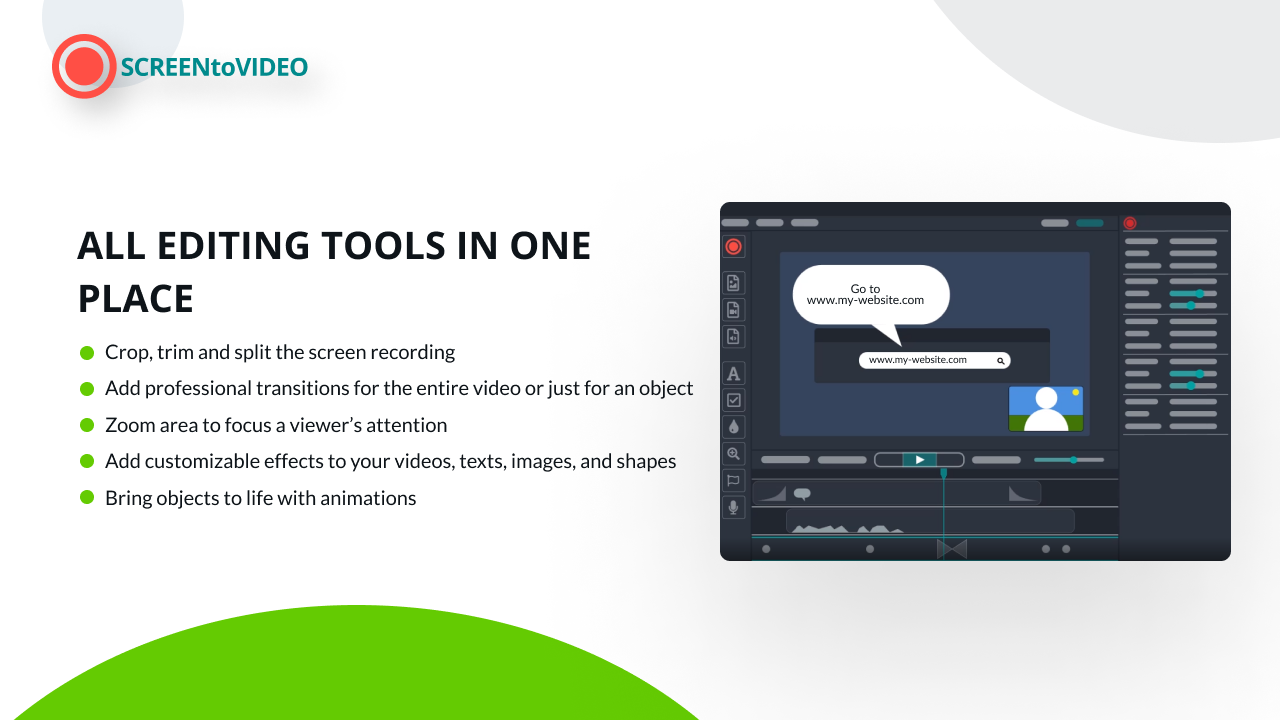
Add text areas, video effects, and transitions
-
Integrate Google Text-To-Speech for narration
-
Normalize audio loudness for professional sound quality
Flexible Whiteboard and Sketching Tools
-
Draw directly on the screen with customizable brushes
-
Create animated GIFs quickly and easily
-
Ideal for educators and instructional designers
Fast and Secure Export Options
-
Export videos in MP4, WMV, GIF, or MP3
Sponsored
-
Hardware-accelerated encoding ensures high quality with minimal waiting time
-
GDPR-compliant storage for data security
Cloud Integration for Easy Sharing
-
Upload videos directly to Google Drive
Sponsored
-
Generate shareable links in seconds
Who Should Use ScreenToVideo?
Content Creators
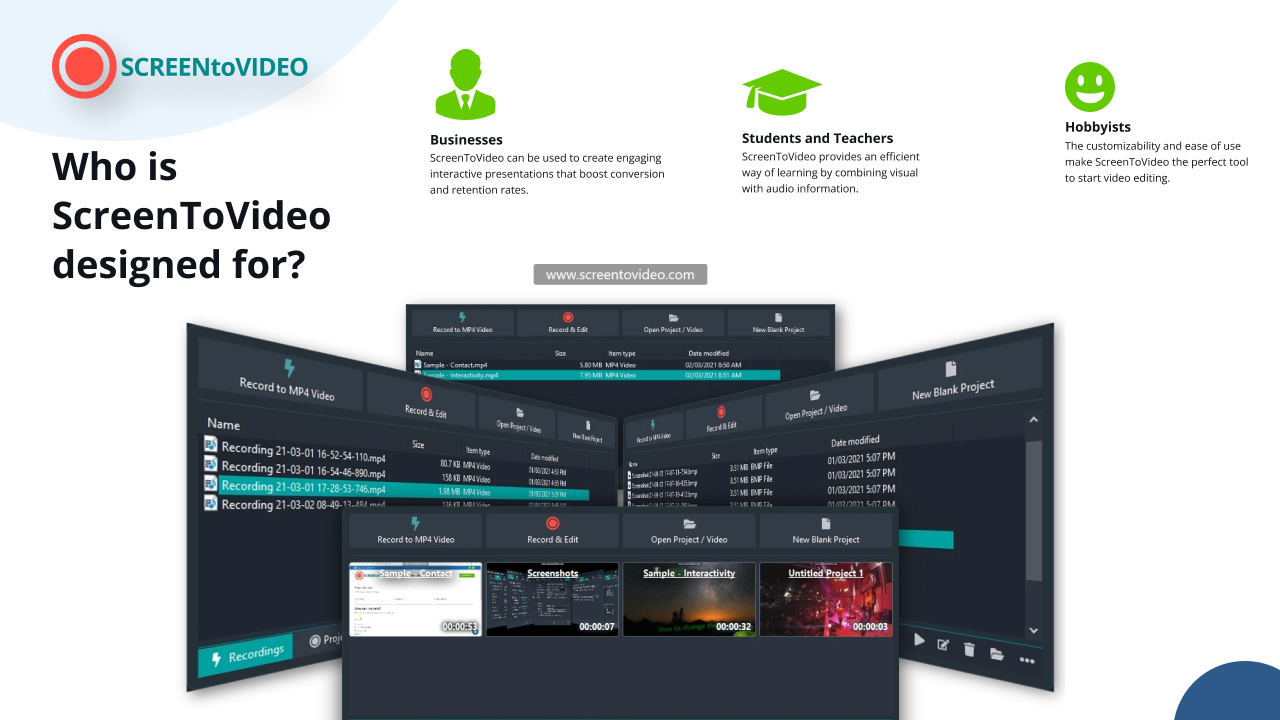
If you make YouTube videos, tutorials, or social media content, ScreenToVideo offers a streamlined way to record, edit, and publish high-quality videos.
Course Creators
For educators and trainers, the whiteboard tools and closed captioning features make it easy to create professional e-learning materials.
Small Businesses
Need to create product demos, marketing videos, or internal training content? ScreenToVideo helps businesses produce polished videos in minutes.
How ScreenToVideo Compares to Alternatives
ScreenToVideo vs. Loom
Unlike Loom, which primarily focuses on quick recordings, ScreenToVideo offers advanced editing tools, Google Drive integration, and more export options.
ScreenToVideo vs. Traditional Video Editors
Unlike complex video editing software like Adobe Premiere Pro, ScreenToVideo is built for ease of use, providing professional results without a steep learning curve.
Final Thoughts – Is ScreenToVideo Worth It?
If you’re looking for an all-in-one screen recording and video editing solution, ScreenToVideo is an excellent choice. It’s packed with powerful features, yet remains intuitive and easy to use. Whether you’re a content creator, course designer, or small business owner, this tool can streamline your workflow and help you create engaging, high-quality videos in no time.







