


Radar Review: What to Expect
In today’s fast-paced world, keeping track of important metrics across multiple browser tabs can feel overwhelming. Whether you're monitoring your website’s performance, sales data, or even social media stats, bouncing between tabs to gather this information wastes valuable time and makes managing your business more complicated than it needs to be. What if there was a simpler way to check your essential metrics, all in one place?
Radar provides exactly that—a privacy-focused tool that allows you to track and monitor metrics directly from your system. With Radar, you don’t need to constantly switch between tabs or third-party platforms to keep an eye on the numbers that matter. From crypto traders to marketers, this tool offers a streamlined approach to tracking performance across multiple data sources without compromising privacy.

Radar supports macOS, Windows, and Linux, and requires no sign-up. Your data stays secure and local, giving you peace of mind while you stay on top of your essential business metrics. Whether you're a solopreneur or a marketer, this review will guide you through the features of Radar and explain how it can simplify your workflow.
What Is Radar?
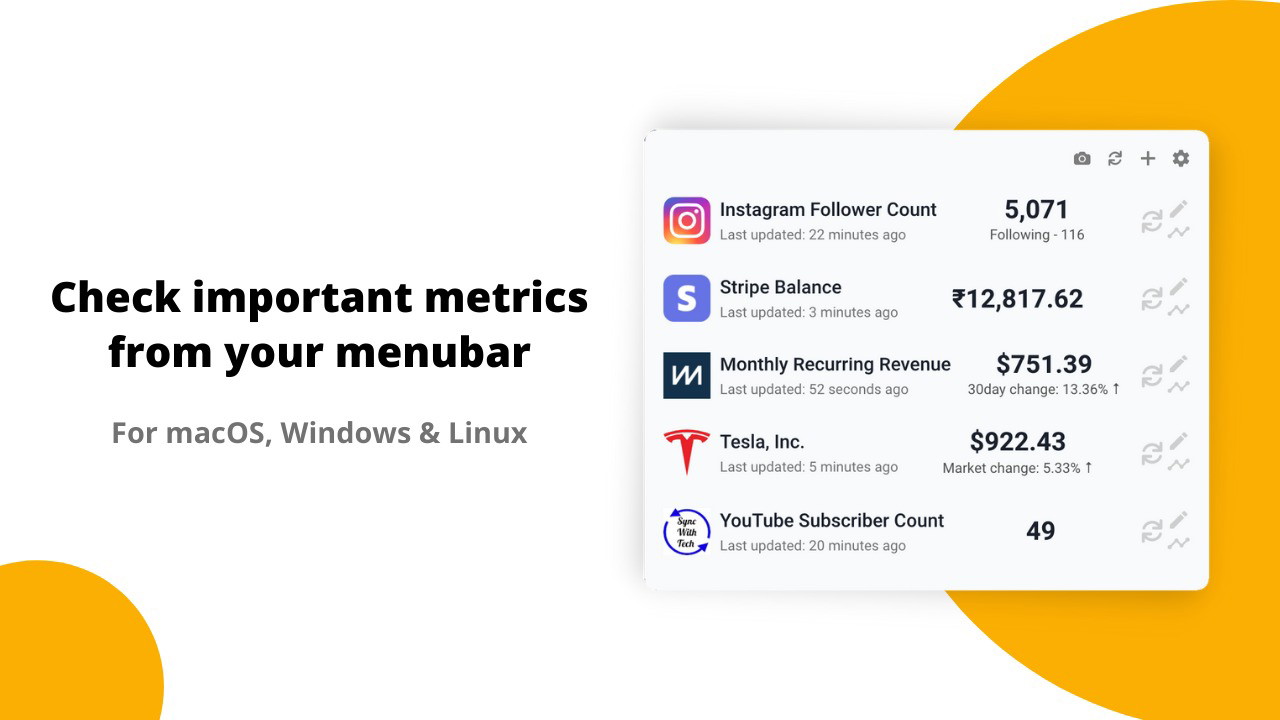
Radar is a simple, user-friendly tool designed to help you track important metrics from a variety of sources directly from your desktop. It works across different operating systems including macOS, Windows, and Linux, and doesn’t require you to create an account or share your data with third-party services. It runs in the background and pulls data from various APIs or services, allowing you to monitor important numbers quickly and securely.
Radar is ideal for those who need to stay up-to-date with metrics like Google Analytics, Stripe sales, social media activity, and even cryptocurrency prices. The tool’s key selling point is its privacy-first design—everything stays on your local device, meaning your data never leaves your system.
Key Features of Radar
Easy Setup and No Account Required
One of the standout features of Radar is how simple it is to use. There's no need to sign up for an account or create an online profile. Simply download and install Radar on your system, and you’re good to go. This low-effort setup process is perfect for those who value convenience and want to start tracking data immediately.
Moreover, Radar ensures that all your data stays private. Unlike cloud-based services where data may be stored remotely, Radar operates directly on your device, meaning it doesn't send your information to external servers. This is particularly reassuring for those working with sensitive data, like marketers or anyone handling financial data.
Track Metrics in One Place
Instead of juggling multiple browser tabs, Radar gives you the ability to view your key metrics in one place. It operates directly from your system tray or menu bar, allowing you to quickly check data without disrupting your workflow. Whether you're tracking website traffic, sales performance, or crypto prices, Radar brings all the key information you need to monitor right to your fingertips.
For example, if you’re managing an e-commerce site, you can track sales in real-time, monitor Google Analytics, and even check your Stripe payments without ever leaving your desktop. This single dashboard approach saves you time and boosts your productivity.
Alerts and Notifications
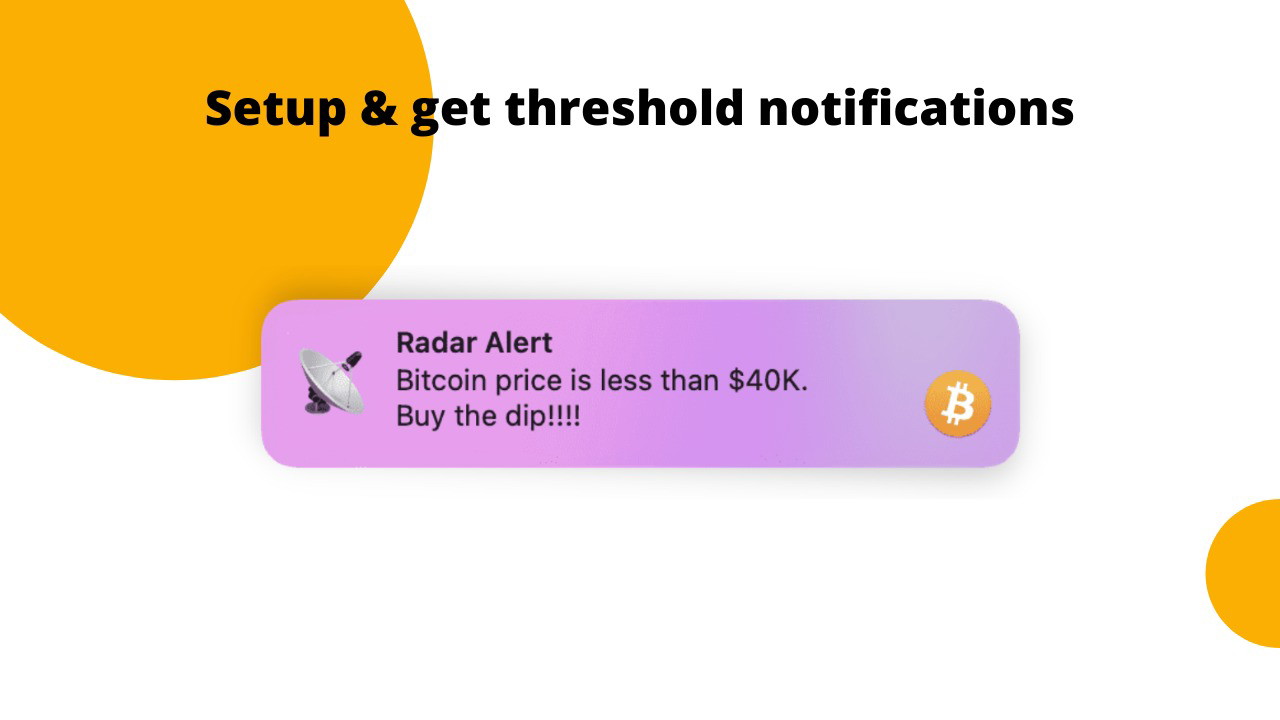
Radar goes beyond simply displaying data—it can also alert you when your metrics cross specific thresholds. Set custom alerts for any metric you’re tracking, such as when a product’s sales surpass a target amount or when website traffic spikes.
You can customize notifications based on data values that matter most to you. This feature is perfect for those who need to act quickly when something critical happens, whether it’s an overdue payment, a crypto price change, or a sudden drop in website traffic.
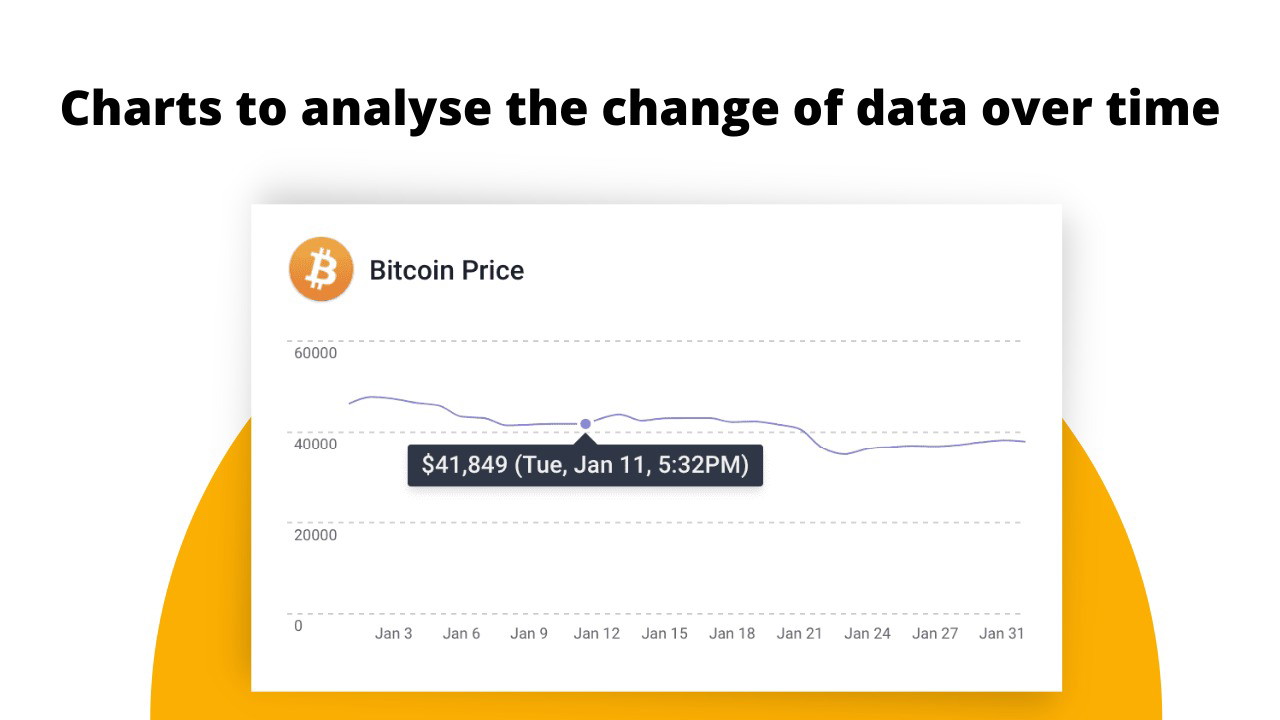
Historical Analytics with Line Charts
Radar also offers the ability to analyze historical data using line charts. This feature allows you to view trends and performance metrics over time, making it easier to assess whether your efforts are paying off. If you’ve been tracking traffic to your site or monitoring your sales, Radar provides a clear visual representation of your data that allows you to quickly identify patterns or areas that need attention.
By reviewing historical data, you can make more informed decisions and optimize your strategy accordingly.
Customization with JavaScript
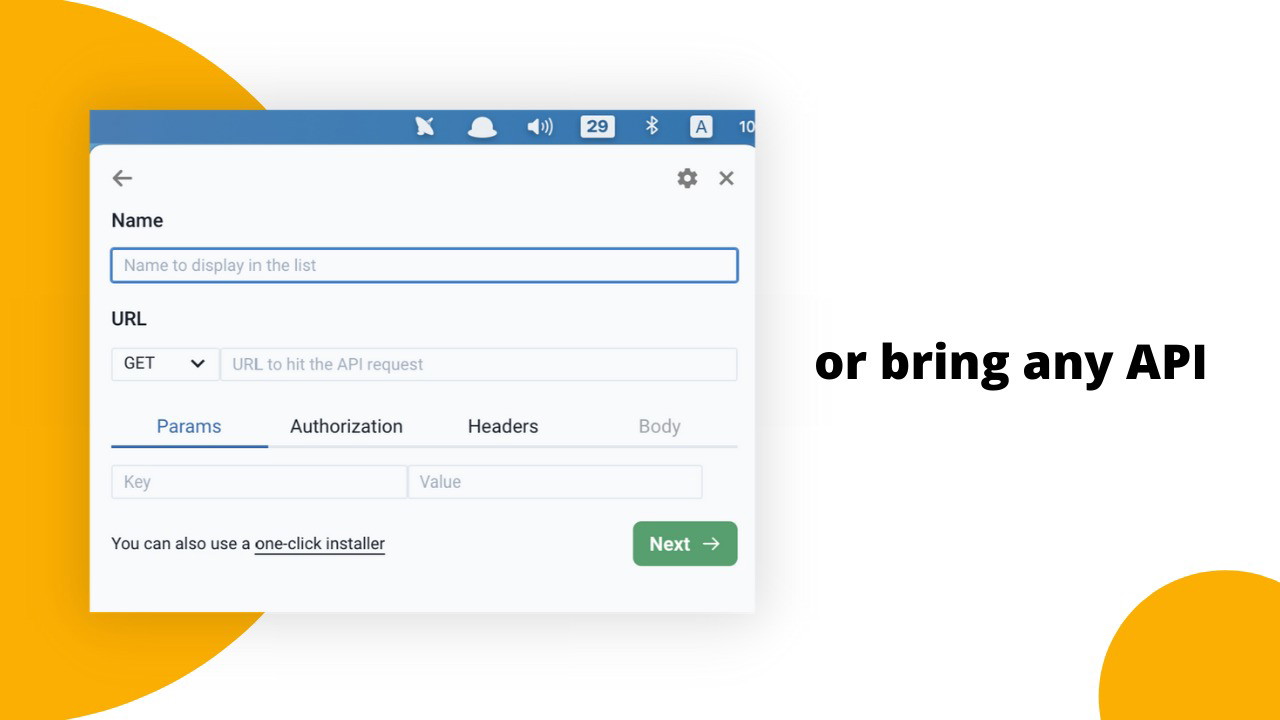
For those with more advanced needs, Radar offers the ability to customize the data displayed and the logic behind the notifications. You can use JavaScript to tweak settings, add more complex triggers, or tailor the data display to suit your specific needs. This flexibility makes Radar a great choice for those who require more granular control over their tracking setup.
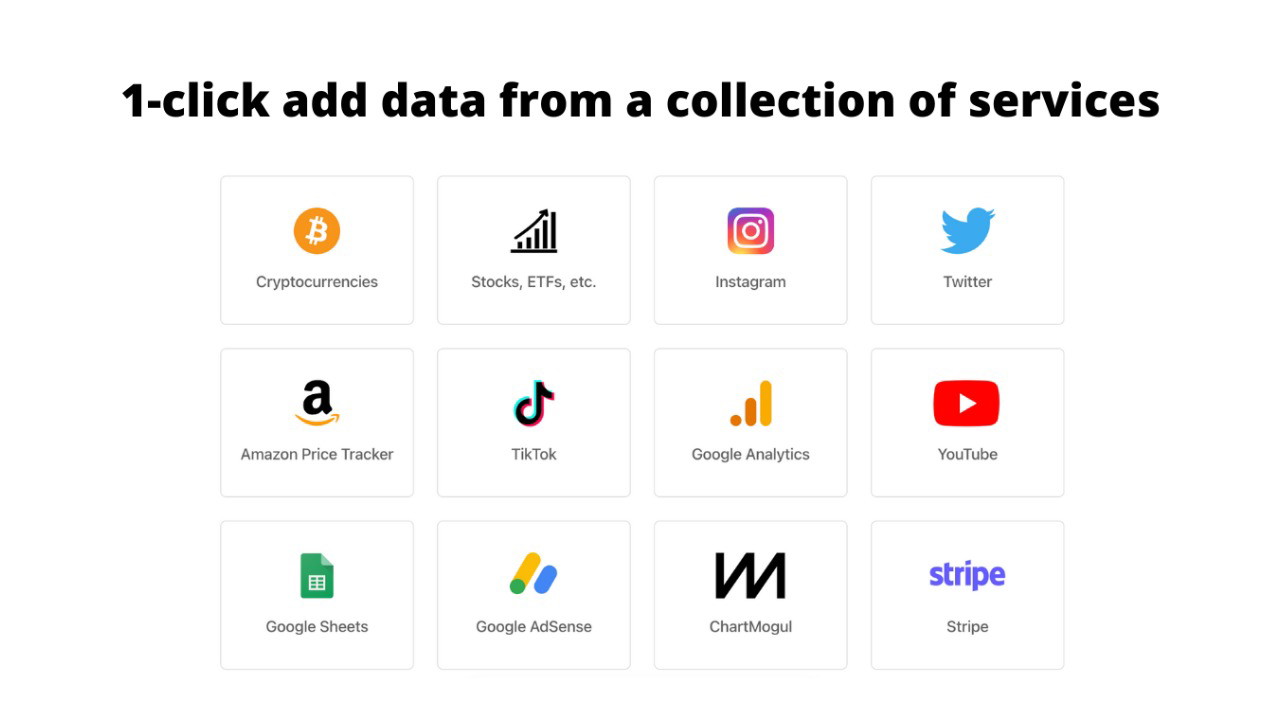
Additionally, Radar offers the option to request 1-click installers for a variety of services, making it easy to add more integrations without worrying about technical setup.
Radar Integrations
Radar supports several integrations with popular services, including Google Analytics, Google Sheets, Stripe, Twitter, YouTube, and more. If you’re a marketer, crypto trader, or business owner who uses these tools to track and analyze performance, Radar can pull data from these services to keep everything in one place.
What makes Radar truly stand out is its ability to easily connect with these services without requiring complex API knowledge. The ready-made installers allow you to set up integrations with minimal effort, so you can start tracking your data right away.
Privacy and Security
As a privacy-focused tool, Radar ensures that all data stays on your local device, giving you complete control over your information. Unlike cloud-based alternatives, there’s no risk of your data being exposed to external servers or third parties. This makes Radar an attractive option for anyone concerned about data privacy or handling sensitive information, such as business owners or marketers working with customer data.
Pros and Cons of Radar
Pros:
-
No account needed: Start tracking data immediately without creating an account or sharing your information.
Sponsored
-
Local data storage: Your data remains secure on your device, ensuring privacy.
-
Customizable alerts: Set personalized notifications for important metrics.
-
Easy integration: Integrates seamlessly with popular services like Google Analytics, Stripe, and Twitter.
-
Historical data tracking: View and analyze past performance with line charts.
Sponsored
-
Cross-platform support: Works on macOS, Windows, and Linux.
Cons:
-
Limited integrations: While Radar supports several popular services, it may not integrate with every tool out there.
-
Requires manual setup: Though simple, the initial setup for adding custom integrations or APIs may be tricky for beginners.
Final Thoughts: Should You Use Radar?
If you’re looking for a privacy-focused solution to track your business metrics across various services, Radar is an excellent choice. It simplifies the process of monitoring your most important data, offers real-time alerts, and provides historical analytics. Whether you’re a crypto trader, solopreneur, or marketer, Radar offers an easy-to-use platform for staying on top of your performance without compromising your privacy.
With lifetime access and no account required, Radar provides an affordable and efficient way to track and manage your metrics, making it a valuable tool for anyone who wants to optimize their workflow and stay ahead of the curve.







