


Elevate Your Note-Taking Experience with NodeLand
If you’re looking for a smarter way to organize your notes, connect ideas, and boost your productivity, NodeLand is a tool worth considering. This AI-powered mind mapping and note-taking platform transforms the way you capture and structure your thoughts. Unlike traditional note-taking apps that rely on linear structures, NodeLand enables users to create dynamic mind maps, making it easier to visualize complex concepts, improve comprehension, and enhance creativity.
In this NodeLand review, I’ll explore its features, benefits, and whether it’s a better alternative to tools like Evernote, Microsoft OneNote, and Notion. Whether you're a content creator, educator, or business professional, this app provides an intuitive way to manage ideas and collaborate effortlessly. Let’s dive into what makes NodeLand a game-changer.

What is NodeLand?
NodeLand is a versatile tool that blends mind mapping with traditional note-taking. It offers a flexible and interactive way to store and organize information, helping users make sense of complex ideas. Unlike standard text-based note apps, NodeLand emphasizes visual thinking, aligning with how the human brain naturally associates information.
Who is NodeLand Best For?
Content creators looking to structure their ideas visually. Educators who want to enhance lesson planning and concept organization. Small businesses that need an efficient way to brainstorm and manage projects.
Key Features of NodeLand
Visual Mapping: A Smarter Way to Organize Thoughts
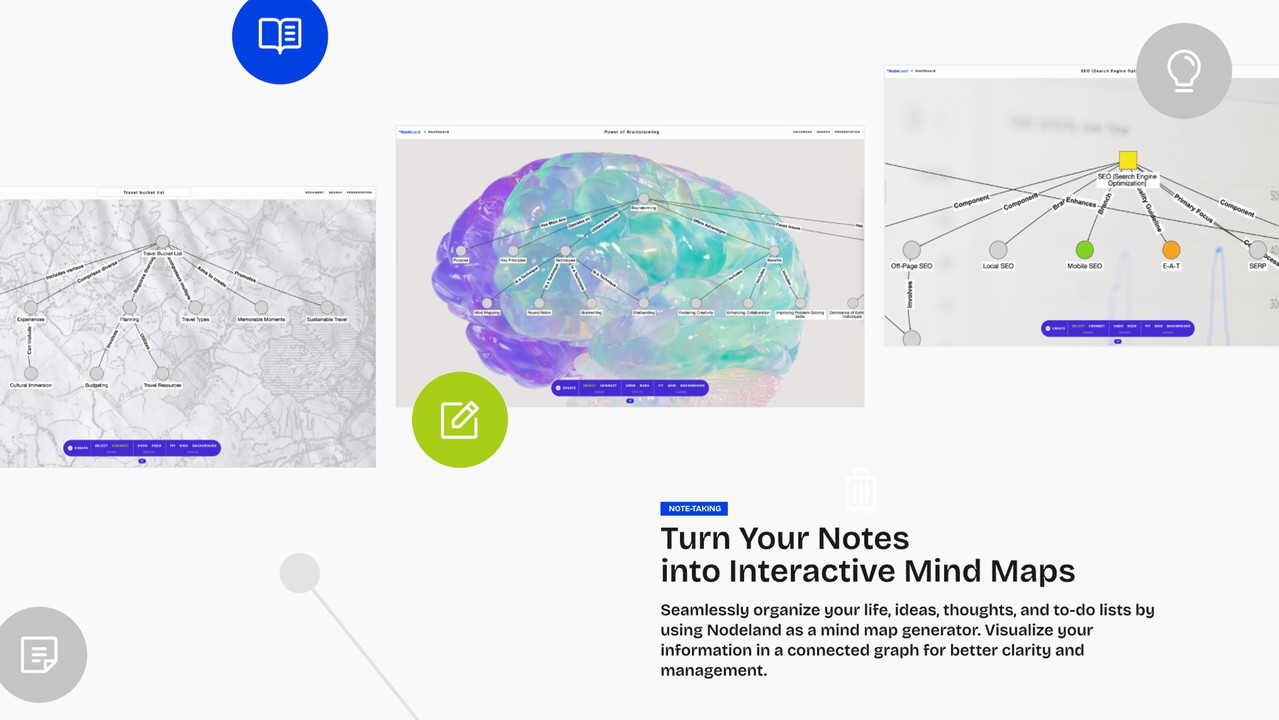
At the heart of NodeLand lies its visual mapping capability. Instead of traditional note-taking, which relies on lists and blocks of text, NodeLand allows users to create interactive mind maps that showcase the relationships between different ideas.
Benefits of Visual Mapping
Provides a clearer structure for complex thoughts. Enhances memory retention by using associative learning techniques. Helps users see connections between concepts more effectively.
AI-Generated Mind Maps
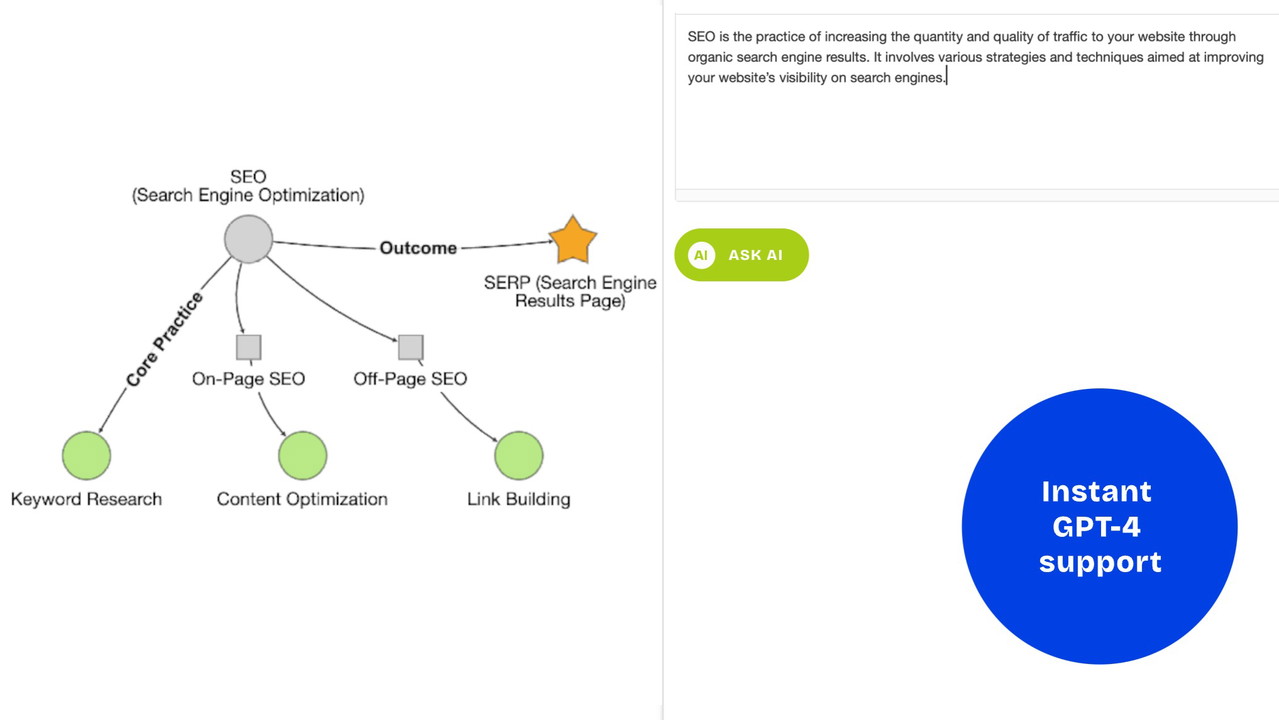
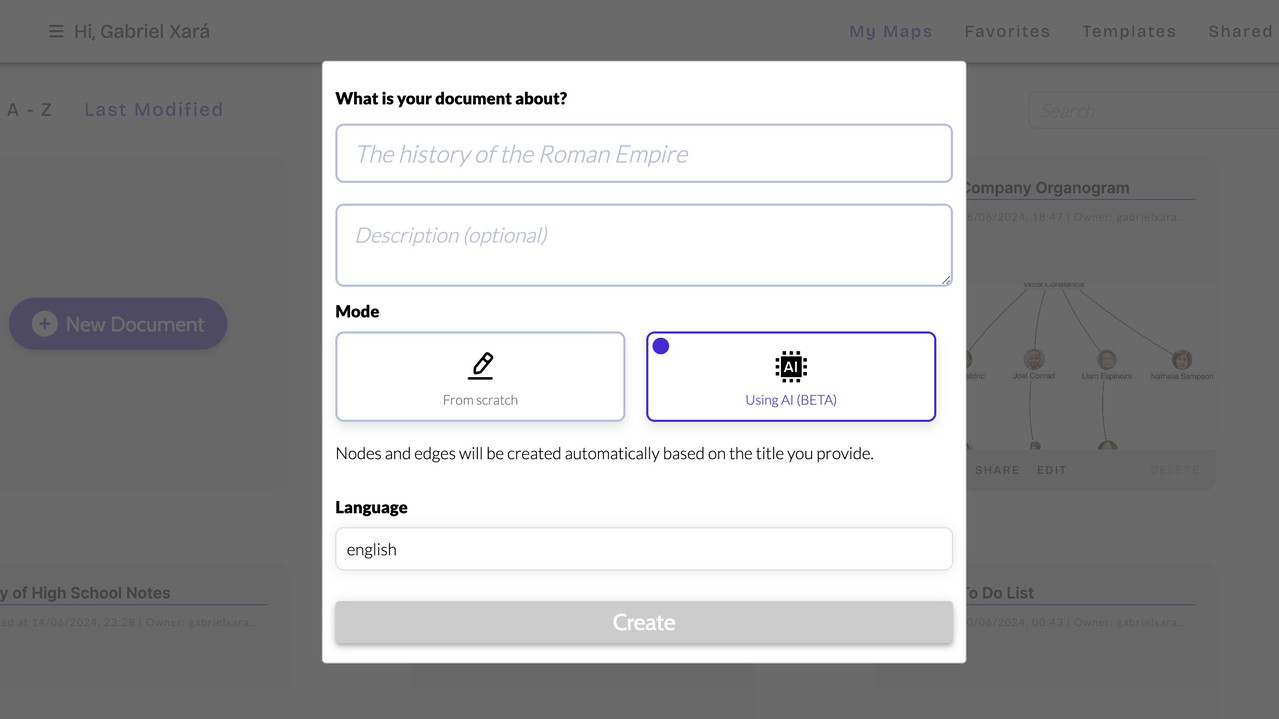
One of NodeLand’s most powerful features is its AI-generated mind maps. By leveraging GPT-4, the tool can create structured concept maps based on inputted topics. This feature is particularly useful for students, researchers, and professionals who need quick and organized summaries of vast information.
How AI-Generated Mind Maps Help
Saves time by automatically generating structured notes. Enhances learning by simplifying complex concepts. Offers intelligent suggestions for further exploration.
WYSIWYG Text Editor Enhanced with AI
NodeLand includes a What You See Is What You Get (WYSIWYG) editor, which makes formatting notes seamless. With AI integration, users can receive real-time content suggestions, explanations, and structure improvements.
Benefits of AI-Powered Text Editor
Real-time assistance with explanations and formatting. Ensures structured and organized note-taking. Makes content more readable and engaging.
Collaboration and Synchronization
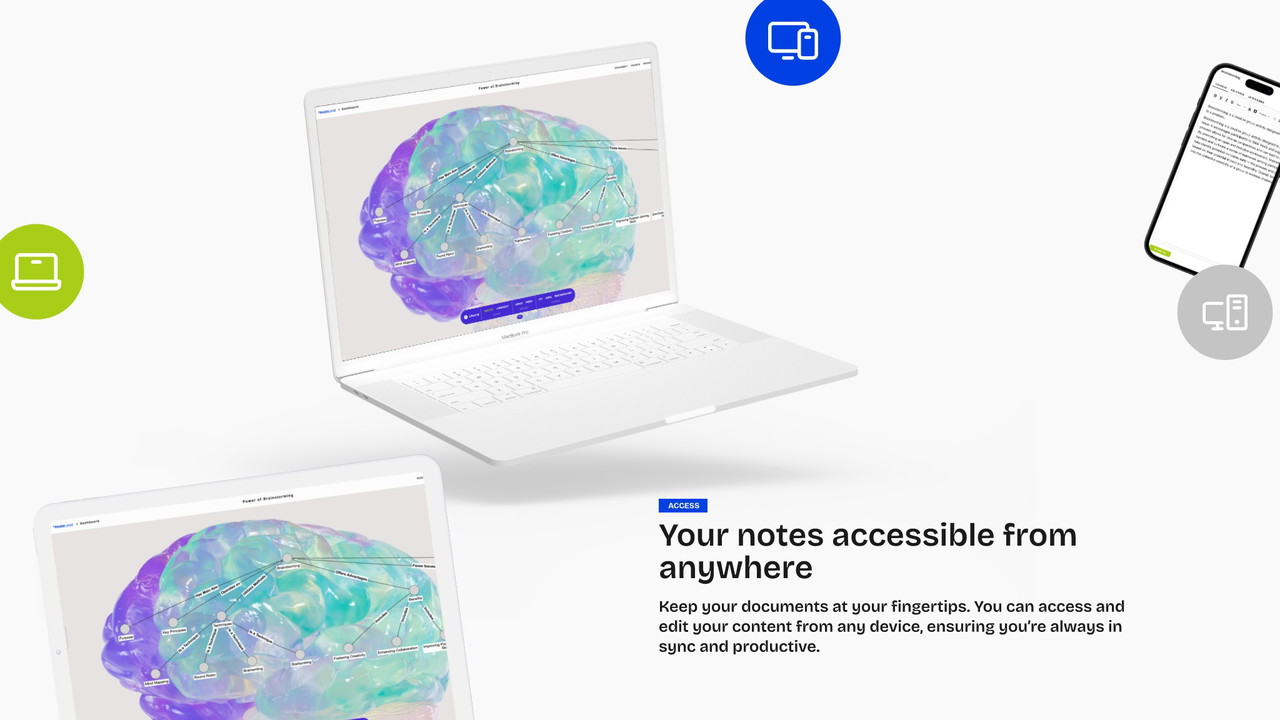
For those working in teams, NodeLand offers real-time collaboration features. Users can share their mind maps with others, making it an excellent tool for team projects, brainstorming sessions, and group study sessions.
Key Collaboration Features
Real-time updates ensure that all users are on the same page. Enables easy sharing of visual notes and ideas. Perfect for remote teams and virtual classrooms.
How NodeLand Compares to Other Note-Taking Apps
Many people wonder if NodeLand is a better alternative to tools like Evernote, OneNote, and Notion. Here’s how it stacks up:
Mind Mapping: NodeLand - Yes | Evernote - No | OneNote - No | Notion - No. AI Integration: NodeLand - Yes | Evernote - No | OneNote - No | Notion - Yes. Real-Time Collaboration: NodeLand - Yes | Evernote - Yes | OneNote - Yes | Notion - Yes. WYSIWYG Editor: NodeLand - Yes | Evernote - Yes | OneNote - Yes | Notion - Yes.
While Evernote and OneNote are fantastic for traditional note-taking, they lack the visual mapping capabilities that make NodeLand stand out. Notion does offer some level of AI-powered assistance, but it doesn’t focus on dynamic concept mapping the way NodeLand does.
Why Should You Use NodeLand?
Boosts Creativity and Idea Organization
NodeLand allows you to brainstorm effectively by visually laying out thoughts and linking related concepts, making it easier to generate new ideas and improve productivity.
Saves Time with AI Assistance
Instead of manually structuring notes, the AI-powered mind maps and text editor do the heavy lifting, helping you focus on what truly matters.
Enhances Learning and Retention
Whether you’re a student preparing for exams or a professional absorbing new information, NodeLand makes it easier to understand and recall complex topics.
Streamlines Collaboration
For teams, educators, and students working on projects together, real-time collaboration and easy synchronization make teamwork seamless.
Is NodeLand Worth It?
If you’re someone who values efficient note-taking, visual thinking, and AI-powered assistance, then NodeLand is absolutely worth trying. It provides a unique approach to organizing information and boosting productivity. Whether you're managing tasks, brainstorming ideas, or studying for exams, NodeLand offers a powerful solution that enhances the way you work.
Final Verdict: Highly Recommended
If you're looking for a next-level note-taking and mind mapping tool, NodeLand is an excellent choice. Try it out and unlock the full potential of your ideas today!







