


Boost Productivity with Logic Sheet: The Ultimate Google Sheets Automation Tool
In today’s fast-paced digital world, manually performing repetitive tasks in Google Sheets is a time-consuming and frustrating process. If you find yourself constantly updating spreadsheets, sending notifications, or transferring data between tools, it’s time to automate the boring stuff. Enter Logic Sheet, a powerful Google Sheets automation tool designed to help marketers, sales managers, and small businesses save time and boost efficiency.
With Logic Sheet, you can set up automated workflows that trigger actions like sending emails, updating spreadsheets, and integrating with tools like Slack, Notion, and HubSpot. Whether you want to run workflows hourly, daily, or on specific triggers, this tool ensures that your business processes stay streamlined. Let’s explore the key features, benefits, and use cases of Logic Sheet, so you can decide if it’s the right fit for your automation needs.

Why Use Logic Sheet for Google Sheets Automation?
Eliminate Repetitive Manual Work
Manually handling spreadsheet tasks not only wastes time but also increases the chances of human error. Logic Sheet allows you to automate workflows, ensuring data accuracy while freeing up valuable hours for more critical tasks.
Run Automated Actions on Triggers
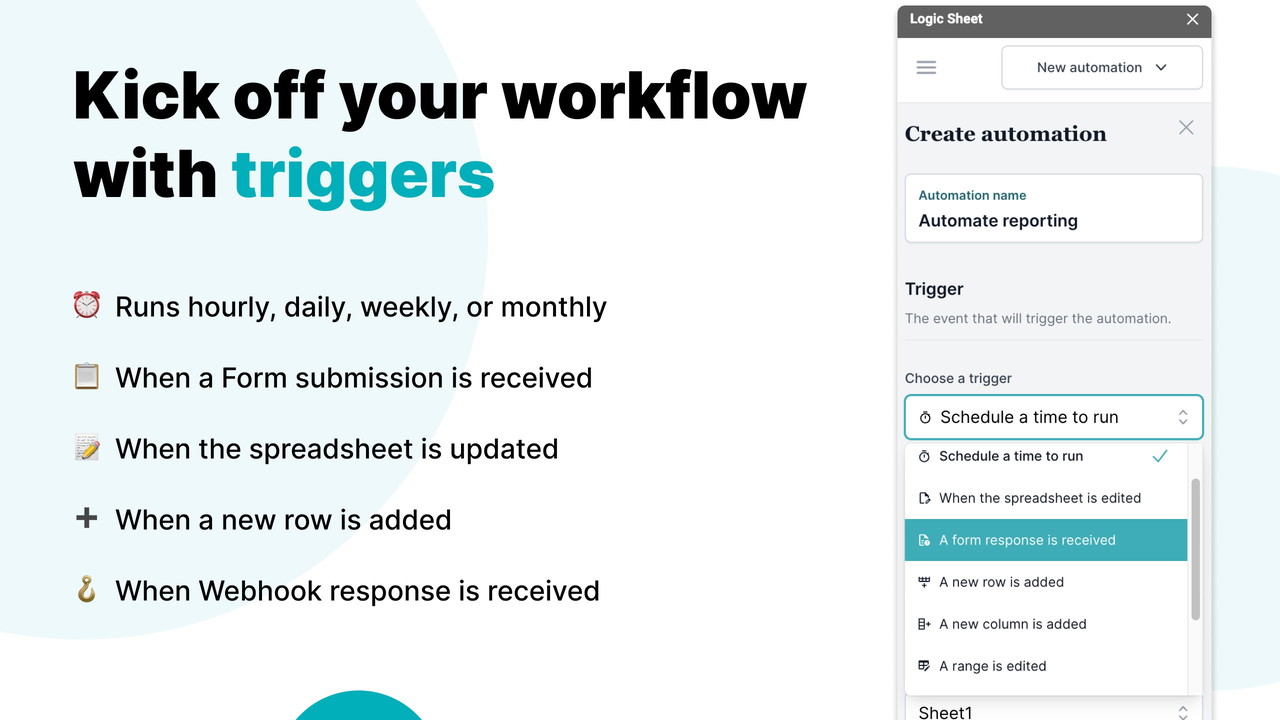
Logic Sheet lets you listen to triggers like:
-
Spreadsheet edits (trigger an action when specific cells are updated)
-
Google Form submissions (run automation when a form is submitted)
Sponsored
-
Time-based triggers (schedule tasks to run hourly, daily, or weekly)
-
Webhook triggers (integrate with external apps using API requests)
Set Conditional Logic for Workflows
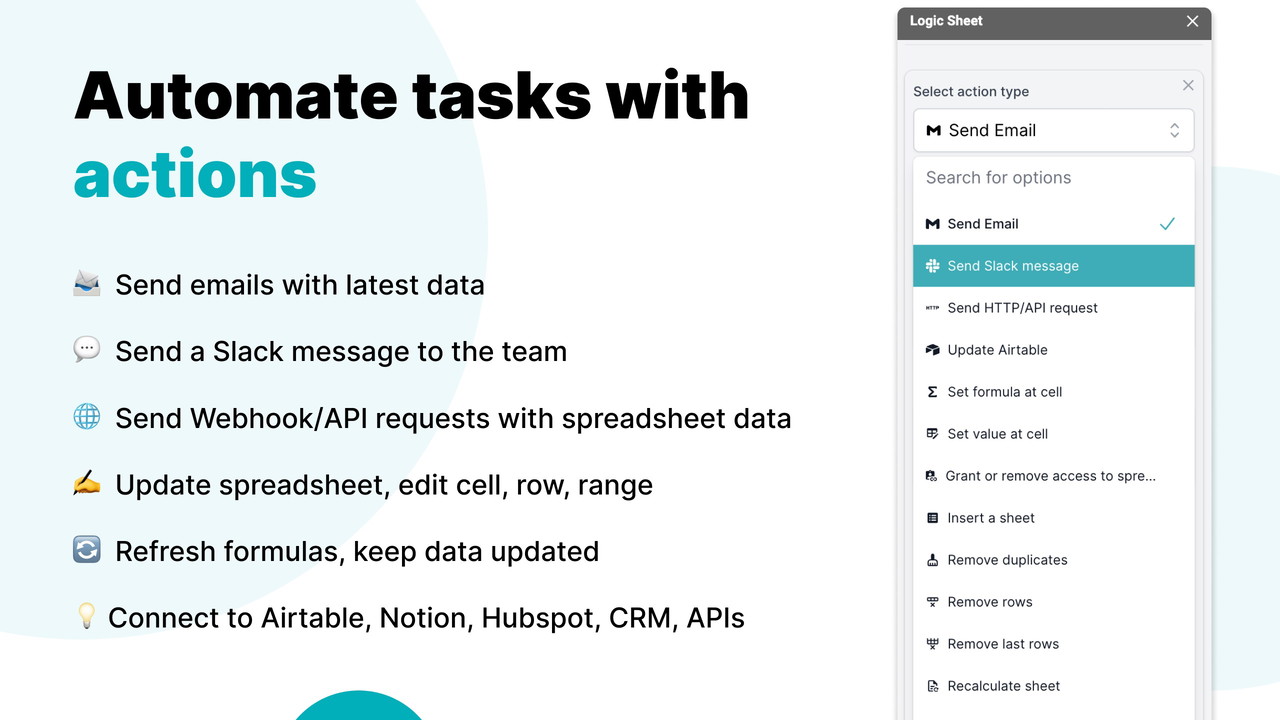
Not every automation should run under all circumstances. With Logic Sheet, you can set specific conditions before triggering actions. For example:
-
Run automation only when a certain cell value is greater than 100
Sponsored
-
Trigger actions only when a form submission includes a specific keyword
Powerful Automation Actions You Can Perform
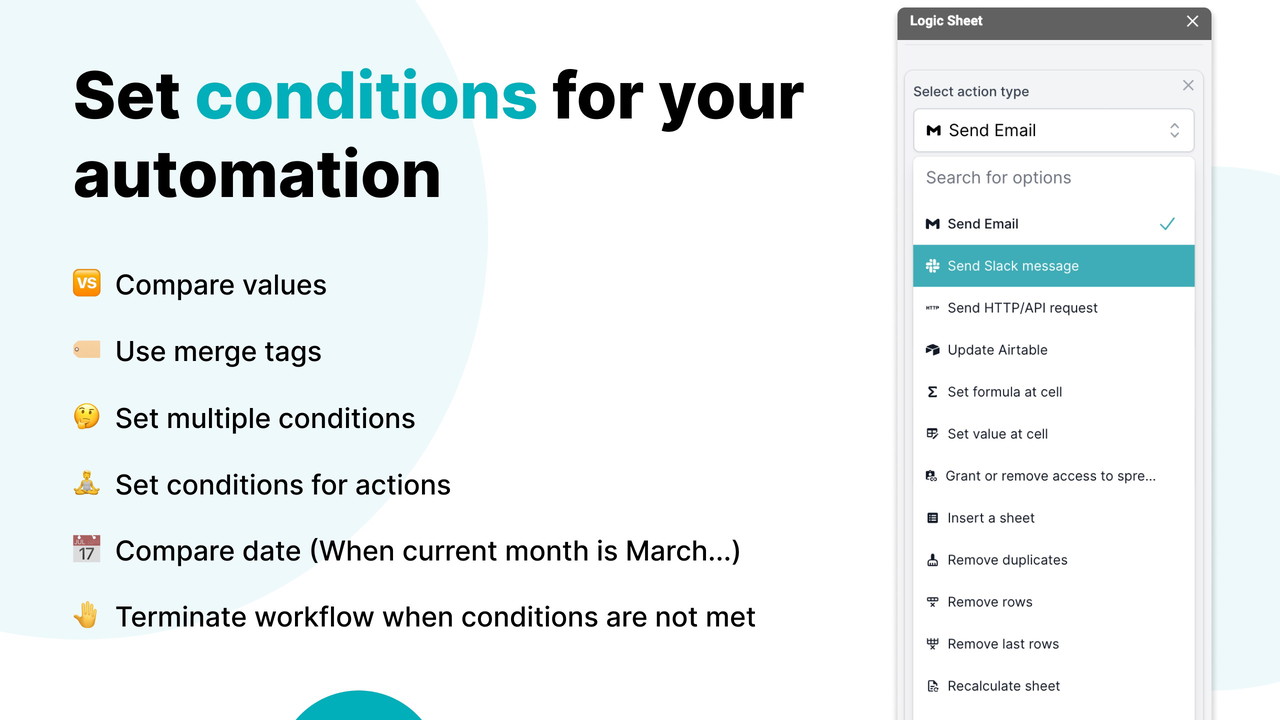
Once a trigger is activated, Logic Sheet can execute various actions automatically. Some of the most popular automation actions include:
Communication & Notifications
-
Send emails to notify team members
Sponsored
-
Send Slack messages for real-time updates
Data Management & Updates
-
Update Google Sheets data automatically
-
Refresh formulas to ensure up-to-date calculations
-
Remove rows based on conditions
Sponsored
CRM & Marketing Integrations
-
Update Notion or Airtable databases with new data
-
Send contacts to HubSpot for lead nurturing
-
Subscribe users to Mailchimp for email marketing campaigns
Upcoming Features (Coming Soon!)
-
Google Calendar Event Creation (automatically schedule meetings)
Sponsored
-
CRM Integrations with Zendesk & Salesforce
-
Social Media Posting (Twitter, Facebook, LinkedIn automation)
-
E-commerce Integrations (Shopify & WooCommerce workflows)
Save Time with Pre-Built Automation Templates
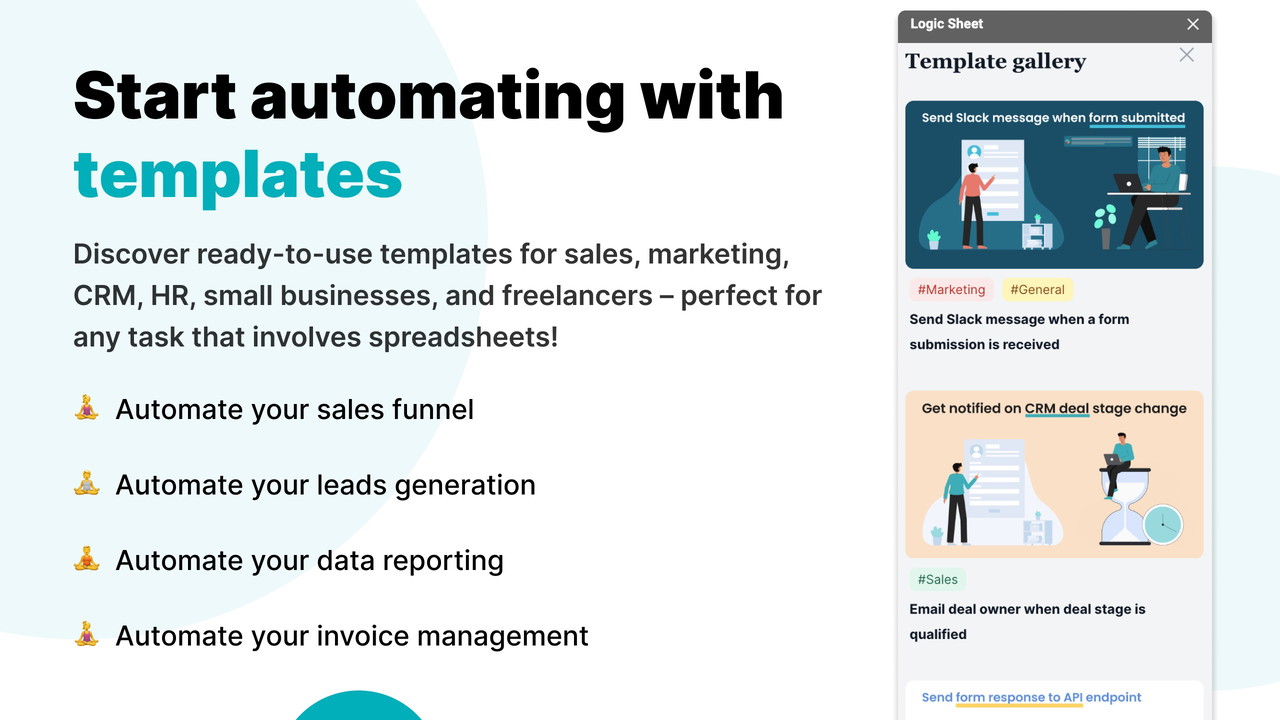
Setting up automation workflows from scratch can be overwhelming. Logic Sheet simplifies this process with pre-built templates and automation recipes. These templates help users quickly configure common workflows tailored for different industries, including:
-
Project Management automation
-
Customer Relationship Management (CRM) workflows
-
Sales Reporting & Lead Tracking
Additionally, users can import automation recipes from the community, allowing them to leverage proven workflows with minimal effort.
Who Should Use Logic Sheet?
Logic Sheet is best suited for: ✅ Marketers – Automate email campaigns, update CRM data, and manage customer responses. ✅ Sales Managers – Track leads, send notifications, and sync data with sales platforms. ✅ Small Businesses – Reduce operational workload by automating invoices, reports, and notifications.
How to Get Started with Logic Sheet
-
Install the Logic Sheet Add-on from the Google Workspace Marketplace.
-
Set Up Your First Automation by selecting a trigger (e.g., form submission, time-based schedule).
-
Define Actions & Conditions to specify when and how the automation should run.
-
Integrate with Your Favorite Tools like Slack, Notion, Airtable, and Mailchimp.
-
Run & Monitor Automations using the intuitive Logic Sheet dashboard.
Final Verdict: Is Logic Sheet Worth It?
Absolutely! Logic Sheet is a game-changer for anyone looking to boost productivity and eliminate repetitive tasks in Google Sheets. With powerful automation features, seamless integrations, and customizable conditions, this tool helps businesses save time while improving efficiency. If you’re tired of manual work and want to streamline your processes, Logic Sheet is a must-have automation tool.
Ready to automate your Google Sheets workflow? Get access to Logic Sheet today!







