


iTubeGo for Windows Review: The Ultimate Video Downloader
If you’re looking for a fast, reliable, and versatile video downloader, iTubeGo for Windows is a top contender. This powerful tool allows you to download full HD, 4K, and even 8K videos from YouTube, Vimeo, and over 10,000 websites with ease. Whether you’re a content creator, student, or just someone who enjoys offline viewing, iTubeGo provides an efficient way to save your favorite videos in various formats. With batch downloading, subtitle extraction, and private mode, this software stands out among its competitors.

In this review, I’ll share my hands-on experience with iTubeGo, covering its features, usability, and performance. I’ll also provide insights on how it compares to other video downloaders and whether it’s worth your investment. Let’s dive in!
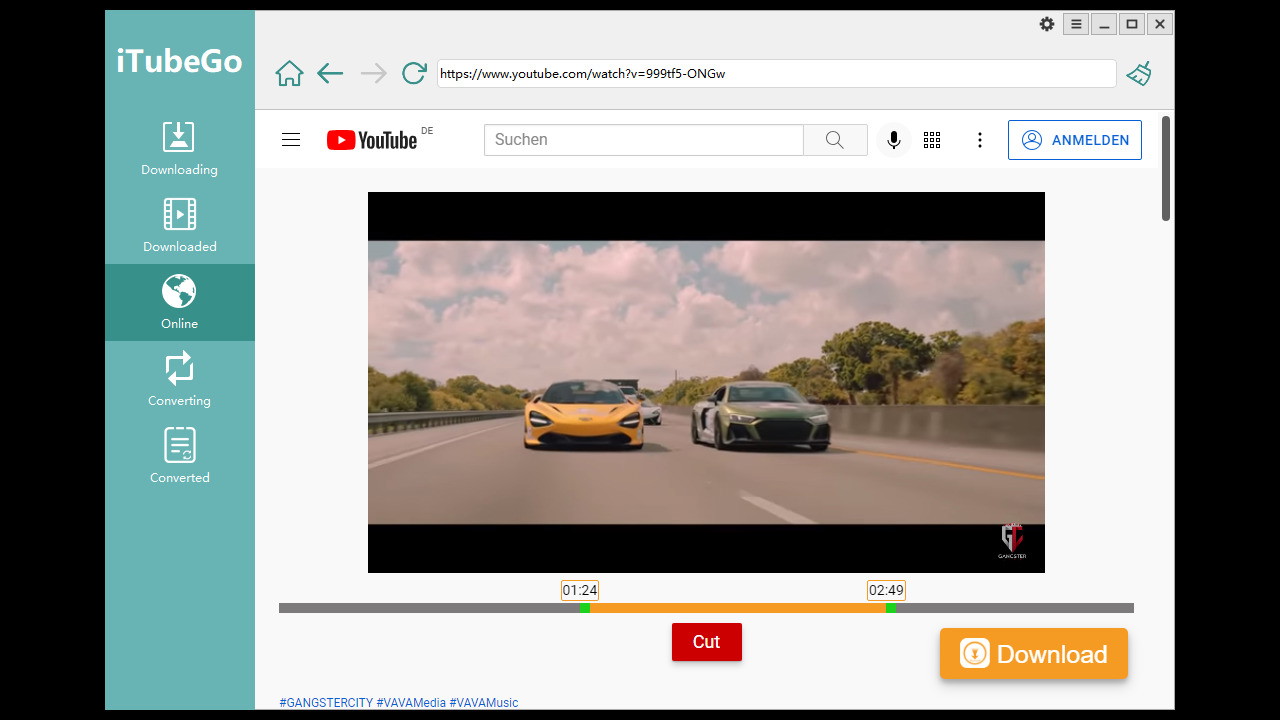
What is iTubeGo for Windows?
iTubeGo is a comprehensive video downloading tool designed for Windows users who want a seamless way to save videos, music, and playlists from various platforms. Whether you need to convert YouTube videos to MP4, MP3, MOV, AVI, or M4A, this software has you covered. Its intuitive interface and one-click download feature make it a convenient option for all users.
Key Features
Here’s a breakdown of what makes iTubeGo for Windows a must-have:
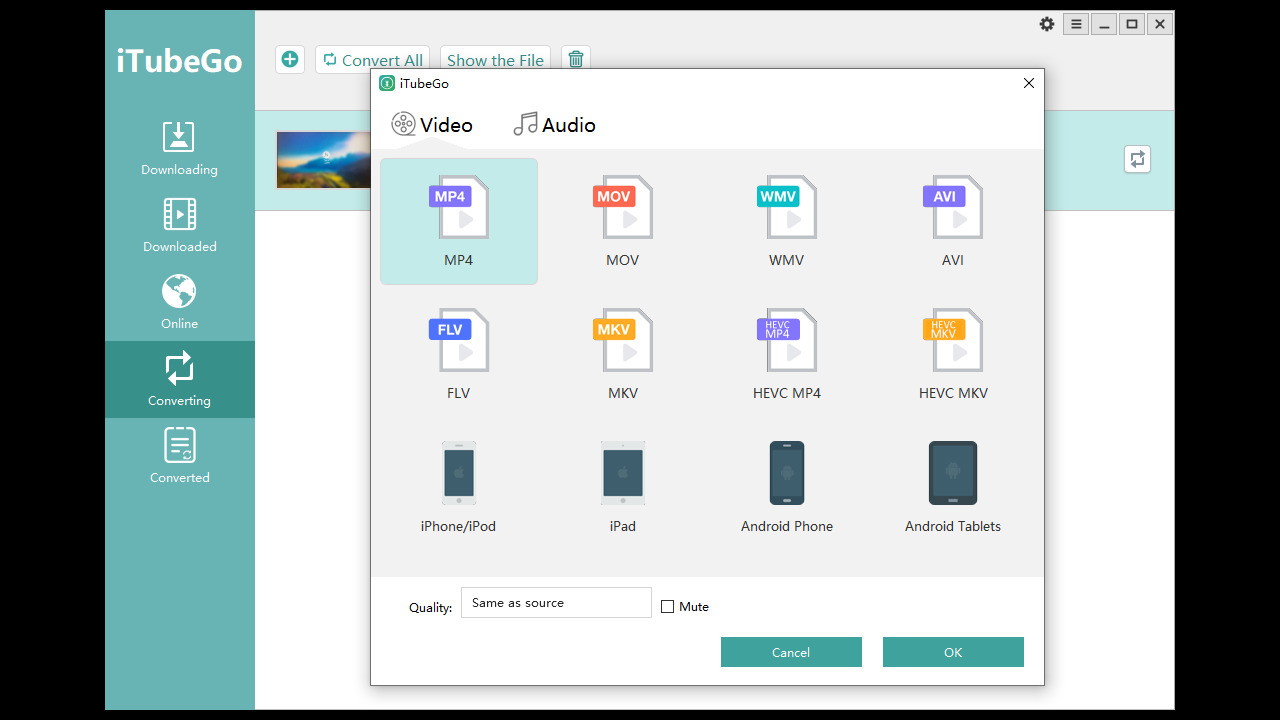
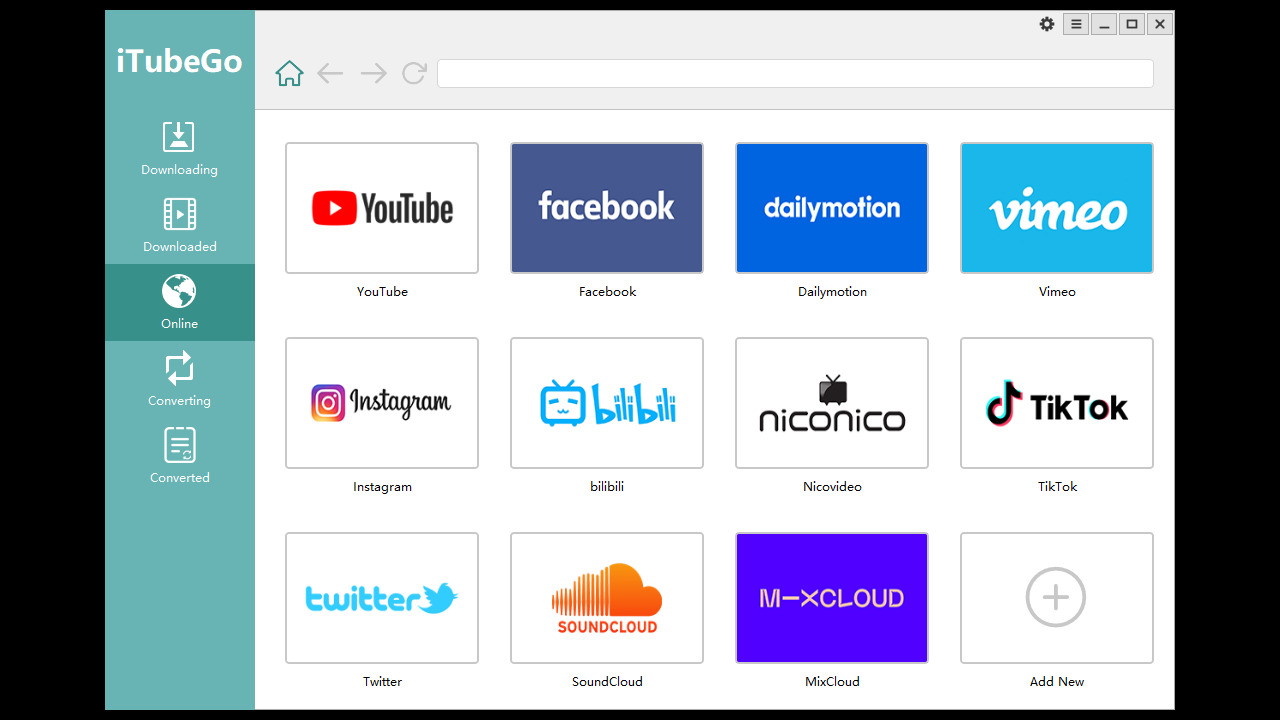
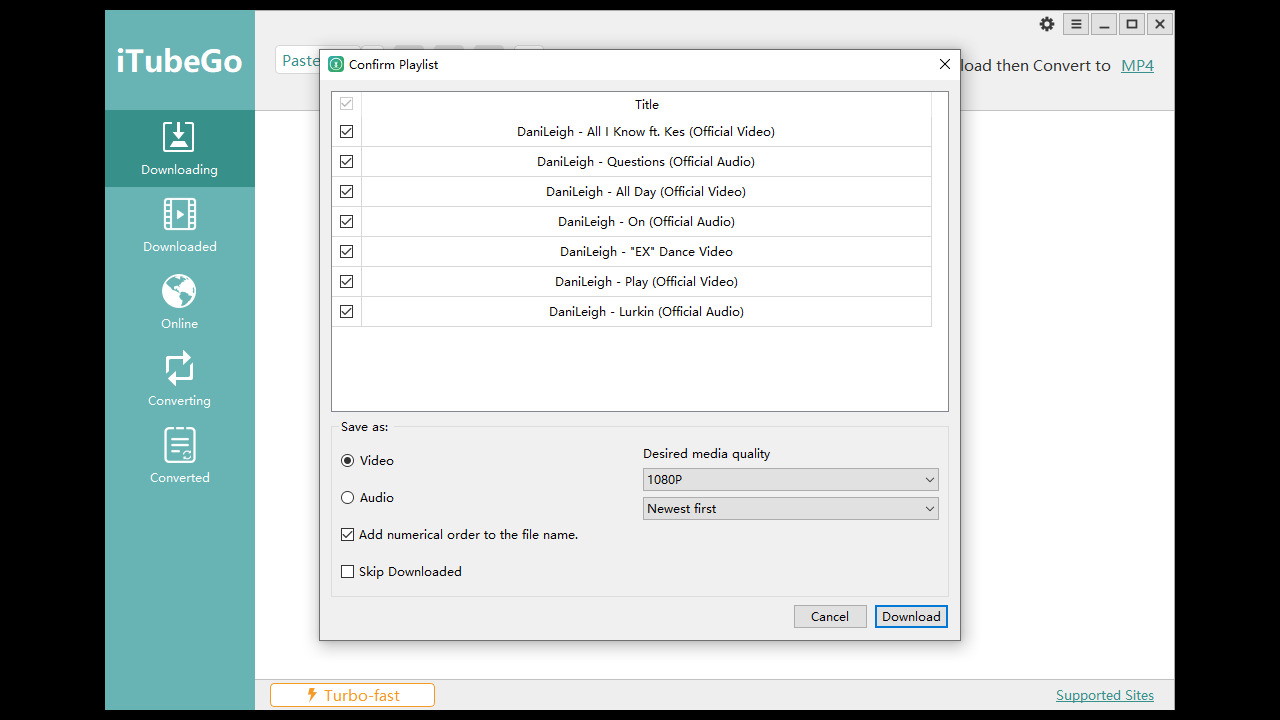
Download videos from over 10,000 websites, including YouTube, Facebook, Instagram, and TikTok. Full HD, 4K, and 8K support, ensuring high-quality downloads. Convert videos to multiple formats (MP4, MP3, MOV, AVI, etc.). Batch downloading to save multiple videos at once. Download entire YouTube playlists and channels effortlessly. Built-in cutter to trim videos and music before downloading. Subtitle extraction (SRT file download). Private mode for securing sensitive downloads. 10X faster download speeds with advanced acceleration technology.
How to Use iTubeGo for Windows
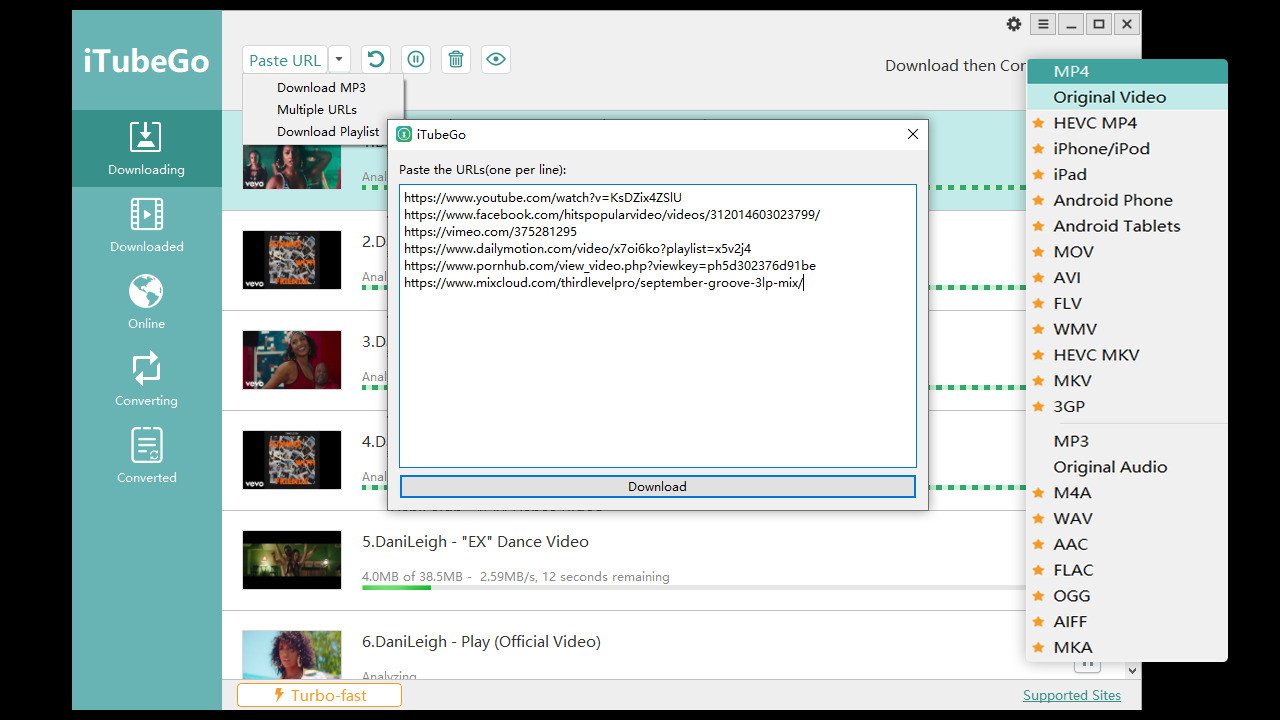
One of iTubeGo’s biggest strengths is its user-friendly interface. Here’s a step-by-step guide to downloading videos effortlessly:
Step 1: Download and Install
First, visit the official iTubeGo website and download the Windows version. Installation is straightforward—just follow the on-screen instructions.
Step 2: Copy and Paste the Video URL
Open iTubeGo, copy the video URL from YouTube or any supported website, and paste it into the search bar.
Step 3: Choose Your Format and Quality
Select the desired video resolution (HD, 4K, or 8K) and output format (MP4, MP3, MOV, etc.). If you’re downloading audio, you can convert it to MP3, M4A, or WAV.
Step 4: Start Downloading
Click the Download button, and iTubeGo will handle the rest. Thanks to its 10X faster speed, even large files download quickly.
Performance and Speed: How Fast is iTubeGo?
I tested iTubeGo with multiple videos, including high-resolution 4K content. The results? Impressive speed and smooth performance. Compared to other downloaders, iTubeGo’s acceleration technology truly delivers faster downloads without quality loss. Even batch downloads process efficiently, making it perfect for users who want to save entire playlists or channels.
Why Choose iTubeGo Over Other Video Downloaders?
There are several video downloaders on the market, but iTubeGo stands out for its combination of speed, versatility, and ease of use. Here’s how it compares:
Feature iTubeGo Competitors 4K/8K Video Support Batch Downloading Limited Subtitle Extraction Private Mode Built-in Cutter Speed Acceleration
Unlike many alternatives, iTubeGo provides all-in-one functionality without requiring additional software.
Is iTubeGo Safe to Use?
Yes! iTubeGo is 100% safe and free of malware. The software is regularly updated, and its private mode ensures that your downloads remain secure. Just be mindful of copyright laws when downloading content.
Final Verdict: Is iTubeGo for Windows Worth It?
Absolutely! If you need a high-speed, feature-rich, and user-friendly video downloader, iTubeGo for Windows is a fantastic choice. It’s particularly great for those who download videos frequently and want the best quality with minimal effort.
Pros
Supports 10,000+ websites High-speed downloads (10X faster) HD, 4K, and 8K video support Batch downloading for efficiency Subtitle extraction and private mode
Cons
Paid version required for full features Occasional site restrictions (depends on platform changes)
If you’re serious about downloading videos, iTubeGo is a game-changer. Give it a try and enjoy seamless video downloads today!
Get iTubeGo for Windows Now!







