


Interactive Shell Review: Should You Invest in This AI-Powered IDE?
In the ever-evolving world of development, having the right tools to streamline your workflow can make a huge difference. If you're a developer, educator, or freelancer looking to optimize your coding process, Interactive Shell is a game-changer. This cloud-powered platform offers an AI-powered IDE that allows you to code, visualize, and manage files across multiple programming languages. With its intuitive interface and cutting-edge features, Interactive Shell makes it easier than ever to write, test, and debug your code efficiently.
Whether you're looking to work on JavaScript, React applications, or dive into other languages like Python and C++, Interactive Shell provides the tools you need. It's designed to simplify workflows and provide real-time feedback, helping you stay focused on what truly matters—your code. In this review, I'll break down the key features and benefits of Interactive Shell, as well as its potential drawbacks, to help you decide if it's the right tool for you.

What is Interactive Shell?
A Cloud-Powered Platform for Developers
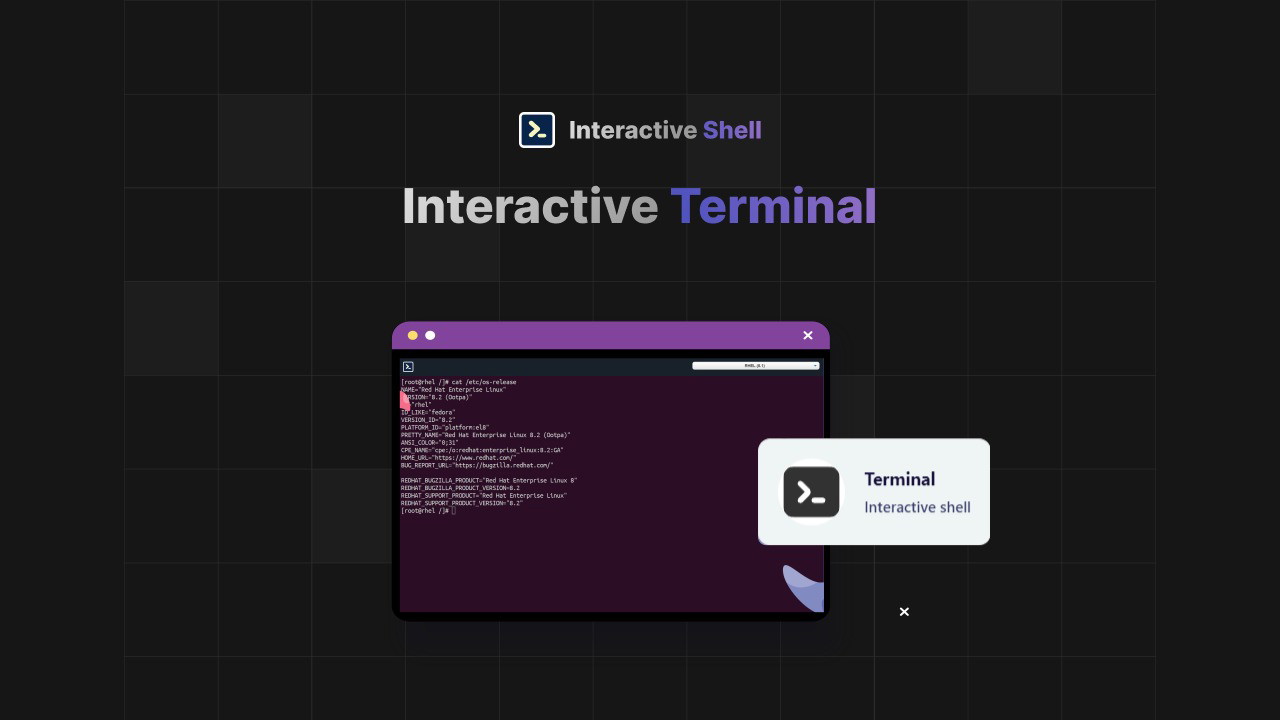
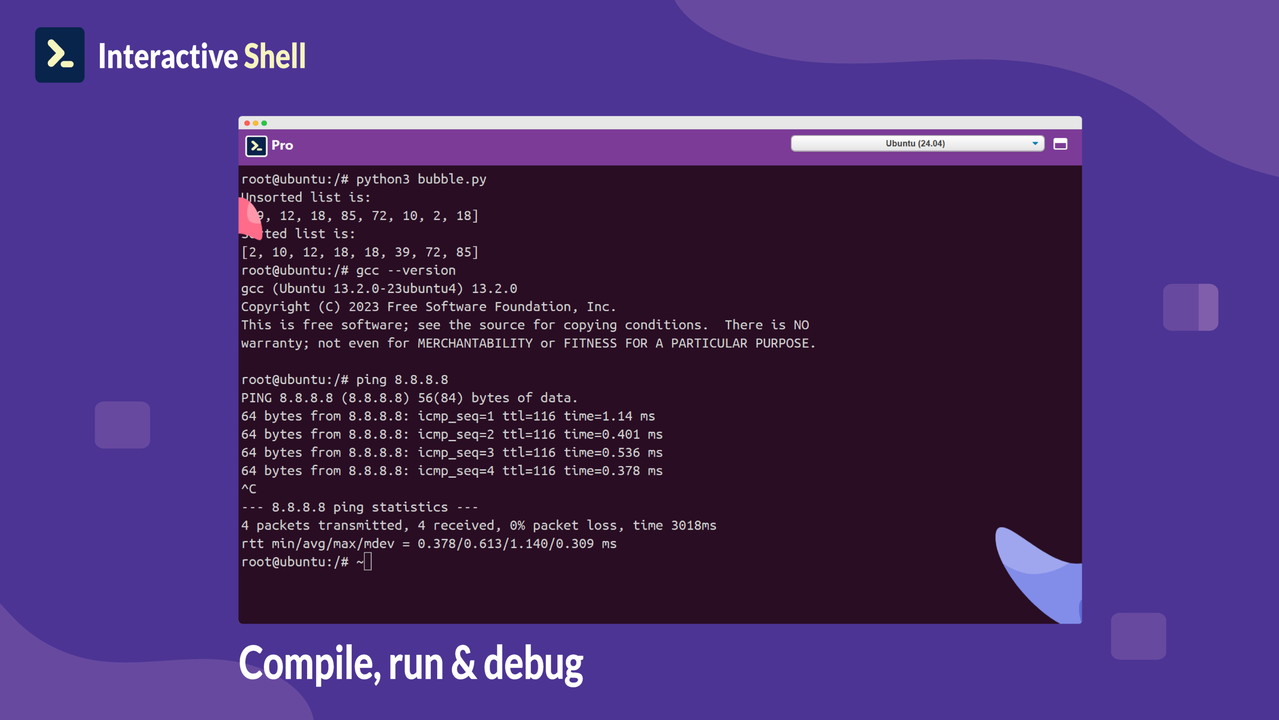
Interactive Shell is a cloud-based integrated development environment (IDE) that provides a hassle-free terminal and powerful coding tools. The platform allows you to access both Linux and Windows terminals, enabling you to work in environments like Ubuntu, RHEL, SuSE, and Windows PowerShell without needing to set up any local infrastructure. This is ideal for developers who want to focus on writing code rather than worrying about managing servers or configuring environments.
Additionally, Interactive Shell integrates seamlessly with popular platforms like GitHub and Bootstrap, offering a streamlined experience for developers. By utilizing cloud virtualization, users can access their workspace from any device, eliminating the need for additional setups or software installations.
Key Features of Interactive Shell
Cloud-Powered Virtualization
One of the standout features of Interactive Shell is its cloud-based virtualization, which eliminates the need for complex setups. As soon as you log in, you can access a clutter-free terminal that provides instant access to your preferred coding environment. This makes testing and debugging code a breeze, without worrying about configuration or local setup.
Each time you access the terminal, you can refresh it to get a new, clean terminal, allowing you to test your code without any distractions or leftover configurations from previous sessions.
AI-Powered IDE for Increased Productivity
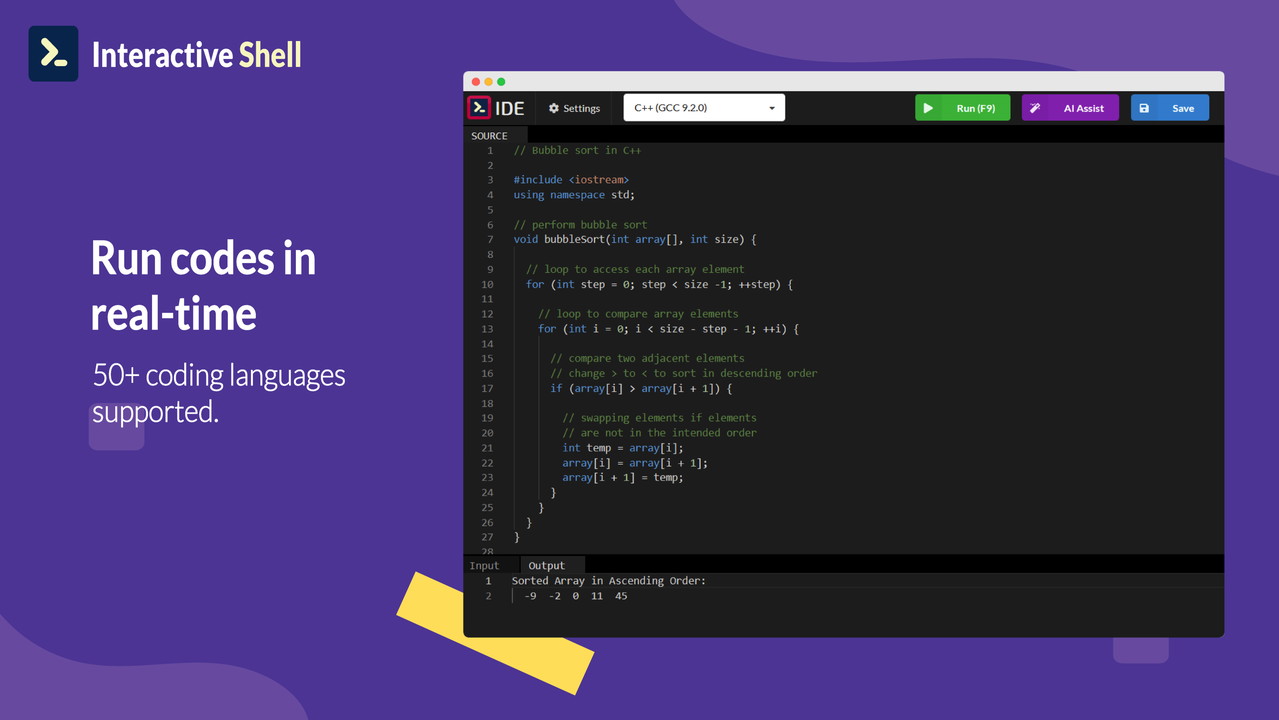
Interactive Shell takes productivity to the next level with its AI-powered IDE. With the ability to run and test your code in real-time, you can get instant feedback on your work. This is incredibly useful for both beginners and experienced developers who need to identify and fix issues quickly. The AI integration offers helpful suggestions and optimizations, making coding more efficient and less prone to errors.
The platform supports over 50 programming languages, including Python, JavaScript, C++, HTML, and CSS. You can easily switch between languages while working on different projects, making it a versatile tool for developers who work across various tech stacks.
Real-Time Visualization and Powerful Editors
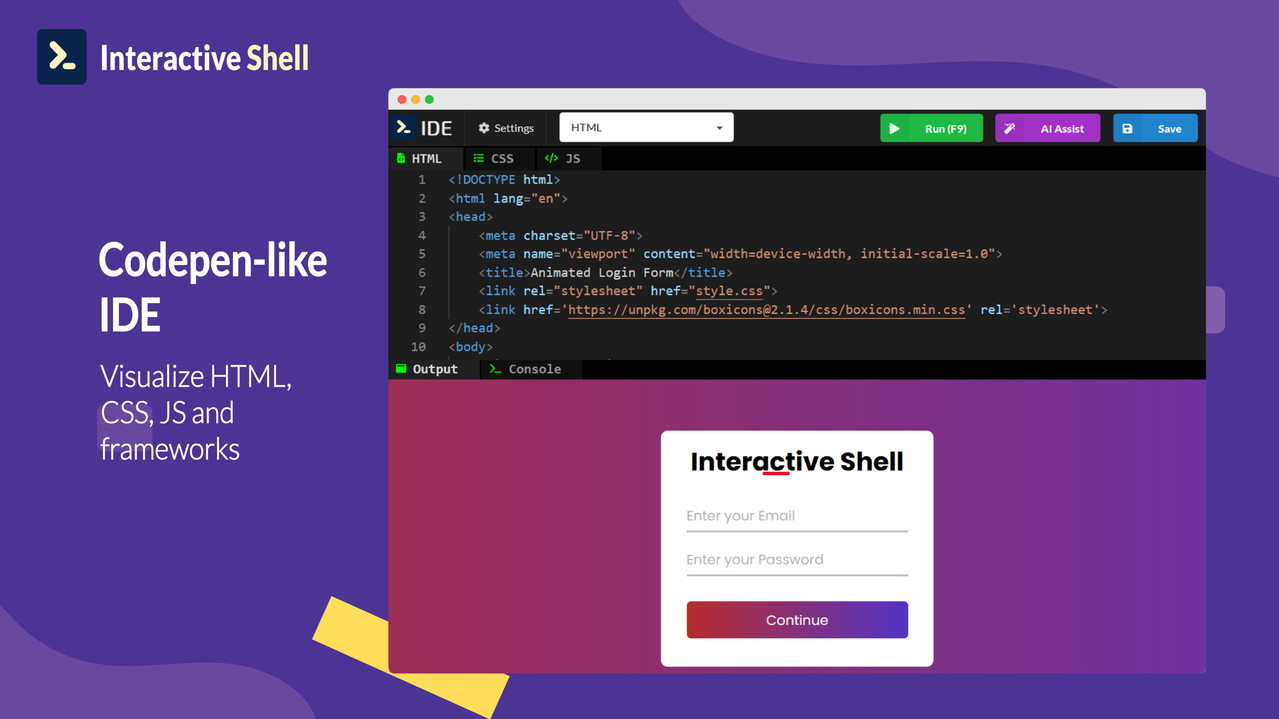
Interactive Shell allows you to visualize your HTML, CSS, and JavaScript code in real time. This feature is particularly valuable for web developers who need to see how their code changes affect the user interface immediately. Additionally, the platform supports frameworks like React and provides built-in tools for rapid prototyping and testing.
The AI-powered Markdown editor, Visual HTML editor, and Code editor help streamline the coding process. Whether you're documenting your code or building a website, these editors provide intuitive environments that don’t require additional software or toolkits. You can also manage files in formats like Markdown, HTML, and code extensions with ease.
Support for JavaScript and React Applications
If you're working with modern JavaScript or React, Interactive Shell makes it incredibly easy to set up and manage your applications. The platform provides seamless support for JavaScript, Typescript, and Babel applications, allowing you to jump straight into development without needing to configure your local environment. For React developers, the platform provides instant access to React libraries and frameworks, making it perfect for rapid testing and prototyping.
Additionally, Interactive Shell integrates tools like Docker, XTerm, and ChatGPT for enhanced functionality. These tools enable a smoother workflow, whether you're building applications, managing files, or collaborating with others.
Pros of Using Interactive Shell
Easy Access to Multiple Programming Environments
Interactive Shell’s cloud-based approach allows you to easily access a range of programming environments. Whether you prefer working in Linux terminals or Windows PowerShell, the platform gives you flexibility without the need for additional setups or infrastructure. This makes it ideal for developers who need to switch between operating systems or environments on the fly.
Real-Time Feedback and AI Assistance
The ability to get instant feedback on your code can save hours of troubleshooting. With AI-powered real-time coding assistance, you can ensure that your code is optimized and error-free as you write it. This is particularly helpful for beginners who may struggle with debugging, as well as for experienced developers who want to streamline their coding process.
Multiple Language Support
Interactive Shell’s support for over 50 programming languages, including Python, C++, JavaScript, HTML, and CSS, makes it an excellent choice for developers who work with multiple tech stacks. The platform’s ability to quickly switch between languages allows you to experiment and prototype without the constraints of managing different development environments.
Collaboration and Version Control
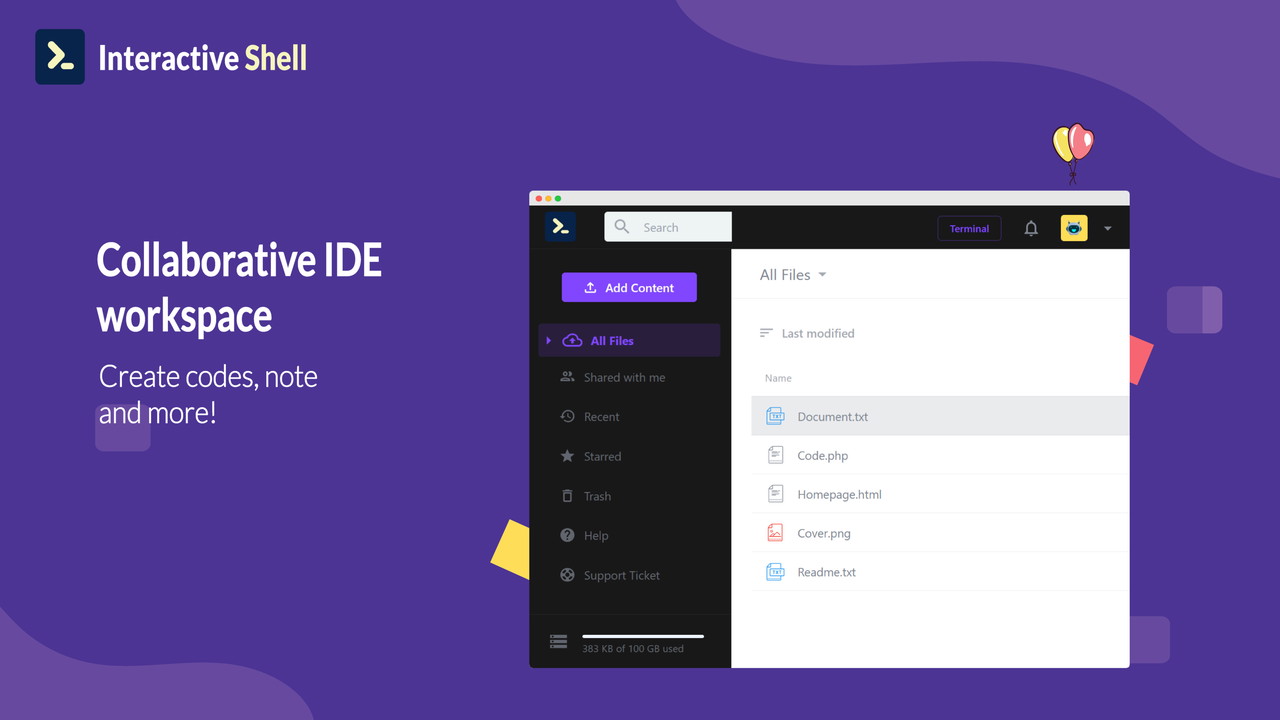
With integrations to GitHub, you can easily collaborate with other developers on projects, making Interactive Shell ideal for teams working on shared codebases. You can commit your changes, track versions, and sync your work with ease, ensuring that everyone is on the same page.
Cons of Using Interactive Shell
Limited to Browser Use
One downside of Interactive Shell is that it is primarily a browser-based platform, which means it requires an internet connection to function. If you're someone who prefers working with a desktop IDE or needs offline access to your development environment, this might be a limitation. However, the cloud-based approach does have its advantages in terms of accessibility and flexibility.
No Native Mobile App
Currently, Interactive Shell is not available as a mobile app, which limits its use on smartphones or tablets. While it’s accessible from any device with a browser, mobile users may find it difficult to take full advantage of the platform’s features on smaller screens.
Conclusion: Is Interactive Shell Worth It?
Interactive Shell is an innovative and powerful tool that can significantly enhance the coding process for developers, educators, and freelancers. With its cloud-powered terminal, AI-driven IDE, and real-time feedback, it’s a platform designed to boost productivity and streamline workflows. Whether you're a beginner or a seasoned developer, Interactive Shell provides the tools you need to code, test, and debug with ease.
However, it may not be suitable for those who need offline access or prefer a desktop-based IDE. Despite this, the platform’s impressive set of features, including multi-language support and integrations with GitHub, make it a valuable investment for anyone looking to streamline their development process.
If you're ready to take your coding to the next level, Interactive Shell is definitely worth considering.







