


Interactive 3D Experiences & Augmented Reality (No App Required) Review: The Future of Digital Display
When it comes to engaging users, few tools have as much impact as interactive 3D experiences and augmented reality (AR). These technologies are no longer just reserved for big brands or gaming studios—they’re now being used by content creators, course developers, and eCommerce sellers to elevate product presentations, boost conversions, and wow customers. The best part? You don’t need to install an app or learn how to code.
I’ve explored many 3D and AR tools, but few are as intuitive and seamless as the platform provided by p3d.in. It offers hosted 3D model viewers, customizable branding options, real-time 3D rendering, and website integrations—all in just minutes. Whether you want to showcase a product prototype, display digital art, or enrich an educational module, this tool gives you a professional, fully interactive 3D experience that works on any browser.

In this review, I’ll walk you through everything I’ve learned using this tool, including who it’s best for, what features stand out, and how to get the most out of it. If you’ve been searching for an easy-to-use AR tool that doesn’t require an app or custom programming, this is one worth your attention.

What Is This 3D & AR Viewer All About?
A No-Code, Browser-Based Way to Bring Your Models to Life
At its core, the platform (powered by p3d.in) is a cloud-based 3D viewer that lets you upload, host, and embed 3D models on your website or online store. It's designed for simplicity—just upload your model, customize the appearance, and either share the direct URL or embed it on your site with a single line of code.
This tool removes the typical technical hurdles of showcasing interactive 3D and AR content. You don’t need to install plugins, manage a server, or ask a developer for help. Everything runs smoothly in the browser.
Who Is This Tool Best For?
Ideal for Creators and Sellers Across Multiple Industries
I’ve seen this tool used in a wide range of industries, including:
-
Content creators showcasing 3D art or digital sculptures
-
Course creators enhancing STEM, design, or product training modules
-
eCommerce brands offering 360° product previews
-
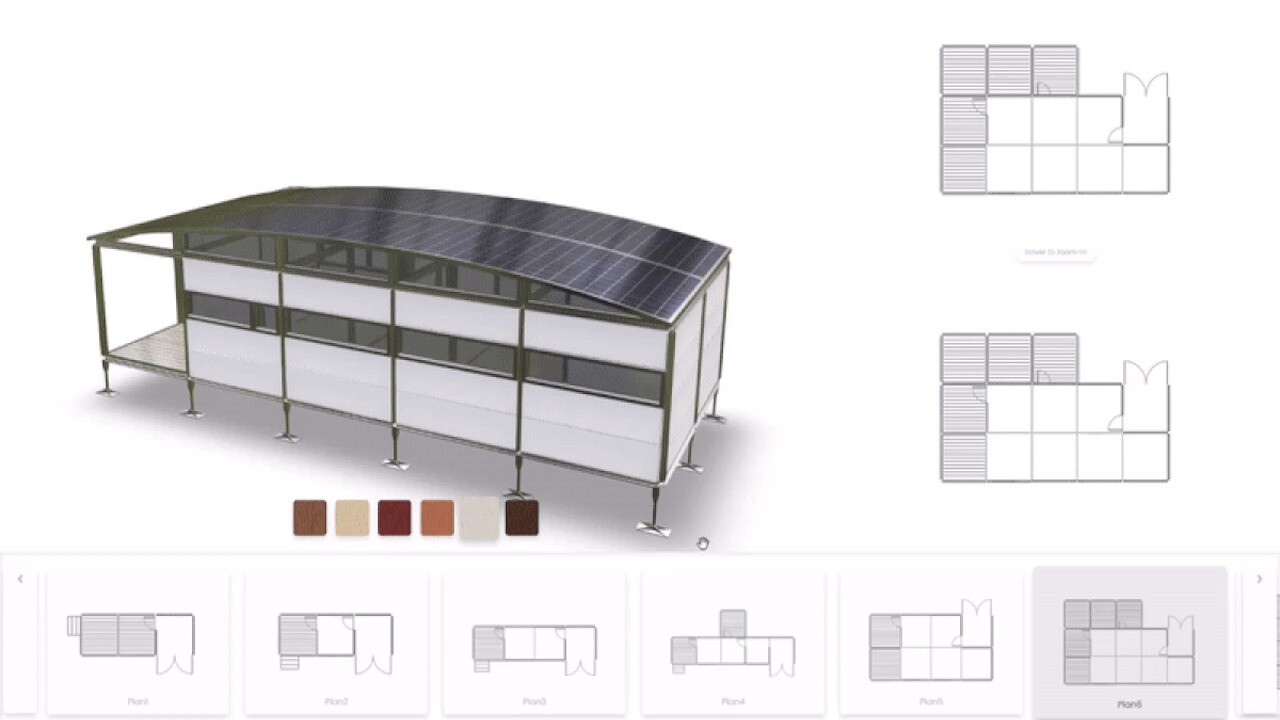
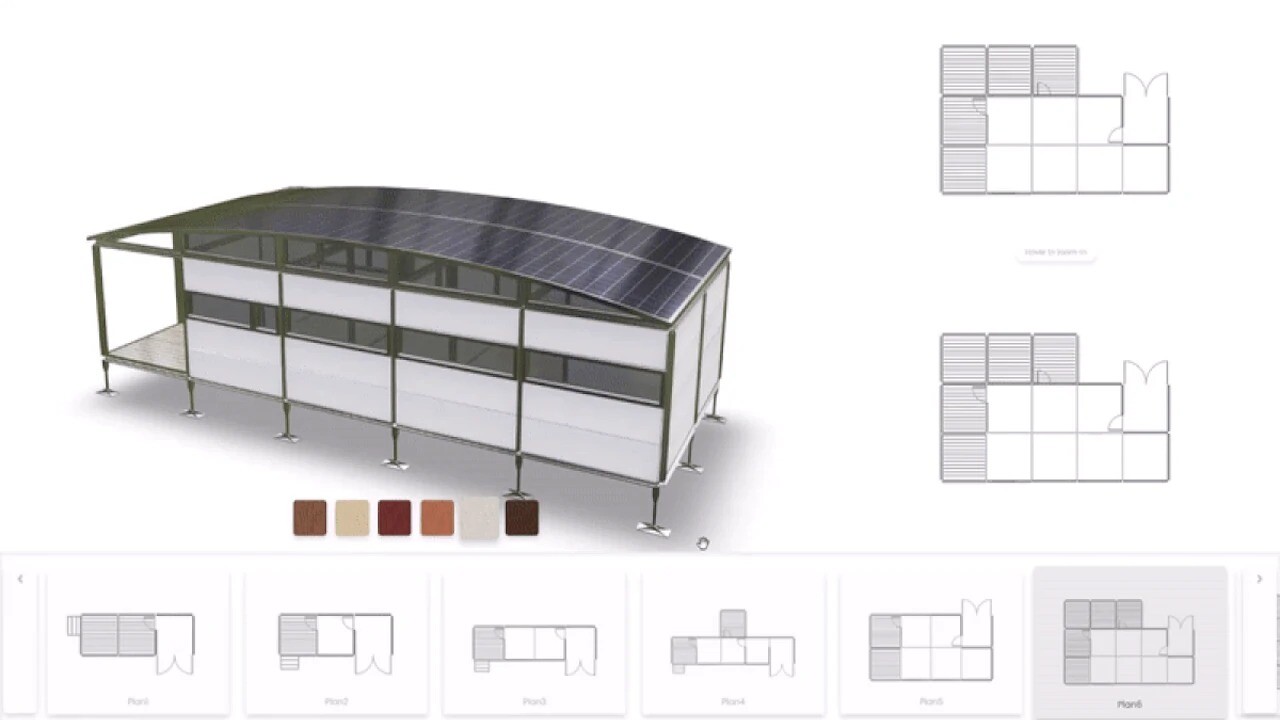
Interior designers showing room layouts in 3D
Sponsored
-
Developers building web experiences with rich visuals
Anyone looking to create engaging, immersive content that goes beyond static images or videos will benefit from this platform.
Key Features That Stand Out
Upload and Embed in Minutes
The simplicity here is worth repeating: you can upload your model and embed it into your site in just a few minutes. There’s no coding, no app, and no installation needed. You’re given a direct link or a one-line embed code you can drop into WordPress, Webflow, WooCommerce, or any custom website.
Customizable Branding and Backgrounds
You can make your model viewer match your brand perfectly. Choose from built-in backgrounds and vignettes or upload your own for full visual control. You can even add your company logo (or your client’s logo), creating a professional and polished look that builds trust and credibility.

White Labeling and CNAME Support
For agencies or businesses who offer 3D services to clients, the platform supports white labeling. You can customize the viewer and even connect it to your own domain using CNAME, making it look like an in-house solution.
Interactive Augmented Reality Support
While many AR tools require a mobile app, this system brings AR functionality to the browser. That means your users can view 3D objects in their real environment using their device’s camera—without downloading anything. It's a frictionless way to engage and impress.
Developer-Friendly API Integration
If you’re building something more custom, there's an API that allows you to automate model uploads, update metadata, and manage user experiences programmatically. This is perfect for developers building interactive 3D product catalogs or learning platforms.
Real-World Use Cases
Art and Design Portfolios
Digital artists and 3D designers use this platform to create immersive galleries. One of the coolest things I saw was an interactive sculpture exhibit where users could rotate and explore models in full 3D right in their browser.
eCommerce Product Demos
Retailers are integrating this viewer into product pages to offer 360° previews and even AR try-on capabilities. This increases customer confidence and often reduces return rates—because people get a much better sense of what they’re buying.
Education and Training
I’ve seen educators use this tool for anatomy lessons, physics simulations, and product assembly training. When learners can manipulate objects in 3D, they understand the material faster and retain it longer.
Pros and Cons
Pros
-
No app or software installation required
-
Extremely user-friendly for non-programmers
-
Quick embed and sharing options
-
Fully customizable viewer with branding support
Sponsored
-
Augmented reality capabilities built-in
-
White label and CNAME support for businesses
-
Supports integration with WordPress, Webflow, and more
Cons
-
Requires model files to be prepared in standard 3D formats (e.g., .obj, .glb)
-
Free plan may have limitations for high-traffic commercial sites
-
Advanced customization requires a paid subscription
How to Get Started
Getting started is incredibly easy:
-
Sign up for an account at p3d.in
-
Upload your 3D model in supported formats (e.g., OBJ, GLTF, STL)
-
Customize your background, branding, and lighting
-
Copy the URL or embed code
-
Paste it into your site, online shop, or course platform
In just minutes, your interactive model is live—and accessible from any browser, anywhere in the world.
Final Thoughts: Is It Worth It?
From my perspective, this is one of the most practical tools available today for hosting and sharing 3D experiences. Whether you’re an artist, educator, eCommerce brand, or developer, the platform’s simplicity and power make it a must-have in your creative toolkit.
You don’t need to worry about technical integrations, hosting limitations, or asking customers to download an app. Everything runs smoothly in the browser, and you maintain full creative control.
If you’re looking for a modern way to showcase products, art, or educational content—without the complexity—this is a smart, future-proof investment. Get access today and start transforming your content into interactive 3D experiences that engage, convert, and inspire.







