


Git Aset Review: The Ultimate Graphic Asset Library for Creative Professionals
If you're a graphic designer, UI/UX expert, or web developer, you know that having quick access to high-quality graphic assets is non-negotiable. From icons to fonts, illustration kits to UI templates, finding the right design resources can make or break a project. That’s where Git Aset steps in—a growing platform offering unlimited downloads of over 13,000 premium design assets to power your creativity and speed up your workflow.
As someone who works in digital design, I’ve seen firsthand how time-consuming it is to hunt for the perfect asset that’s both high-quality and commercially licensed. Git Aset solves that problem with a massive, curated library of editable templates, vector graphics, mockups, 3D graphics, and more. Every item is made by professional illustrators and designers from scratch, and each comes with a commercial license, so you can use them freely—no watermarks, no limitations.

In this review, I’ll break down what makes Git Aset such a valuable tool, how it compares to alternatives, and how I use it in my day-to-day creative work. If you’re serious about design and want to streamline your creative process with top-tier assets, Git Aset is worth a closer look.
What Is Git Aset?
A Premium Library for All Things Design
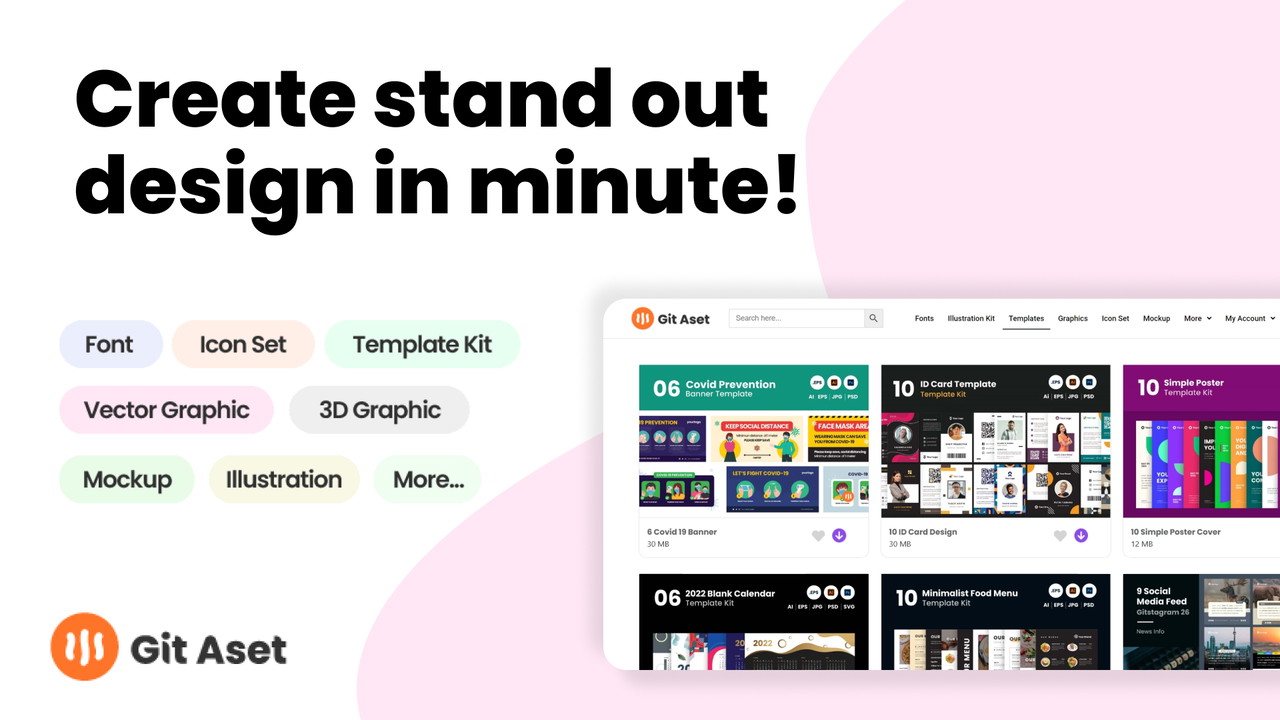
Git Aset is a one-stop platform for downloadable graphic resources. Whether you’re working on a client website, a product UI, a social media campaign, or a presentation deck, Git Aset offers high-quality assets to support your visual goals.
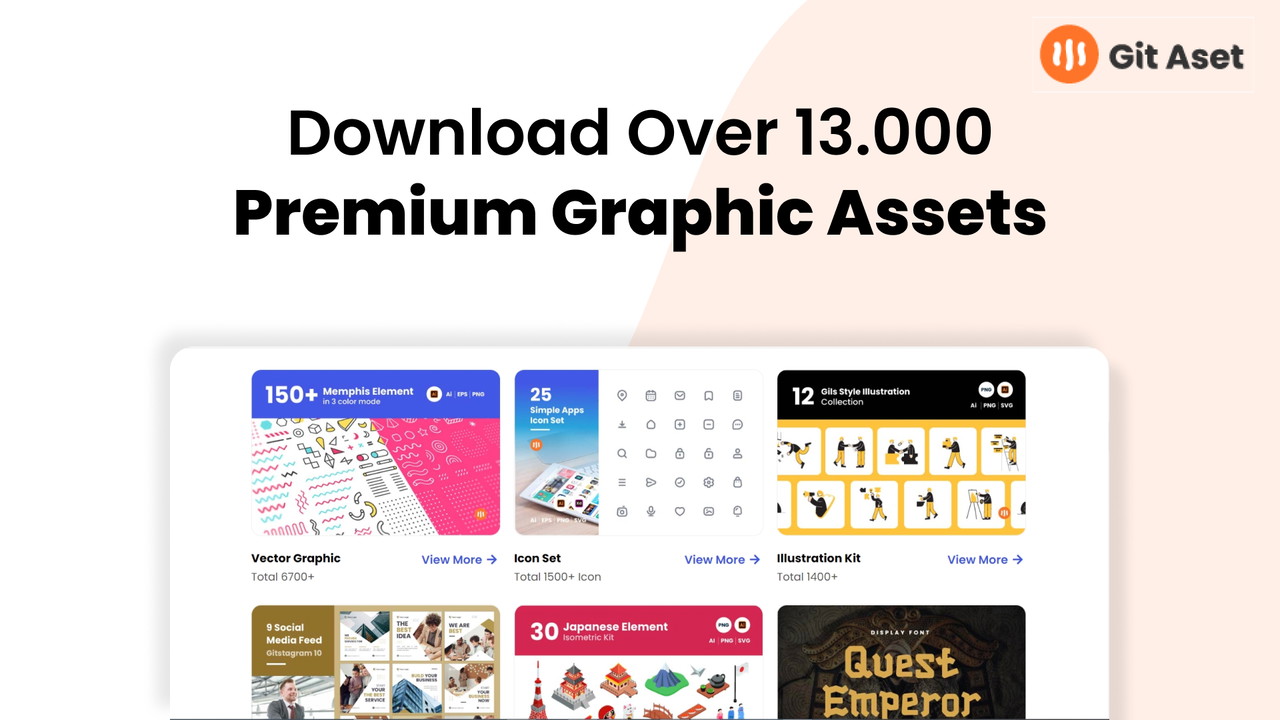
The platform currently features over 13,000 assets, with new ones being added regularly. Each file is fully editable, customizable, and can be used without attribution. This is crucial for anyone working in branding or client-facing roles—you need assets you can confidently build upon and make your own.
What You Can Find on Git Aset
A Breakdown of the 10 Main Categories
One of the things I appreciate most about Git Aset is how well-organized the content is. The platform features 10 distinct categories, making it easy to locate what you need without scrolling through unrelated assets.
Here’s what’s available:
-
Fonts – A diverse collection of stylish typefaces for branding, UI, and editorial use
-
Illustration Kits – Fully editable illustrations suitable for web and app design
-
Template Kits – Ready-made templates for marketing, social, and product design
Sponsored
-
Vector Graphics – Scalable visuals ideal for web and print
-
Icon Sets – Thousands of icons in different styles, perfect for apps and interfaces
-
Mockups – Device and product mockups to showcase your designs professionally
-
UI Kits – Wireframes and UI components for web and mobile applications
Sponsored
-
Isometrics – Modern isometric illustrations that add depth and dimension
-
3D Graphics – Eye-catching 3D elements for next-level visual content
-
Presentation Templates – Slide decks and layouts for polished business or pitch presentations
With everything clearly labeled and searchable, it’s easy to pull together a cohesive visual identity or enhance your next design sprint.
Who Git Aset Is Perfect For
Designers, Developers, and Digital Creators Alike
Git Aset is designed with professionals in mind, but it’s accessible enough for hobbyists too. I’d recommend it for:
-
Graphic designers who need fresh, versatile assets for branding and visuals
-
Web and app developers looking for ready-to-use UI components and mockups
Sponsored
-
Marketing teams building presentations, social campaigns, or ads
-
Product designers who want to test and showcase ideas faster
-
Freelancers working across multiple client projects
Basically, if you work with visuals in any form, Git Aset can save you a ton of time and effort.
Why I Love Using Git Aset
Speed, Quality, and Creative Freedom
Before I started using Git Aset, I was juggling between freebie sites, outdated icon packs, and clunky mockup downloads. Git Aset changed that. I can now go from concept to delivery much faster because I’m not starting from scratch—or spending hours cleaning up low-quality assets.
Here are a few specific benefits I’ve experienced:
-
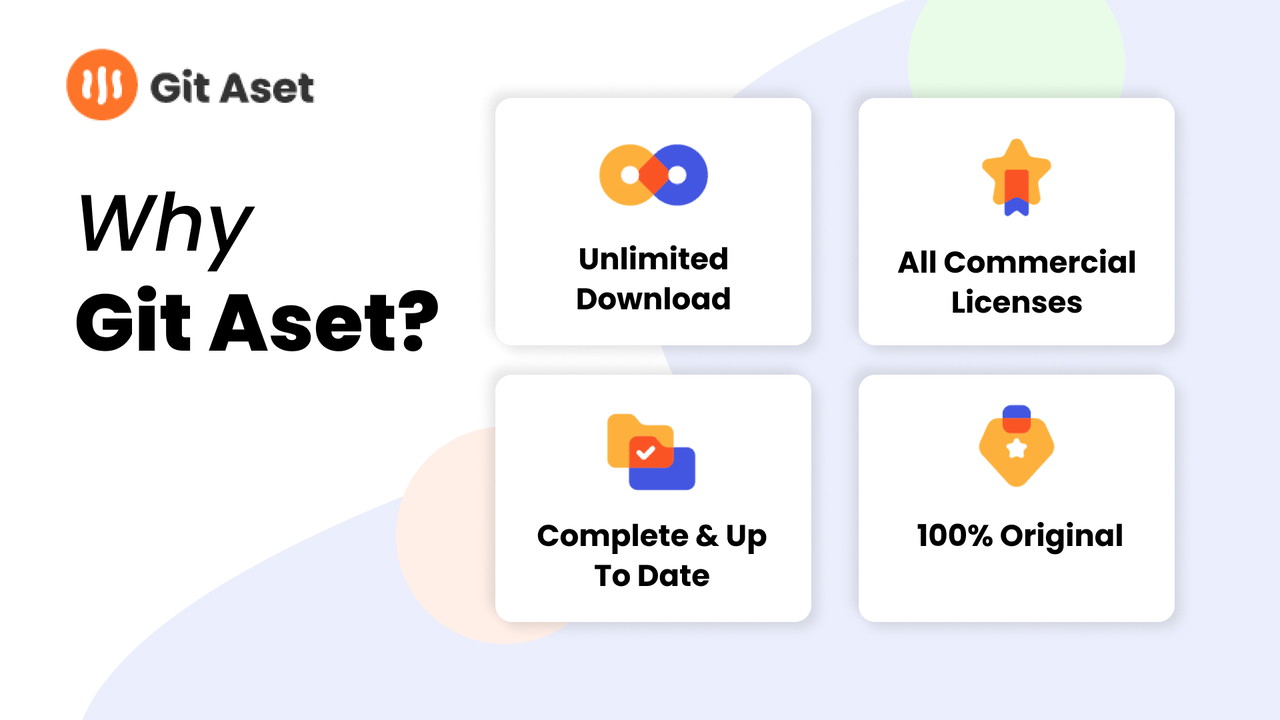
No licensing headaches – Every asset comes with commercial use rights
-
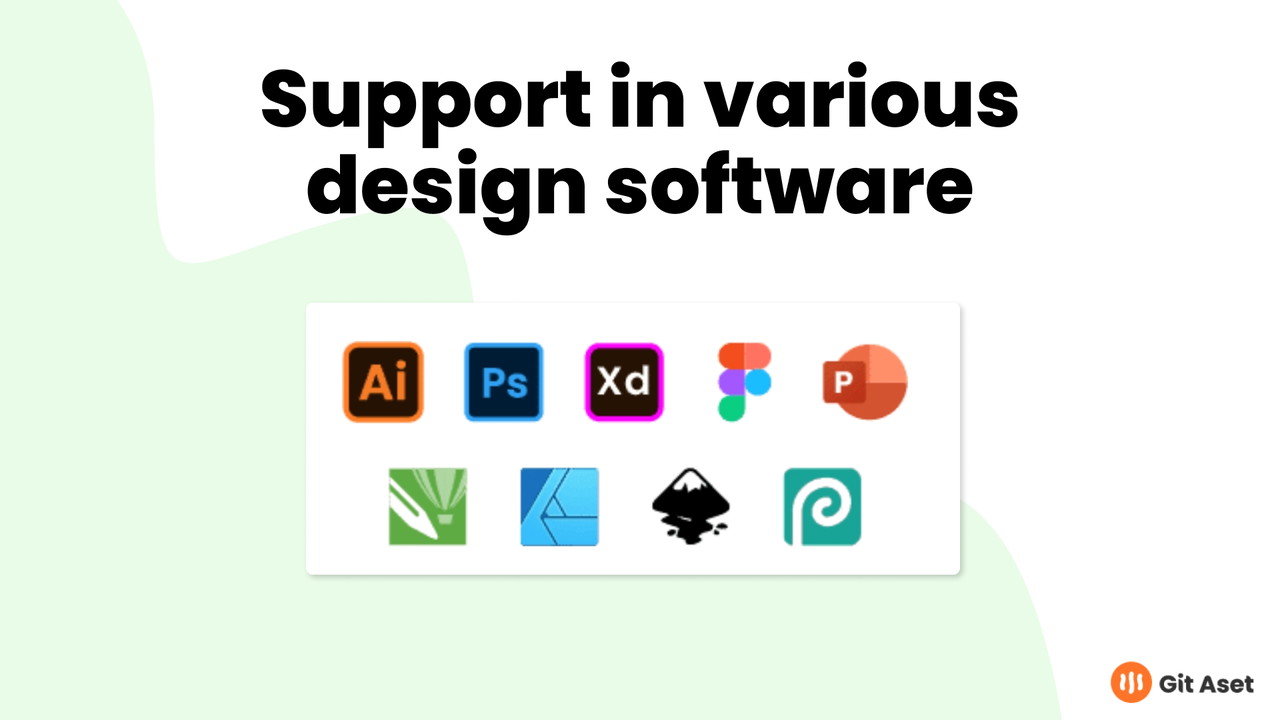
Fully editable files – I can easily tweak illustrations and templates in Figma or Illustrator
-
Professional quality – Everything feels polished, not like a random free download
-
Fresh content – The growing library means I always have new options to explore
And perhaps most importantly, Git Aset allows me to focus on the creative process instead of asset sourcing and formatting.
How Git Aset Compares to Other Tools
A Cost-Effective Alternative to Larger Marketplaces
There are several platforms out there—like Envato Elements, Creative Market, and Freepik—but Git Aset holds its own by offering:
-
Exclusively designed content – Assets aren’t recycled or mass-distributed
-
Simplicity – The interface is clean and easy to navigate
-
Affordability – You’re not paying extra per download or worrying about credits
-
Unlimited access – No caps or quotas on how much you can download
For freelancers and small studios, it’s a solid investment that pays for itself quickly.
Final Thoughts: Is Git Aset Worth It?
Absolutely—If You Work With Visual Content
If you're spending hours hunting for the perfect icon set or trying to cobble together a presentation with mismatched visuals, Git Aset will be a breath of fresh air. It brings together everything a creative professional needs in one clean, easy-to-navigate space.
The unlimited downloads, commercial licenses, and high design standards make it a must-have resource for anyone serious about producing great work, fast. Whether you’re building client websites, creating marketing assets, or prototyping a new app, Git Aset helps you deliver polished, professional results without the usual friction.
My advice? Give Git Aset a try. Once you integrate it into your workflow, you’ll wonder how you ever managed without it.







