


Feedbeo Review: Does It Live Up to the Hype?
Engaging an audience during a meeting, especially in today’s fast-paced, hybrid world, can be a challenge. Whether it’s a small team discussion, a large conference, or a training session, maintaining audience interaction is key to keeping things productive and interesting. This is where Feedbeo comes in—offering a simple, intuitive solution for creating interactive, engaging meetings and events with tools like live polls, Q&A, word clouds, and more.
As someone who has been involved in event planning, project management, and even hosting webinars, I know how crucial it is to create an environment where everyone feels involved. Whether you’re an educator, a conference speaker, or a team leader, Feedbeo promises to take your meetings to the next level. In this review, I’ll dive into what Feedbeo has to offer, from its user-friendly interface to its AI-powered features, and whether it lives up to the expectations of being an effective tool for enhancing meeting engagement.

What Is Feedbeo?
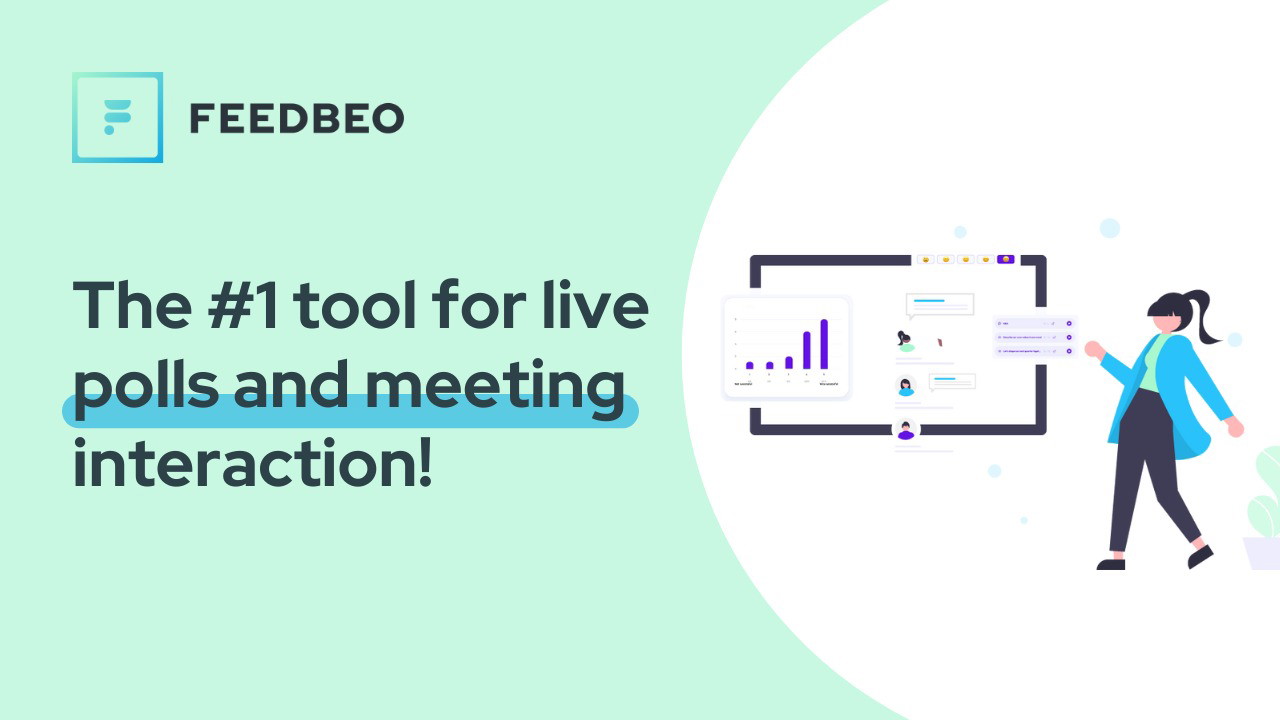
Feedbeo is a tool designed to make your meetings more interactive by allowing you to integrate features like live polls, Q&A voting, word clouds, and other interactive elements that keep your audience engaged. The best part? It’s incredibly easy to use, requiring no technical expertise to get started. Whether you're organizing a virtual town hall, a remote workshop, or an in-person lecture, Feedbeo’s platform helps you quickly engage your audience and gather valuable feedback in real-time.
Feedbeo is designed with a simple interface, making it accessible for organizers to set up events quickly. You don’t need to be an IT expert to create a polished event. The tool allows you to create a custom event, share it via a link, code, or QR code, and start collecting real-time feedback from your participants with minimal effort.
Key Features of Feedbeo
Simple Setup with No Complicated Integrations
Setting up an event on Feedbeo is a breeze. With no complicated settings or integrations, you can create your event in less than 30 seconds. This is perfect for those who are short on time or want to keep things straightforward. Whether you’re using it for a one-on-one brainstorming session or an all-hands meeting with hundreds of participants, Feedbeo makes organizing and sharing your event easy.
You can share your event via a link, #code, or QR code, and participants can join without needing to download any apps or register for an account. This means everyone can participate with ease, which is especially helpful for large-scale meetings.
Interactive Features to Boost Engagement
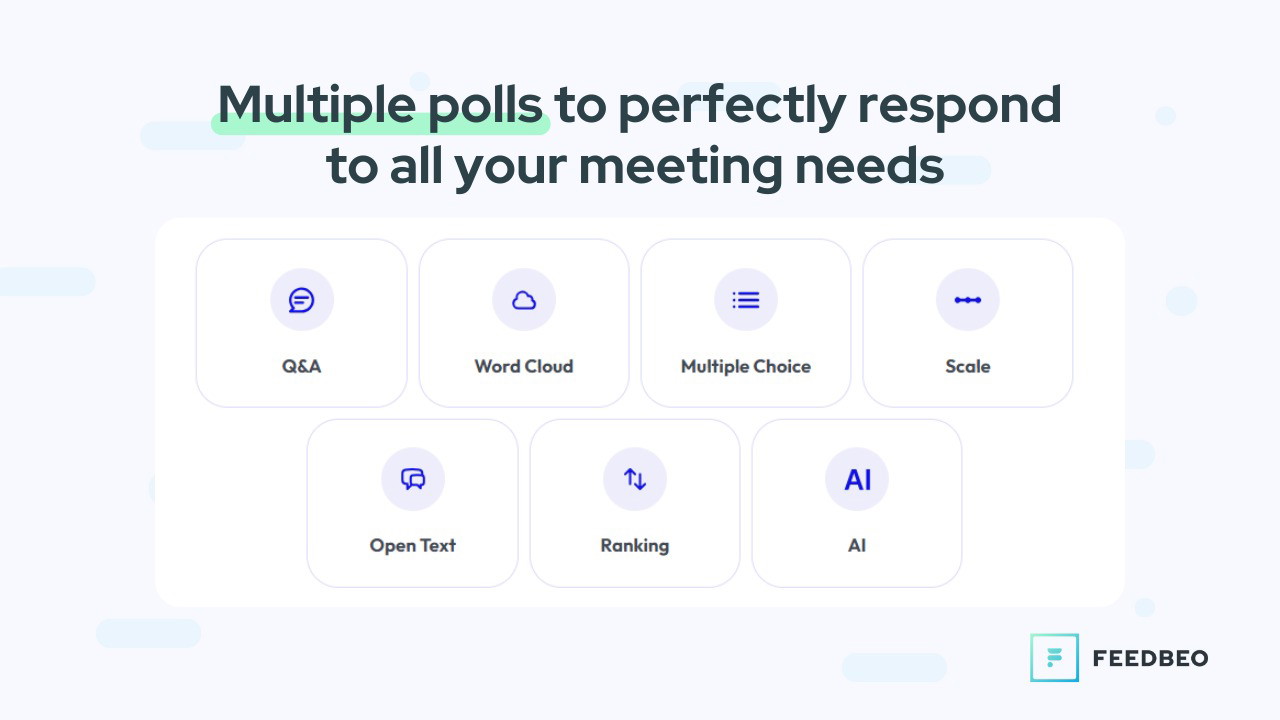
Feedbeo offers several interactive tools to make your meetings more dynamic:
-
Q&A Voting: Allow participants to submit questions or comments during the event, which you can address live. This feature helps foster engagement by enabling the audience to interact directly with the content being presented.
Sponsored
-
Live Polls: Create real-time surveys that encourage audience participation. With various poll types like multiple choice, ranking, and scale, you can tailor your questions to meet your event's needs.
-
Word Clouds: This fun feature allows participants to submit words or phrases, which appear larger in the word cloud based on frequency. It's a great tool for brainstorming or gauging opinions on a particular topic.
-
Open Text: This feature allows participants to respond freely to a question or statement, providing valuable qualitative feedback.
These interactive elements not only keep participants engaged but also provide instant feedback to make your meetings more dynamic and relevant.
AI-Powered Assistant for Event Creation
One of the standout features of Feedbeo is the AI Assistant that helps create your event. If you’re unsure about what types of polls to use or how to structure your questions, the AI Assistant can guide you. Simply input a brief description of your event and its goals, and the AI will suggest a structured set of polls tailored to your needs. This feature is incredibly useful for people who are new to creating interactive events or those who need inspiration on how to best engage their audience.
Real-Time Analytics and Reports
Feedbeo doesn’t just help you engage your audience—it also helps you analyze the results. The platform provides real-time analytics through intuitive graphs that display your poll results. These insights are invaluable for understanding how your audience is responding to your content. After the event, you can download detailed reports or share them directly with other team members for further analysis.
How Feedbeo Works: A Step-by-Step Guide
-
Create Your Event: Whether from scratch or with the help of the AI Assistant, you can easily set up your event by selecting the appropriate interactive elements (e.g., polls, Q&A, etc.).
Sponsored
-
Customize Your Event: Add branding elements such as your logo and colors to give your event a personalized touch.
-
Share the Event: Use the link, #code, or QR code to share your event with participants. They can join with just a click, no app required.
-
Engage and Interact: During the event, use live polls, Q&A, and other interactive features to keep participants engaged and encourage active participation.
-
Analyze Results: After the event, view detailed reports and insights to assess the success of your event and identify areas for improvement.
Sponsored
Who Should Use Feedbeo?
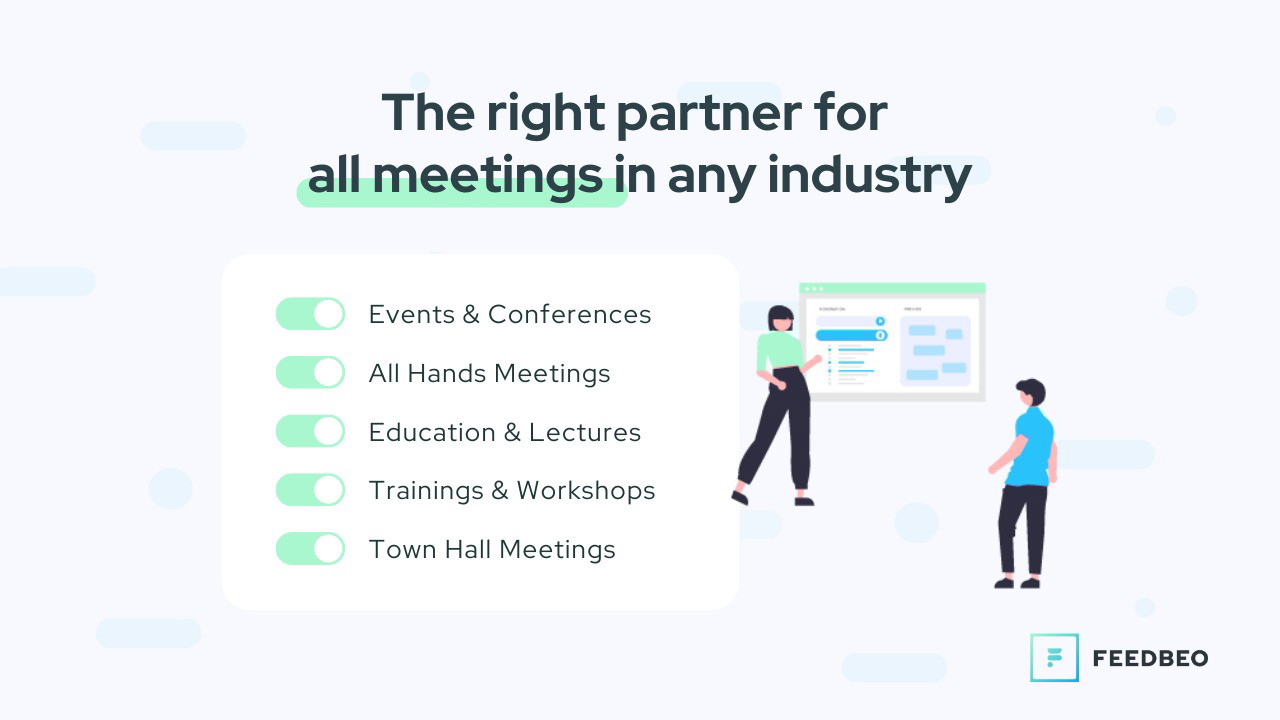
Feedbeo is designed for a wide range of users, from educators to event organizers to project managers. It’s especially useful for people who regularly host webinars, workshops, or meetings that require audience engagement. Whether you're a teacher looking to involve students in discussions or a team leader trying to foster collaboration, Feedbeo provides the tools to keep everyone engaged and ensure no voice goes unheard.
Ideal for:
-
Educators and Trainers: Whether you're teaching a class, hosting a training session, or conducting a workshop, Feedbeo helps create an engaging and interactive learning experience.
-
Event Organizers: From conferences to town halls, Feedbeo makes it easy to engage your audience, get real-time feedback, and create a more memorable event.
Sponsored
-
Project Managers: Feedbeo is a great tool for collaborative meetings, allowing team members to submit feedback and prioritize tasks in real-time.
Pros and Cons of Feedbeo
Pros:
-
No app required: Participants can join via a link, making it incredibly easy for everyone to participate.
-
Wide variety of interactive features: From live polls to word clouds, Feedbeo offers various tools to boost engagement.
-
AI-powered event creation: The AI Assistant helps suggest and structure your event’s content based on your goals.
-
Real-time analytics: Get valuable insights into your audience’s responses to make data-driven decisions.
Cons:
-
Limited customization: While Feedbeo allows for branding, it may not offer the level of customization some users may need for larger-scale events.
-
Learning curve for advanced features: Some users may need a bit of time to familiarize themselves with all the available tools, especially the more advanced analytics.
Final Thoughts: Is Feedbeo Worth It?
Feedbeo offers a simple, efficient, and interactive solution for anyone looking to enhance their meetings or events. Whether you're a team leader, educator, or event organizer, this platform provides the tools you need to keep your audience engaged and make your meetings more productive. The AI Assistant, coupled with real-time feedback and analytics, makes Feedbeo a powerful tool for improving audience interaction. If you're looking for an easy-to-use, privacy-focused tool to boost engagement and collect actionable insights, Feedbeo is definitely worth considering.
For top recommendations, explore our guide on resume builder free. Find the top-rated Cecotec secador with our comprehensive buying guide. For top recommendations, explore our guide on Building Block Toy. Find the top-rated Grand Goldman Shop with our comprehensive buying guide. Find the top-rated ernesta rugs with our comprehensive buying guide. Looking for the best options? Check out our article on ashley furniture quality review. Discover our expert picks for castle hotel in our detailed review. Find the top-rated water purifier with our comprehensive buying guide. Looking for the best options? Check out our article on electric kettle. Discover our expert picks for macaron mats sets in our detailed review.







