


Editor.do Review: The All-in-One IDE and Hosting Platform Developers Actually Need
In a world where web development moves fast, I’m always on the lookout for tools that simplify my workflow without compromising on power or flexibility. That’s exactly what I found with Editor.do, an all-in-one IDE, website hosting, and deployment platform that makes it effortless to code, host, and launch static websites—all in one place.
Whether you’re a developer, freelancer, or marketer, Editor.do lets you work directly in the browser, using over 150 programming languages, with real-time previews, automatic SSL, and a collection of ready-made templates to speed up your workflow. From GitHub integrations to ChatGPT-assisted coding, Editor.do is more than just another online editor—it's a complete web dev toolbox.

What sets it apart is how beginner-friendly it is, while still offering the horsepower experienced developers expect. You don’t need to wrestle with complicated hosting setups or jump between tools—Editor.do handles everything from editing to deployment under one roof.
If you’ve ever found yourself juggling Codepen for prototyping, GitHub for storage, and a separate web host for deployment, it’s time to rethink your stack. Let me walk you through what Editor.do offers and why it might just be your next favorite tool.
What Is Editor.do?
A Seamless Development and Hosting Platform
Editor.do is an online IDE and static site host that allows users to create, edit, and publish websites from a single interface. Unlike traditional setups that involve switching between code editors, terminals, and FTP clients, Editor.do combines everything in one browser-based environment.
It supports live previews, domain linking, and secure hosting—making it an ideal solution for quick launches, client demos, or full-scale deployments.
A Closer Look at Hosting with Editor.do
Fast, Secure, and Incredibly Easy
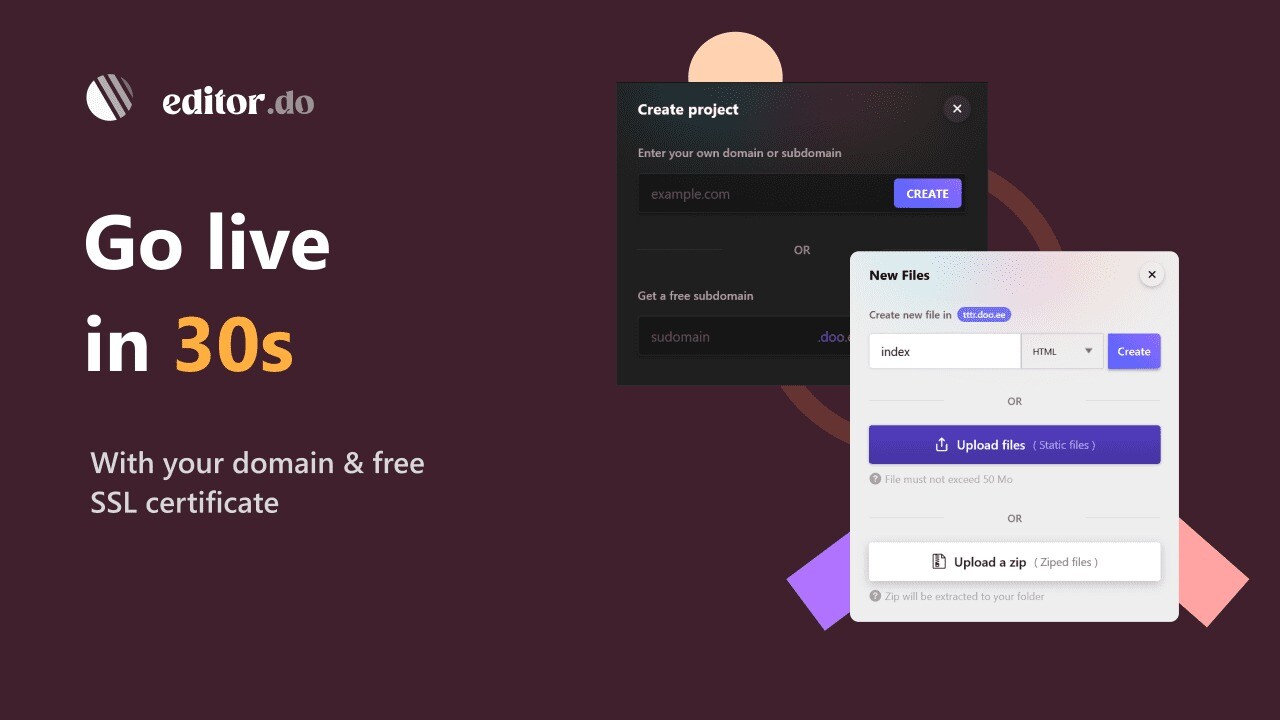
One of the best parts of Editor.do is how ridiculously fast it is to deploy a site. Whether you have a full landing page in a ZIP file or a folder of static HTML, CSS, and JS files, all you need to do is upload and hit deploy. Here’s what you get:
-
Blazing fast NVMe SSD hosting for optimal load times
-
Free SSL certificates automatically applied to every domain
-
Custom domain support with easy DNS setup
Sponsored
-
Free subdomain (.doo.ee) if you’re just testing
-
Full file support (images, videos, audio, fonts, etc.)
-
Password protection for private areas of your site
-
Easy project backups and export options
Sponsored
Whether you’re testing a prototype, building client sites, or just want a reliable way to host side projects, this hosting setup is both beginner-friendly and professional-grade.
The Browser-Based IDE That Feels Like Home
Code Anywhere in Over 150 Languages
I’ve used a lot of online code editors over the years, and Editor.do stands out for feeling familiar and intuitive. You get:
-
Syntax highlighting and themes to match your style
Sponsored
-
A tool panel for quick editing commands like find & replace, cut, and format
-
Live previewing of HTML/CSS/JS files so you see changes instantly
-
Keyboard shortcuts and responsive UI for efficiency
-
Cloud-based access, so your projects follow you across devices
Sponsored
What’s great is that every edit you make is applied in real time to your live site. That’s a game changer for fast iteration, especially if you’re demoing changes with a client on a call.

Templates and GitHub Integration
Get Started Fast with 1000+ Free Templates
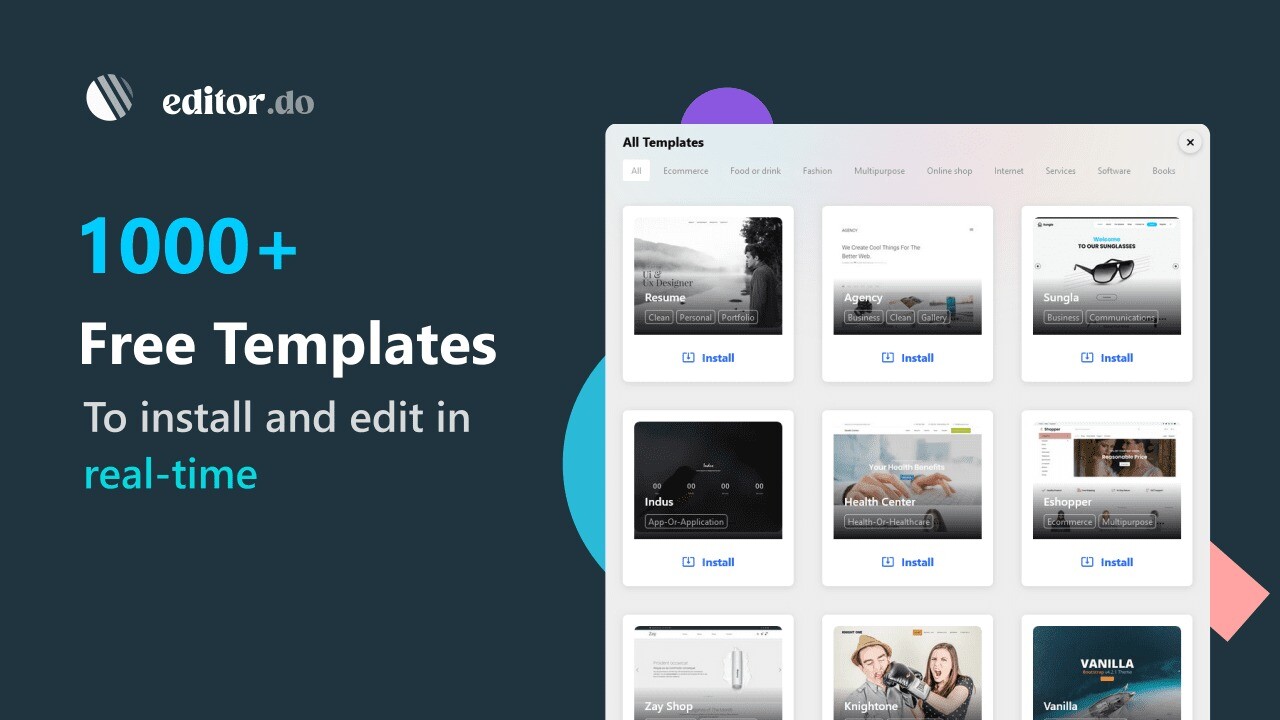
Not starting from scratch? Editor.do has you covered. You can browse through more than 1,000 free and open-source templates across various categories like:
-
Tech startups
Sponsored
-
Creative portfolios
-
Nonprofits
-
Medical clinics
-
Industrial firms
-
Sports organizations
Install any template with one click and modify it in real-time. You can also import projects directly from GitHub by entering the repository name. This GitHub integration is fantastic for pulling in boilerplates or working collaboratively with other developers.
ChatGPT and Built-In Tools to Support Your Coding
AI-Powered Assistance When You Need It Most
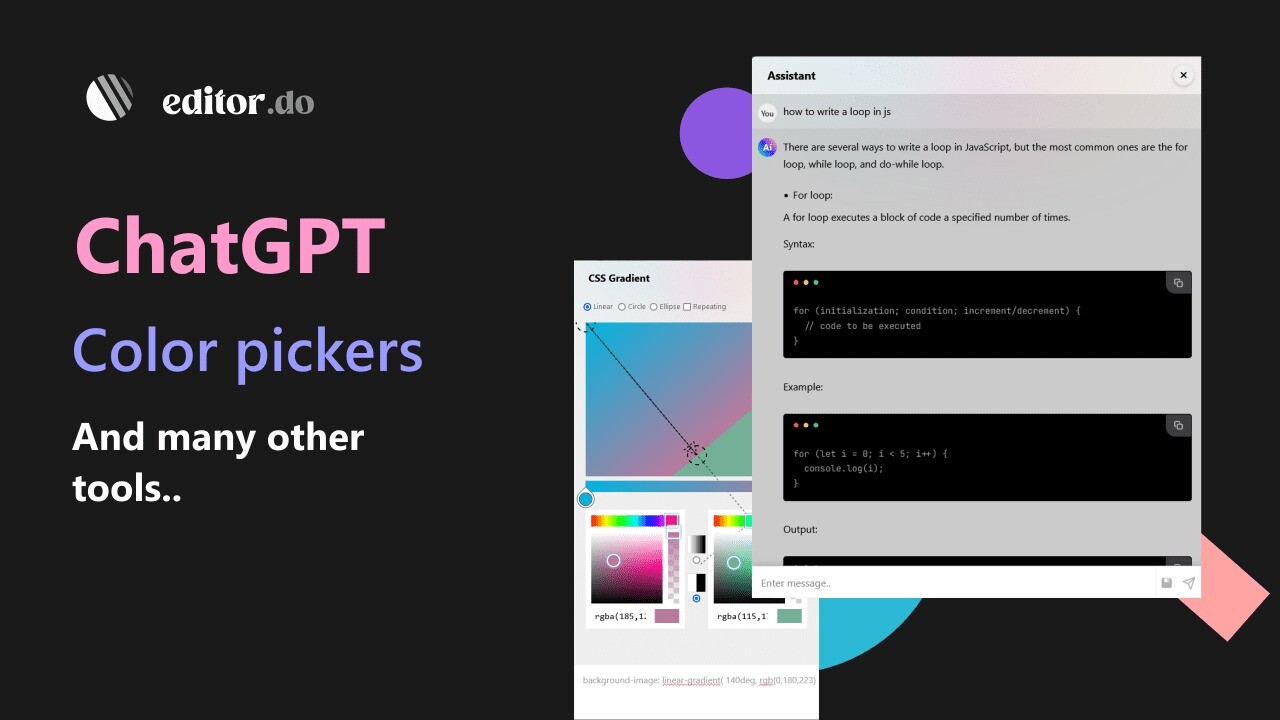
Editor.do integrates with ChatGPT, and I can’t overstate how helpful this is. Whether you're learning to code or debugging something at 2 AM, you can:
-
Ask ChatGPT for code suggestions
-
Get real-time help with errors
-
Learn new coding concepts directly inside the editor
Other useful built-ins include:
-
Color pickers
-
Royalty-free image libraries
-
CSS generators
-
And more...
This ecosystem makes Editor.do especially welcoming for beginners, while still offering serious utility for pros.
Who Should Use Editor.do?
Ideal for Beginners, Freelancers, Agencies, and Educators
If you fall into any of these categories, Editor.do is for you:
-
Freelancers needing fast deployment for client projects
-
Marketers building and testing landing pages
-
Developers looking for a lighter, quicker alternative to bulky local stacks
-
Students or educators teaching web development concepts in real-time
-
Agencies needing easy-to-maintain static sites
The fact that everything runs in the browser means there’s zero setup—no need to install software or configure environments.
Final Verdict: Should You Use Editor.do?
I’ll be honest—I didn’t expect Editor.do to be this powerful when I first tried it. But after using it to launch a few client landing pages, I was hooked. The speed, the ease of use, and the depth of features make it a serious contender in the developer tool landscape.
It replaces a lot of different tools in my stack and simplifies my workflow significantly. Whether you're just learning to code, working on a startup, or building out sites for clients, Editor.do is worth checking out.
Bottom line: If you want to build, edit, and host static websites quickly and professionally—with full control and minimal hassle—Editor.do delivers.
Get started today and experience a smarter way to code and deploy.







