


DivMagic Review: Your Complete Guide to Effortless Web Design and Development
Web development can often feel like a never-ending cycle of copying, pasting, and converting design elements to fit different formats. If you're a developer, web designer, or part of a design agency, you've probably spent hours trying to replicate elements across multiple platforms. That's where DivMagic comes in. This powerful tool streamlines your workflow by allowing you to effortlessly capture and convert web elements into reusable components, saving you time and boosting your productivity. Whether you're dealing with HTML, CSS, React, JSX, or Tailwind CSS, DivMagic offers a simple, one-click solution for web development tasks that typically take much longer.
In this review, I’ll guide you through everything DivMagic has to offer. From its seamless integration with DivMagic Studio to its impressive media query support, I’ll explain how this tool can help you work more efficiently and creatively. If you're tired of wasting time on repetitive tasks, DivMagic could be the game-changer you’ve been looking for.

What is DivMagic?
DivMagic is an intuitive tool that allows developers and designers to easily capture web elements from any website and convert them into reusable web components. With one-click conversion, you can instantly capture an element’s HTML and CSS and transform it into formats like React, JSX, or Tailwind CSS. Whether you're looking to replicate a single web element or an entire page, DivMagic ensures that the process is fast, efficient, and error-free.
Why Choose DivMagic for Your Web Development Projects?
If you're a developer or a web designer, efficiency is key. Spending hours on design replication can take time away from more important tasks, like developing new features or refining user experiences. DivMagic eliminates this pain by offering a range of features that make web development smoother and faster. Here are some key reasons why DivMagic stands out:
1. One-Click Conversion for Effortless Web Design
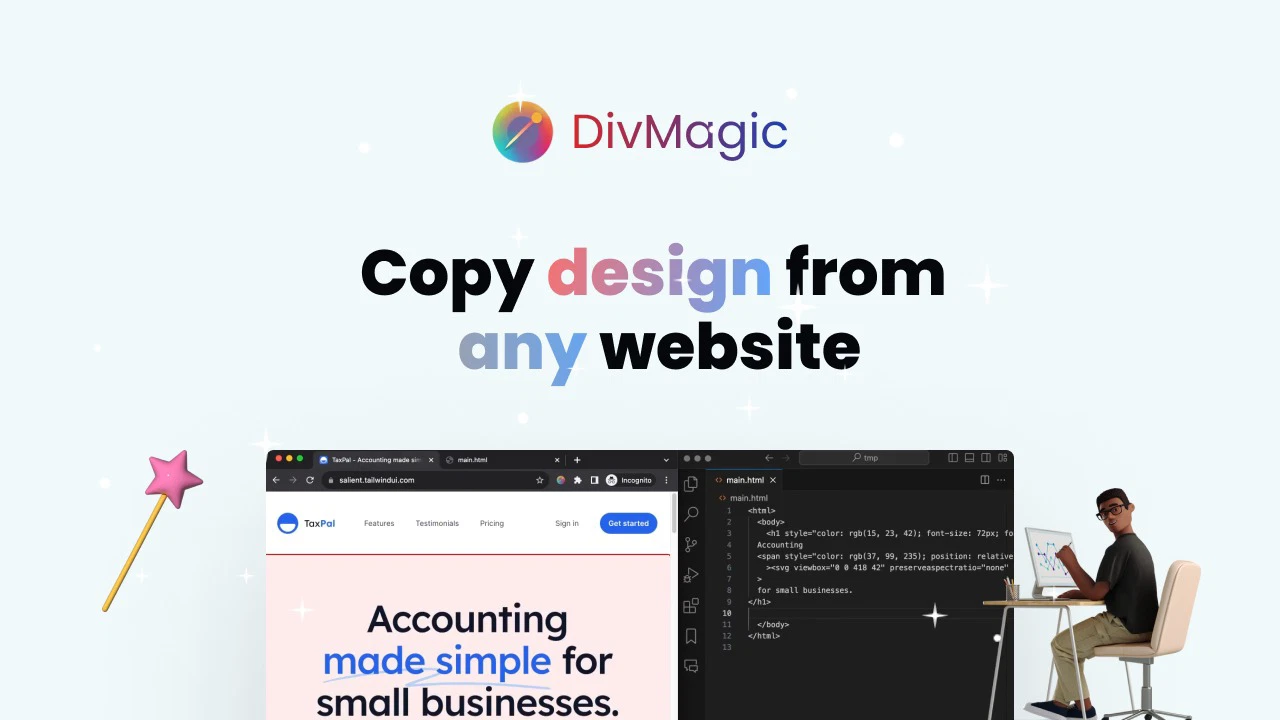
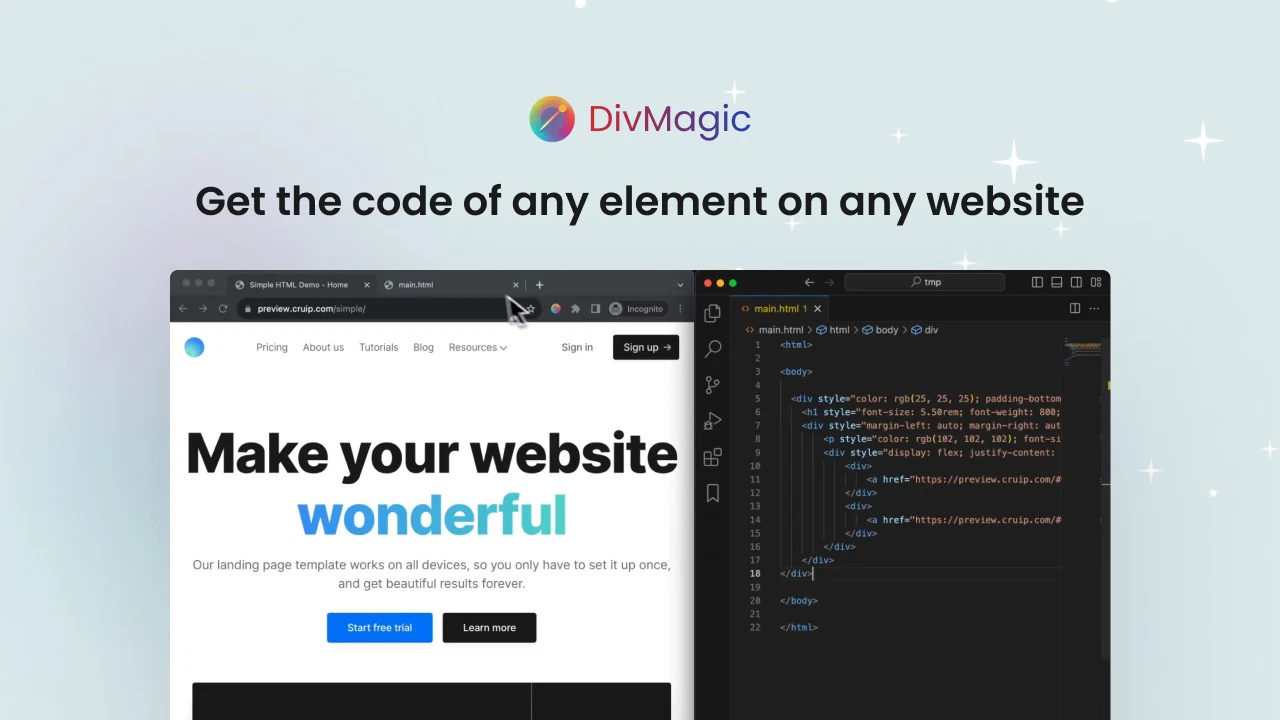
DivMagic makes it simple to capture any web element and convert it into the format you need. Whether it's HTML, CSS, JSX, or Tailwind CSS, a single click captures the code, saving you time and effort. No more manually writing or tweaking code to match your design needs. This feature is a true game-changer for web developers looking to streamline their workflow.
2. Efficient Style and Media Query Copying
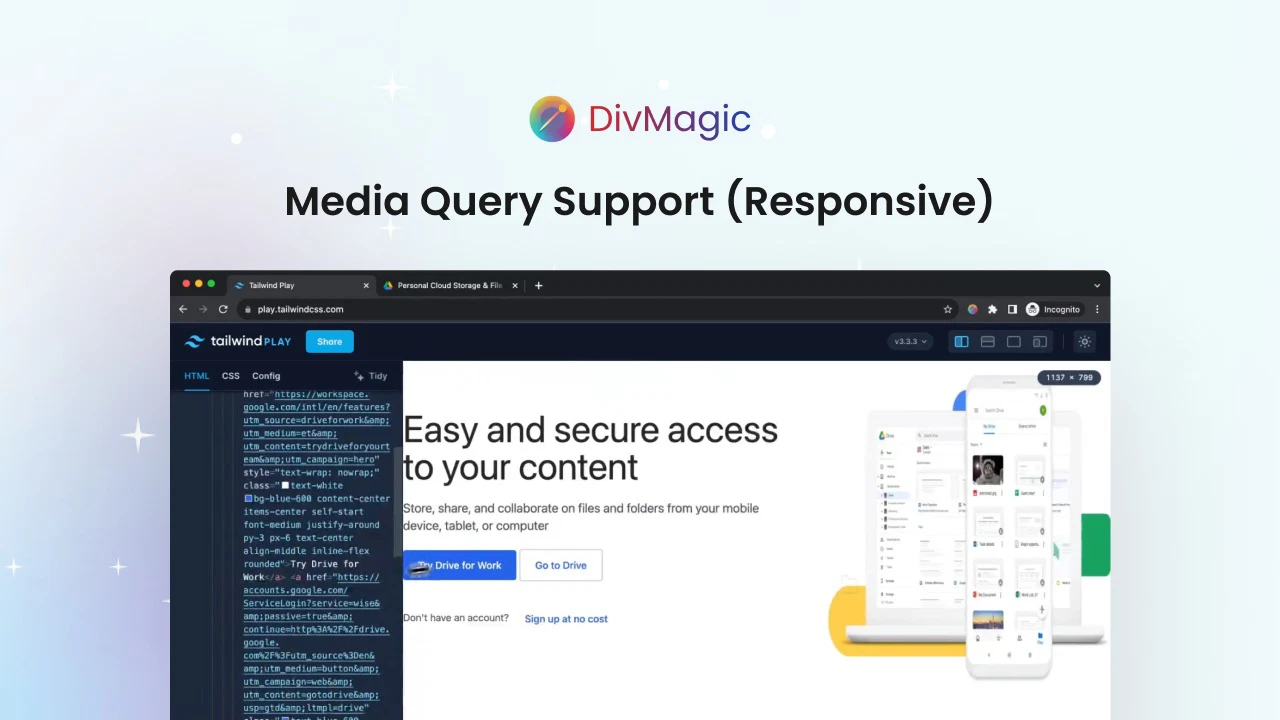
One of the standout features of DivMagic is its ability to copy styles and media queries automatically. This means that not only will you capture the look of a web element, but you’ll also get all the necessary media queries that make it responsive. Whether you're designing for mobile, tablet, or desktop, DivMagic ensures that your design adapts seamlessly to different screen sizes.
3. CSS to Tailwind CSS Conversion
If you’re transitioning from CSS to Tailwind CSS, DivMagic has you covered. It offers a unique feature that allows you to convert standard CSS into Tailwind CSS effortlessly. Even if the source website isn’t using Tailwind, DivMagic can intelligently adapt the CSS code, including colors, to match Tailwind’s utility-first framework. This makes it an ideal tool for developers looking to adopt Tailwind CSS without starting from scratch.
4. DivMagic Studio Integration
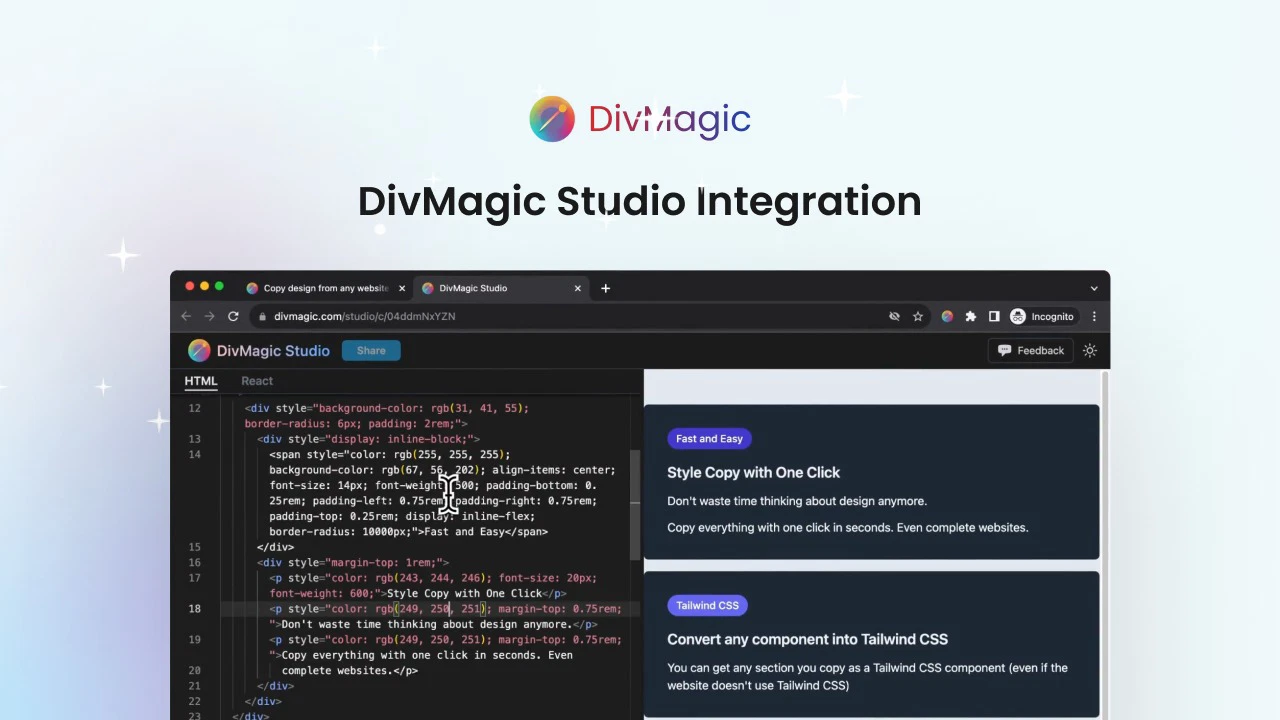
DivMagic doesn’t just let you capture code; it also allows you to store, edit, and organize your components through DivMagic Studio. This integration provides a central location where you can manage all your copied elements and make changes as needed. Whether you're revisiting a project or refining your designs, DivMagic Studio helps you stay organized and efficient.
How Does DivMagic Work?
The process of using DivMagic is simple and intuitive. Here’s how it works:
-
Capture an Element: Using the DivMagic browser extension, you can easily capture any element from any website. This could be a button, form, image, or even an entire section of a page.
-
Convert the Element: After capturing the element, DivMagic will automatically convert it into the desired format—be it HTML, CSS, React, JSX, or Tailwind CSS. You can even copy iframes with detailed styles.
-
Edit and Save: Once the element is captured and converted, you can access it in DivMagic Studio for further editing and storage. You can also export your elements to use across multiple projects.
-
Integrate with Developer Tools: For an even smoother experience, DivMagic integrates directly with your browser’s developer tools. This means you can capture and convert elements directly from the browser’s console, saving you even more time.
Sponsored
Key Benefits of DivMagic
DivMagic is designed to help you work faster and smarter. Here are the main benefits you’ll experience when using this tool:
-
Speed and Efficiency: With its one-click conversion, DivMagic allows you to copy and convert elements in seconds, reducing the time you spend on repetitive tasks.
-
Flexibility: Whether you’re working with HTML, CSS, React, JSX, or Tailwind CSS, DivMagic supports multiple formats, making it an adaptable tool for any project.
Sponsored
-
Improved Responsiveness: DivMagic automatically copies media queries, ensuring your designs are responsive and adaptable to different screen sizes.
-
Enhanced Workflow: The integration with DivMagic Studio and developer tools makes it easy to manage and edit your copied components, improving your overall workflow.
Is DivMagic Right for You?
DivMagic is perfect for developers, web designers, and design agencies who are looking to save time and enhance their workflow. If you frequently work with web elements that need to be converted into multiple formats or if you find yourself replicating designs across multiple platforms, DivMagic will help you get the job done faster and more efficiently. It’s also ideal for anyone transitioning to Tailwind CSS, as its intelligent conversion feature makes the process simple and error-free.
Conclusion: Transform Your Web Development with DivMagic
In conclusion, DivMagic is an indispensable tool for anyone looking to streamline their web development and design process. With features like one-click conversion, media query support, and Tailwind CSS conversion, DivMagic simplifies tasks that once took hours. The integration with DivMagic Studio and developer tools ensures that your workflow remains smooth and efficient, while the flexibility of the tool allows you to tackle a wide range of web development challenges.
If you're ready to enhance your efficiency, save time, and take your web design projects to the next level, DivMagic is the tool you need.







