


Contact Button Review: A Game-Changer for Website Engagement
If you have a website that’s attracting visitors but struggling to convert them into customers, you're not alone. It’s like hosting a party where people are enjoying the atmosphere but not interacting with anyone. The key to improving user engagement on your website is making it easy for visitors to reach out and find information. That’s where Contact Button comes in. It’s a customizable communication tool designed to help you connect with your audience instantly, improving your website's functionality with just a simple line of code.
Contact Button provides a unique solution by offering visitors access to 15 powerful widgets directly from your website’s corner. Whether it’s a contact form, email subscription, or even live chat, Contact Button centralizes these essential tools, offering a smartphone-like experience for your users. It’s a simple, yet effective way to enhance your website without requiring complex app downloads or additional software. In this review, I’ll walk you through what makes Contact Button a must-have for small businesses, marketing agencies, and anyone looking to boost user engagement on their site.

What is Contact Button?
Contact Button is an intuitive, customizable widget tool that integrates seamlessly with your website. With just a line of code, you can add a set of 15 widgets that make it easy for visitors to contact you, book appointments, find business hours, or even subscribe to your newsletter—all from a small, accessible button on the corner of your site.
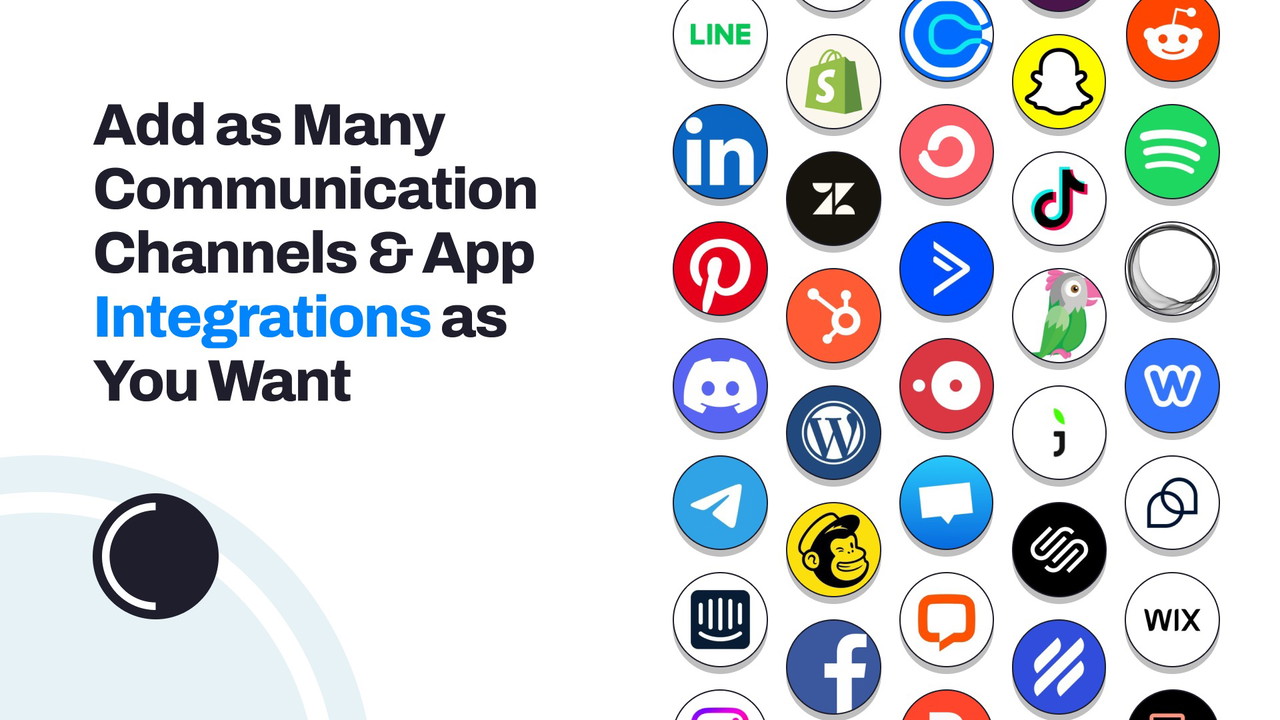
This powerful tool allows you to tailor the communication channels to suit your business's needs, offering a variety of options such as WhatsApp, Calendly, Mailchimp, tawk.to, and much more. The beauty of Contact Button lies in its simplicity and the ease with which it can be integrated into your website. There’s no need for a developer or complex setup; it’s all done with a few clicks, allowing you to focus on running your business rather than managing technical details.
Key Features of Contact Button
1. Customizable Widget Menu for Enhanced User Interaction
Contact Button transforms your website into an interactive hub by providing 15 widget apps that can serve various business needs. These apps include:
-
Contact Forms: Capture leads with customizable forms.
Sponsored
-
Live Chat: Provide real-time customer support via popular chat platforms like tawk.to.
-
Booking Systems: Integrate scheduling tools like Calendly for seamless appointment bookings.
-
Email Subscriptions: Easily collect email subscribers with Mailchimp integration.
The key to Contact Button’s effectiveness is its customization. You can choose which widgets to display based on the needs of your visitors. Whether you’re running a small business, a web design agency, or a marketing agency, Contact Button lets you build a widget menu that caters to your specific audience, boosting your site’s functionality without overcomplicating things.
2. Seamless Integration with Existing Tools
One of the standout features of Contact Button is its ability to integrate with your existing tools and apps. For example, if you already use WhatsApp for customer service or Calendly for booking appointments, you can easily link these services to the Contact Button interface. This integration eliminates the need to jump between different tools, providing a streamlined experience for both you and your visitors.
The convenience of having everything in one place means visitors don’t have to navigate away from your site to book a service or get in touch. Everything they need is right there in the widget menu, reducing friction and increasing conversions.
3. User-Friendly Setup Without a Developer
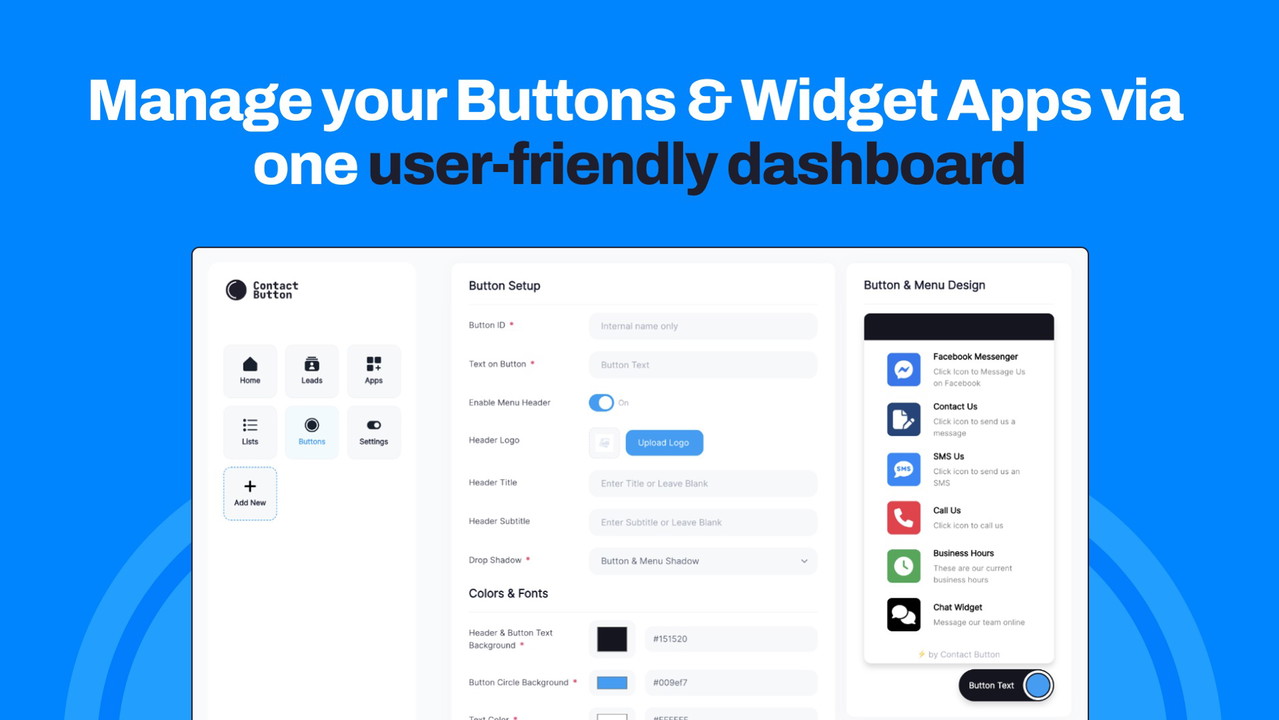
Setting up Contact Button couldn’t be easier. With just a single line of code, you can add the Contact Button widget to your site, and it’s ready to go. You don’t need to hire a developer or designer to get started, making this a great option for small business owners or anyone with limited technical expertise. The platform is designed to be user-friendly, allowing you to focus on growing your business rather than getting bogged down with complicated installations or configurations.
4. Flexible Customization to Match Your Branding
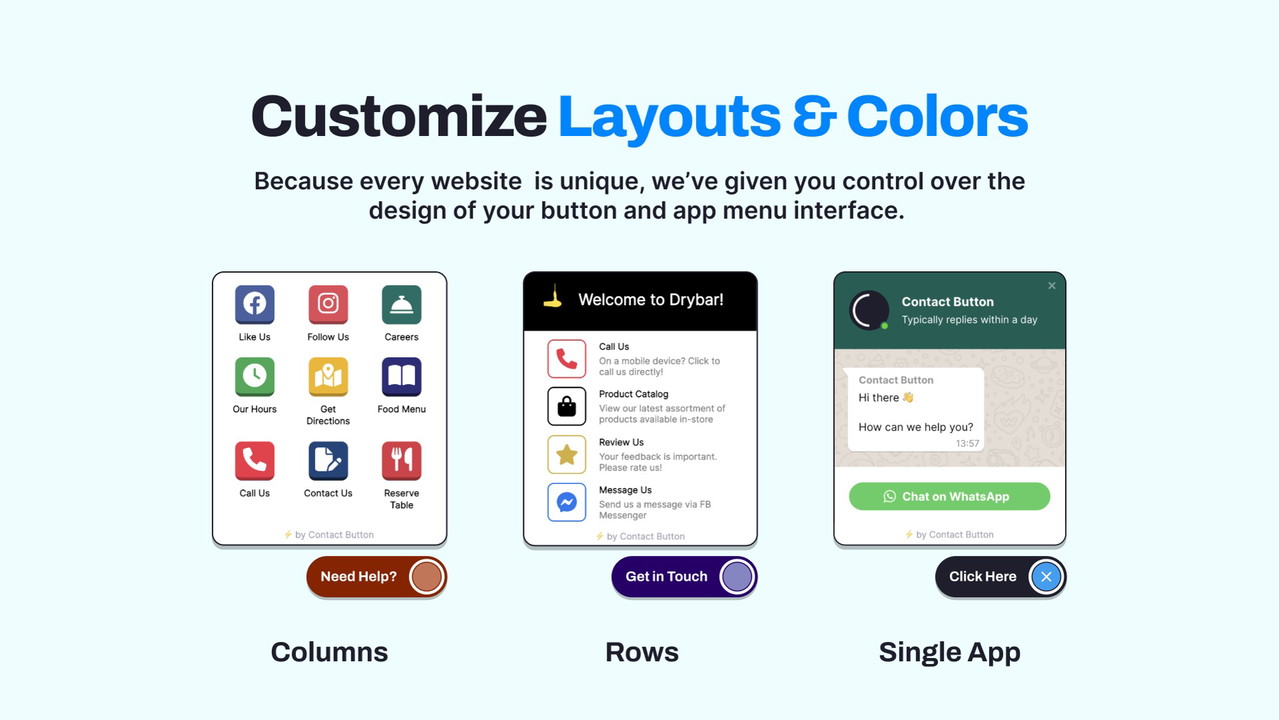
Every business has its own unique style, and Contact Button lets you personalize your widget to match your brand. Whether you prefer a simple column or a row of apps, you can choose the layout that best fits your website’s design. You can also customize the colors of the widget to align with your brand’s color palette, ensuring a seamless, on-brand experience for visitors.
By tailoring the interface to match your site’s design, you enhance the user experience and make navigation more intuitive. The customization options are perfect for businesses looking to maintain a professional appearance while offering easy access to important features.
Why Contact Button is Perfect for Small Businesses and Agencies
1. Centralized Information for Better User Experience
When a visitor lands on your website, the last thing you want is for them to feel lost or frustrated trying to find key information. Contact Button simplifies the process by centralizing essential data and services in a familiar, smartphone-like interface. Visitors can easily access the contact form, business hours, or even book a service without leaving the page they’re on. This seamless experience not only keeps users engaged but also improves conversion rates by making it easier for them to take action.
2. Increase Lead Generation with Ease
Whether you’re a web design agency, marketing agency, or a small business, turning every visitor into a lead is crucial. With Contact Button, you can transform every page of your website into a potential lead generator. The integration of contact forms, live chat, and booking tools directly into your site’s interface ensures that visitors can reach out at any time without confusion or unnecessary delays.
By offering multiple ways for visitors to contact you, you increase the chances of engagement, which ultimately helps grow your business.
3. A Smart Alternative to Mobile Apps
Many businesses consider developing a mobile app to enhance customer interaction. However, getting users to download and engage with an app can be a challenge. Contact Button provides a smart alternative by bringing the functionality of mobile apps to your website. With easy access to communication tools and essential information, visitors can interact with your site in the same way they would with a mobile app, without the need for downloads or complicated installations.
Final Thoughts: Is Contact Button Worth It?
If you’re looking to enhance your website’s engagement and improve communication with visitors, Contact Button is an excellent choice. With its easy integration, customizable widgets, and seamless user experience, it’s an ideal solution for small businesses, marketing agencies, and anyone looking to optimize their website’s functionality. By offering a smartphone-like experience right from your website, you can simplify visitor interaction, increase leads, and boost conversions—all without the need for a mobile app or complex development work.
Ready to take your website engagement to the next level? Try Contact Button today and start capturing more leads with ease!







