


Blurweb App Review: What to Expect
If you're a video creator, content creator, or anyone who regularly shares your screen, you know how important it is to protect sensitive information. Whether you're recording a tutorial, conducting a live session, or presenting during a Zoom meeting, the risk of accidentally exposing private details can be a major concern. Websites often have sensitive data—like usernames, passwords, or private messages—that you might not want to share with your audience. This is where Blurweb App comes in to offer a much-needed solution.
With blurweb.app, you can easily blur out sensitive information on web pages during your screen-sharing sessions, ensuring that nothing private slips through. Whether you're hosting a live webinar, creating recorded videos, or just sharing your screen for a meeting, Blurweb makes it easy to hide sensitive info with a single click. The tool works seamlessly with popular platforms like Google Meet, Zoom, Microsoft Teams, and Loom, so you can focus on what matters most—creating content—without worrying about accidental data exposure.

In this review, I’ll walk you through how Blurweb App works, its key features, and why it's a must-have for anyone who shares their screen or creates videos. Let’s dive in.
Why Blurweb App is Essential for Content Creators
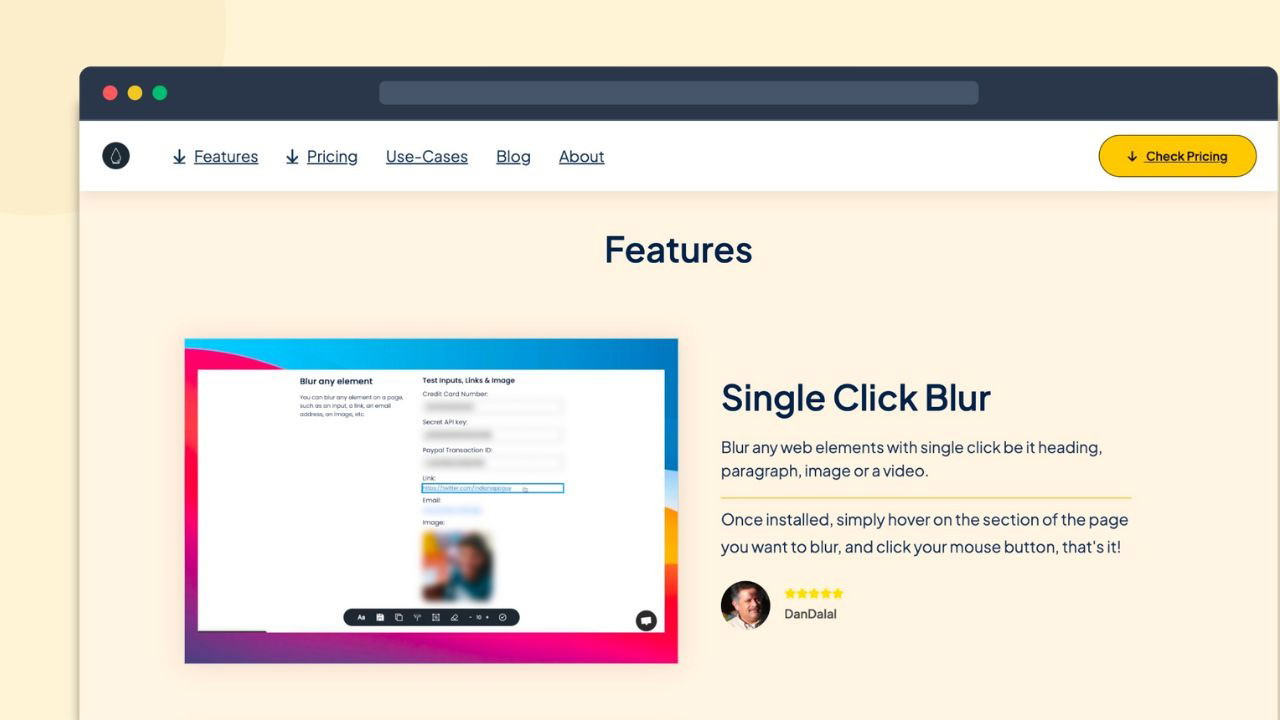
Effortless Blur in Just a Click
If you're like me, you probably hate spending hours editing videos to remove sensitive information. Whether you're creating YouTube tutorials or live streaming a session, hiding personal details should be the last thing you want to focus on during post-production. Blurweb App eliminates this hassle. With just a single click, you can blur any sensitive information on a web page in real-time.
It’s as simple as clicking on the element you want to hide, and it’s gone. No more tedious re-editing or worrying about missing something. The tool’s ease of use is one of its biggest advantages—it’s as easy as pointing and clicking.
Protect Sensitive Information During Live Sessions
When you're hosting a live session—whether it’s on Zoom, Microsoft Teams, or another platform—exposing private data can be a huge concern. In the past, you’d have to manually edit videos or cover up information before sharing your screen. With Blurweb App, you no longer have to worry about this. It provides real-time protection during live sessions.
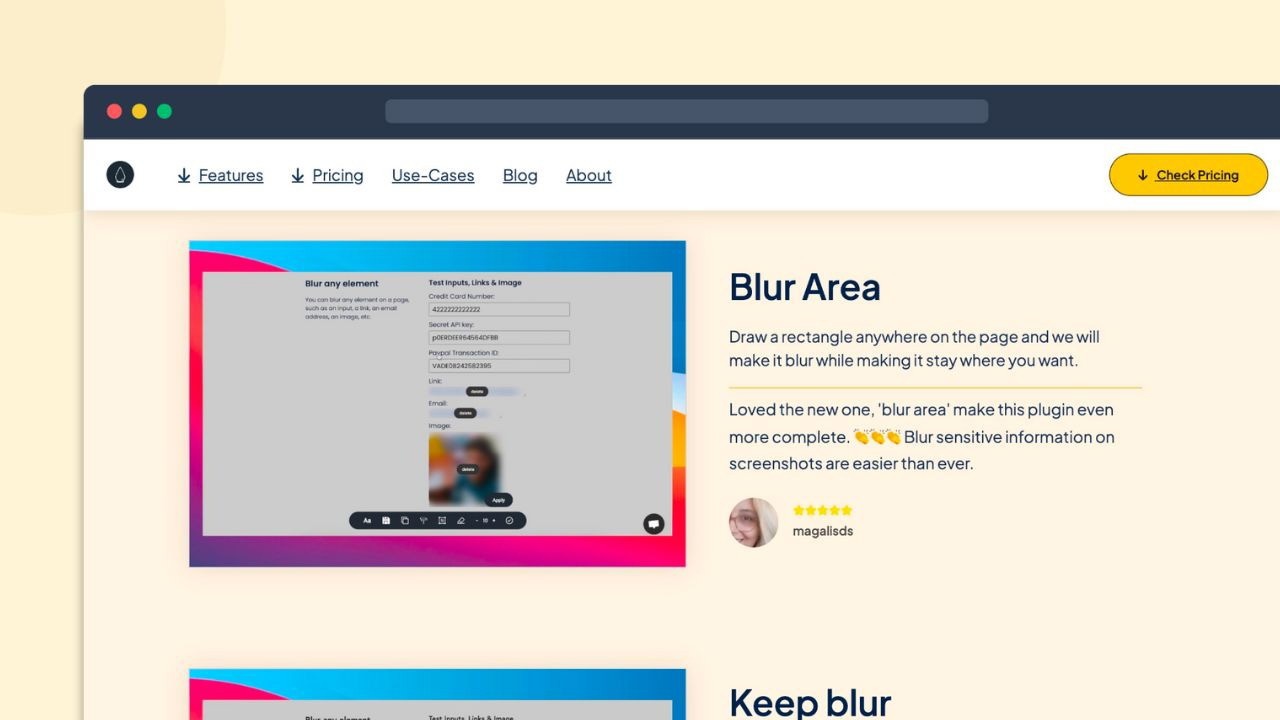
By using the blur area feature, you can draw a rectangle over sensitive sections of a webpage, which will remain blurred even if the page is scrolled or reloaded. This is perfect for instances where you're presenting sensitive info that might accidentally be shown. No more scrambling to hide data on-the-fly during live broadcasts!
Keep Your Blur Active for Extra Security
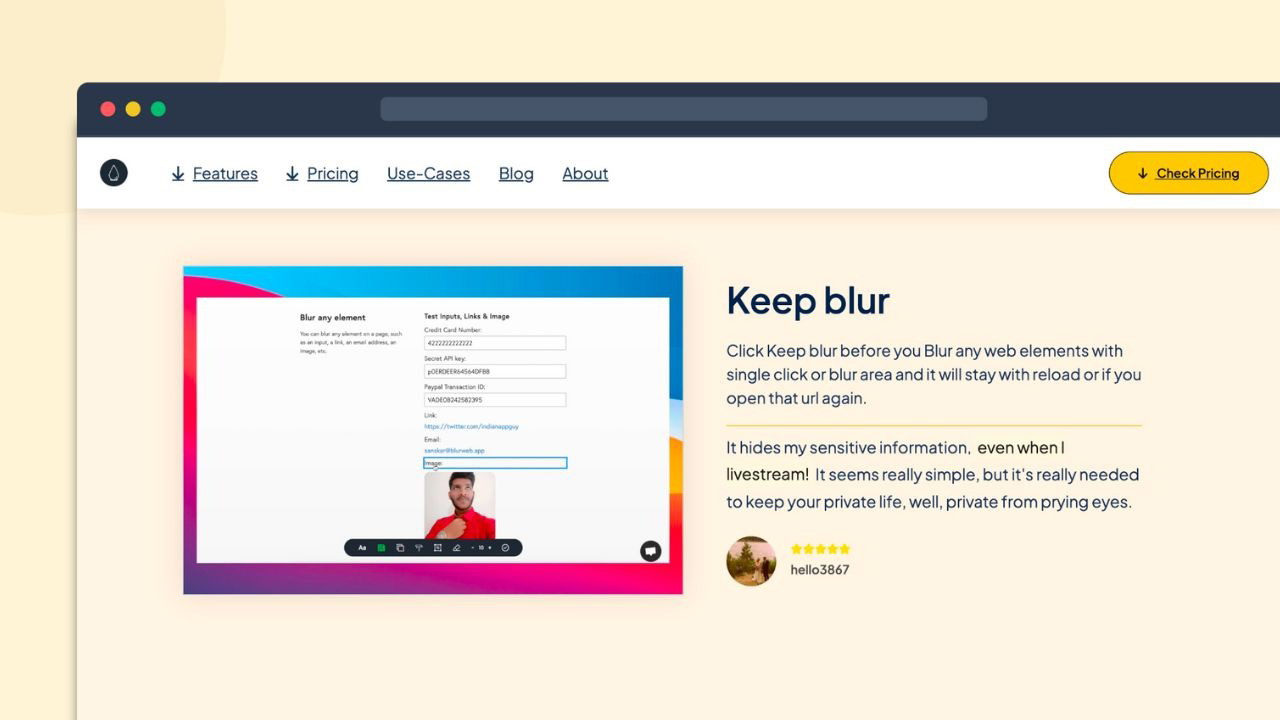
One of the standout features of Blurweb App is the ability to keep the blur active, even after you’ve closed and reopened the page. If you're working on a page that contains private info, simply activate the "keep blur" feature. Once you save your settings, the app will automatically apply the blur the next time you visit that page.
This feature is especially handy for live sessions or ongoing projects where you might revisit the same web page multiple times. You won’t have to worry about re-blurring the content, as Blurweb ensures that your sensitive information stays secure, no matter how many times the page reloads or is opened again.
How Blurweb App Works
Simple Interface for Maximum Efficiency
Blurweb App has an intuitive interface that makes it easy to navigate, even for beginners. To blur a particular area on a webpage, all you need to do is launch the app, click on the "blur area" tool, and draw a rectangle over the section you want to hide. The area stays blurred as you scroll through the page, and the tool ensures that it sticks in place, providing continuous protection while you navigate through web content.
Wide Range of Applications
Blurweb is compatible with multiple platforms, making it a versatile tool for various scenarios. Whether you're presenting PowerPoint slides via Google Meet, leading a discussion on Microsoft Teams, or sharing your screen during a Zoom call, Blurweb integrates seamlessly into your workflow.
For content creators like myself, this tool is an invaluable asset for creating content without the stress of accidentally exposing confidential information. Whether you’re working on tutorials, product reviews, or webinars, you can create content confidently knowing that sensitive information will remain hidden.
GDPR-Compliant for Privacy Protection
Another important feature to consider is that Blurweb App is GDPR-compliant. This means it follows best practices for data protection and privacy, ensuring that the app itself is safe and secure to use. For creators who prioritize data security and privacy, especially when sharing sensitive details like email addresses or payment information, this compliance is crucial.
Key Features of Blurweb App
Hide Tab Titles & Icons
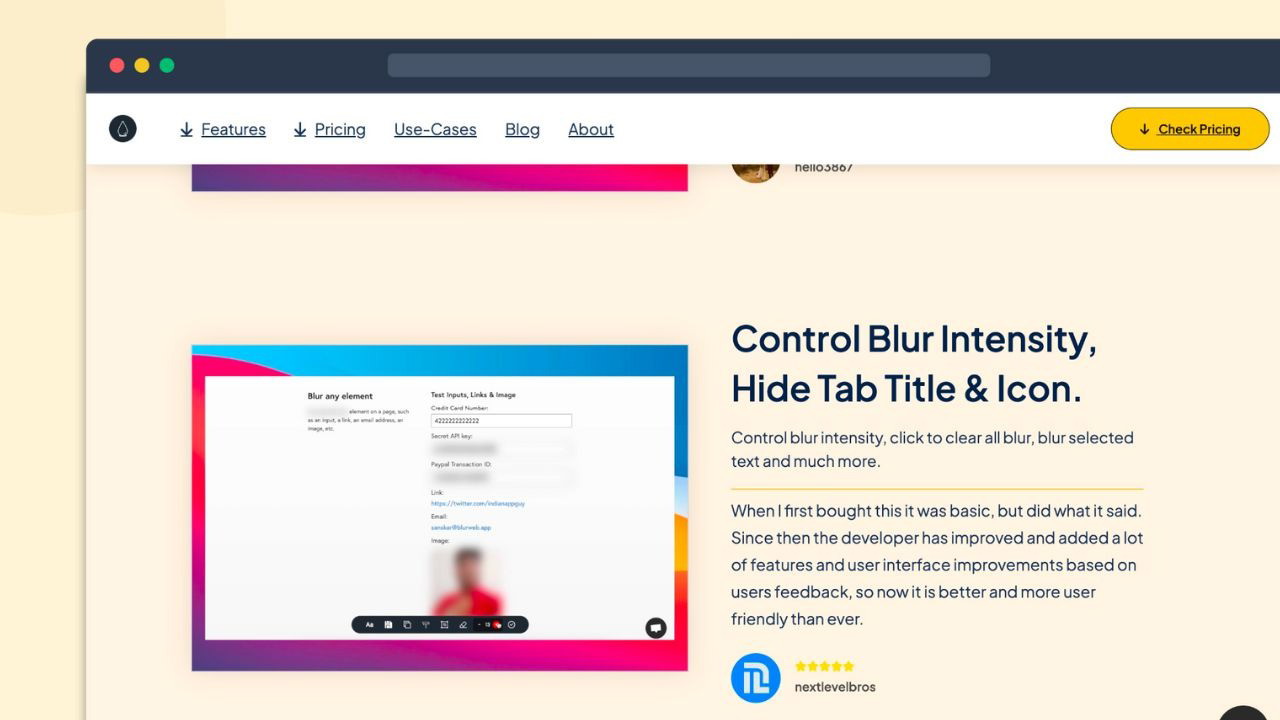
Sometimes, even the tab title or favicon can reveal sensitive info, like the name of a file or a company name. Blurweb App allows you to hide tab titles and icons, so nothing private is shown in the browser tab.
Save Your Blurred Sections
The ability to save your blurred sections for future use makes Blurweb even more powerful. This feature is especially useful for ongoing projects or when working with the same types of web pages repeatedly. You won’t have to worry about reapplying the blur each time you open a page—Blurweb remembers your preferences.
Works Across Multiple Platforms
Whether you’re using Google Meet, Loom, Zoom, or Microsoft Teams, Blurweb App integrates with these platforms to protect your sensitive information during screen sharing. It ensures that your private data stays hidden no matter which platform you’re using.
Who Can Benefit from Blurweb App?
Blurweb App is perfect for a variety of users, including:
-
Content Creators: Whether you’re filming videos, creating tutorials, or live streaming, Blurweb ensures that your personal data remains private.
-
Customer Support Teams: When sharing screens with customers, Blurweb helps protect sensitive information like email addresses, customer names, and transaction details.
Sponsored
-
YouTubers: If you're recording videos that require screen sharing, Blurweb helps ensure that nothing confidential slips through during the process.
Final Thoughts: Is Blurweb App Worth It?
After using Blurweb App, I can confidently say it’s a game-changer for anyone who shares their screen or records videos. Its ease of use, security features, and real-time protection during live sessions make it a must-have tool for creators, educators, and professionals alike. It ensures your private information stays safe, whether you're creating content or hosting a live session.
With GDPR compliance, seamless integration with popular platforms, and a straightforward interface, Blurweb App offers excellent value for anyone concerned with protecting sensitive data during screen sharing. If you want to avoid the hassle of editing your videos or risking accidental data leaks, Blurweb is definitely worth checking out.







